Project
About
WHAT
Why
How
Project timeline
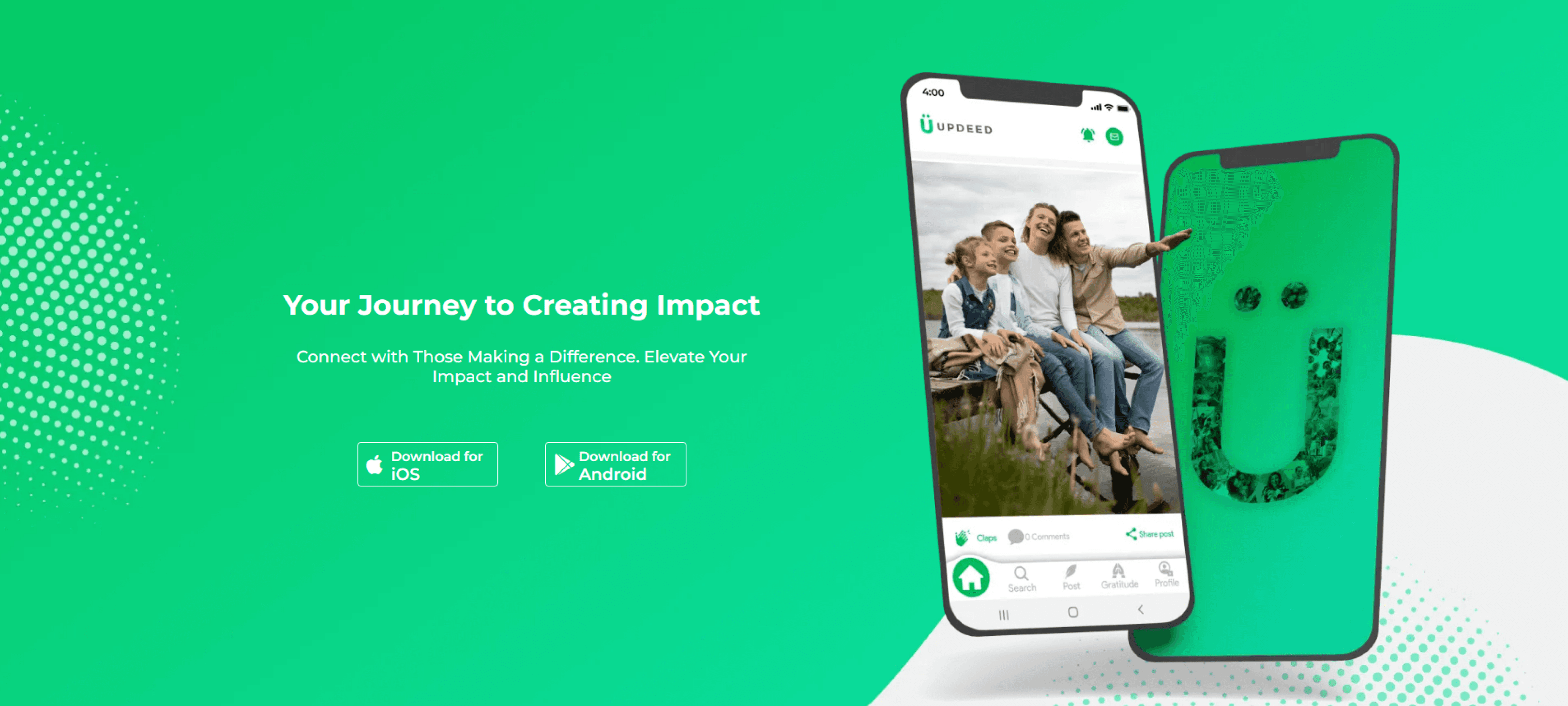
UPDEED is a digital platform that fosters connections between changemakers, enabling them to amplify their impact through meaningful interactions and collaborations. The platform promotes positivity by providing tools for sharing stories, appreciating others' efforts, and participating in campaigns aligned with Sustainable Development Goals (SDGs).
The goal was to improve user engagement, retention, and overall satisfaction. Key challenges included establishing a cohesive brand identity, reducing drop-offs during onboarding, fostering meaningful connections through profiles, and enabling users to participate actively in impactful initiatives.
Through iterative design processes and collaboration with stakeholders, I delivered solutions that enhanced user engagement and aligned with UPDEED’s vision.
As the UI/UX Designer, I worked on:
Refining the brand identity, including logo, typography, and illustrations, to reflect UPDEED’s mission.
Redesigning the onboarding flow to ensure a seamless and engaging user journey.
Revamping user profiles to highlight contributions and encourage connections.
Introducing a campaigns feature to provide users with opportunities to engage in impactful initiatives.
Title
UPDEED Mobile App
Duration
August 2022 – May 2023
Tools
Figma, Adobe Photoshop
Team
Developers, Product Managers
Aug 2022
May 2023
Sep 2022
-
Oct 2022
Oct 2022
-
Nov 2022
Nov 2022
-
Jan 2023
Jan 2023
-
Mar 2023
Feb 2023
-
Apr 2023
Research & Discovery
Brand Identity Design
Redefining Profiles
Final Testing & Handoff
Onboarding Redesign
User Testing & Iteration
Researched the brand and interviewed users to gather insights.
Campaigns Feature
Finalized logo, colors, typography, icons, and illustrations.
Redesigned profiles with features like Profile Insights.
Worked with developers on QA and rollout.
Simplified onboarding flow and handed it to developers.
Tested designs and refined based on feedback.
Designed campaign creation and participation flows.
Hypothesis Building
Simplifying onboarding would improve completion rates.
Profile Insights could foster meaningful connections.
Campaign functionality would drive engagement.
Quantitative Research
45% drop-off rate during onboarding.
Profiles averaged 3 actions/user/week.
65% of users desired campaign participation features.
Average session time was 2 minutes.
and Solutions
Problems
As UPDEED aimed to establish itself as a platform for changemakers, several challenges hindered user engagement and retention. Adopting a Lean UX approach, we leveraged the Think-Make-Check framework to address the following issues:
Guided by Lean UX, we focused on understanding user needs and validating design hypotheses through a mix of data and feedback. Key steps included:
>75%
Low Profile Engagement
More than 75% of users did not actively interact with profiles.
>50%
Onboarding Drop-Offs
Over 50% of users abandoned onboarding due to unclear steps.
>25%
Limited User-Driven Features
Only 25% of users felt empowered to actively participate in impactful initiatives.
Understanding problem Space
Understanding User Needs
Key Insights
Qualitative User Interviews
The onboarding steps were too lengthy and impersonal.
Profiles lacked features to encourage connections.
Users wanted active engagement options.
Simplifying steps and adding personalization can significantly reduce abandonment rates.
1
Streamlined Onboarding Could Cut Drop-Offs by 20%
Adding metrics like "Impact Score" and "Impact Gain" would help users showcase contributions and foster engagement.
2
Profile metrics could boost interactions by 30%
Campaign features would empower users to actively join initiatives, increasing engagement by up to 40%.
3
Campaigns could increase engagement by 40%.
Montserrat
A B c d e f g h i j k l m n o p q r s t u v x y z
1 2 3 4 5 6 7 8 9 0
Navy Blue
#00112C
White
#F3F6F9
Pure White
#FFFFFF
Secondary Colors
Identity
Brand
Deliverables
Outcome
Colors
logo
Icons
Typeface
Refined the existing logo to better align with UPDEED’s mission and values.
Adjusted the existing color palette, typography, and iconography to ensure consistency across the platform.
Created supplementary illustrations to complement the brand's storytelling and visual appeal.
Enhanced the existing brand identity to create a cohesive and polished visual language that resonated with changemakers while maintaining the original brand essence.
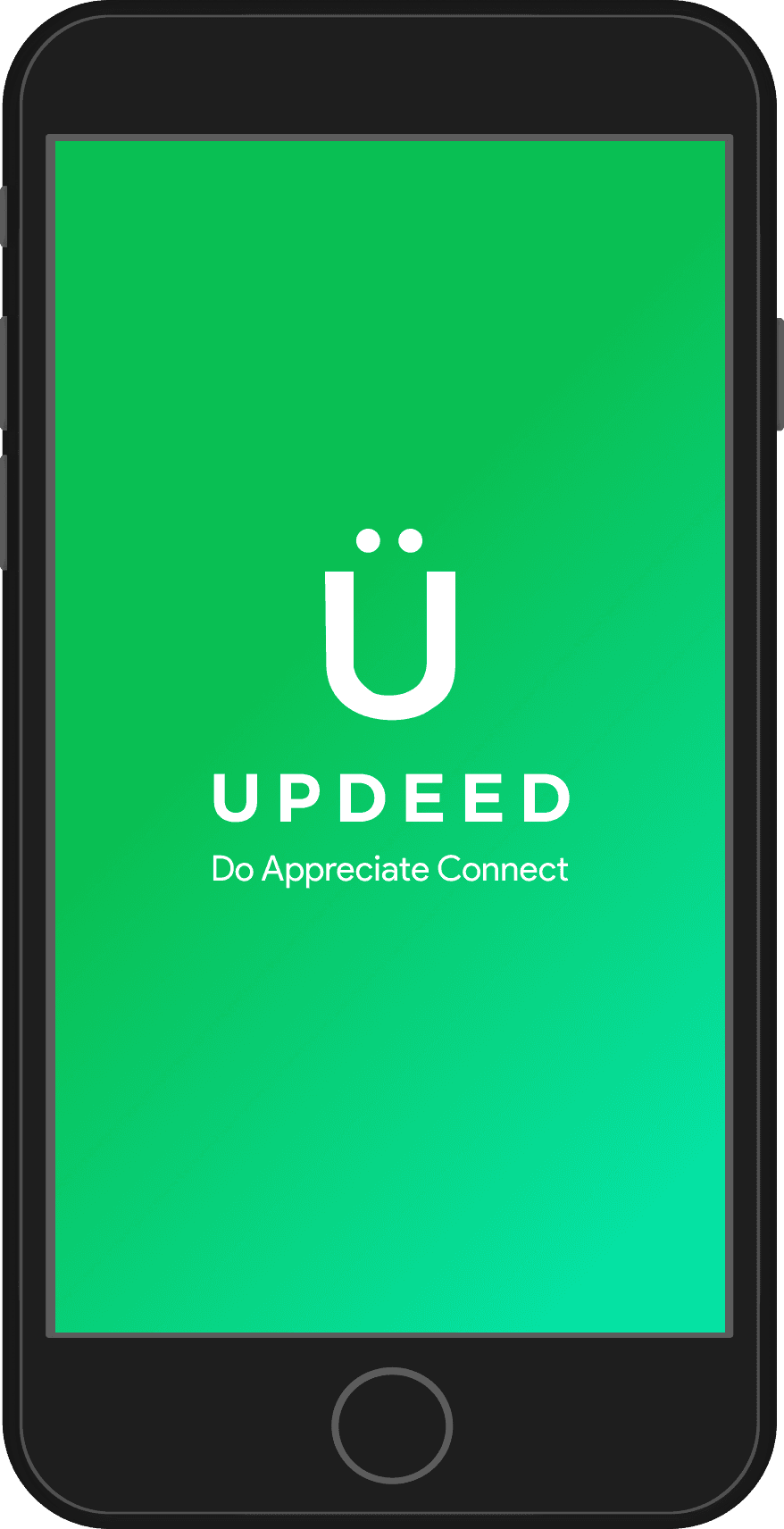
The UPDEED logo features a clean, modern "Ü", symbolizing positivity and connection. The dots above represent people coming together to create impact.
The vibrant green reflects growth and a future-focused vision. The logo appears in white on green or gradients, and in green on white. It is never used in black on green or any other color, ensuring consistency with UPDEED's identity.
Our color palette is designed to work seamlessly together, built around shades that complement our vibrant core green.
Our core green feels fresh and modern, representing a future-focused and dynamic approach.
We use solid-fill icons designed to align with both iOS and Material Design guidelines. Icons in the navigation bar are paired with text labels to ensure clarity and improve usability.
Our core typeface is Product Sans, used for its modern and versatile feel, with Regular for body text and Semi Bold for bold emphasis. For headings, we use Montserrat to add a dynamic and distinctive touch.
Reflecting our open and conversational tone, we always write in sentence case. Text is presented in Black for clarity or Pure White for reversed designs.
Core GREEN
#0ABF53
Gradient Colors
Primary Color
#C4F809 - #32CB43
#32CB43 - #06E5AB
#06E5AB -# 47E1D5
Google Product Sans
U
UPDEED
Appreciate
Do
Connect
UPDEED
Appreciate
Do
Connect



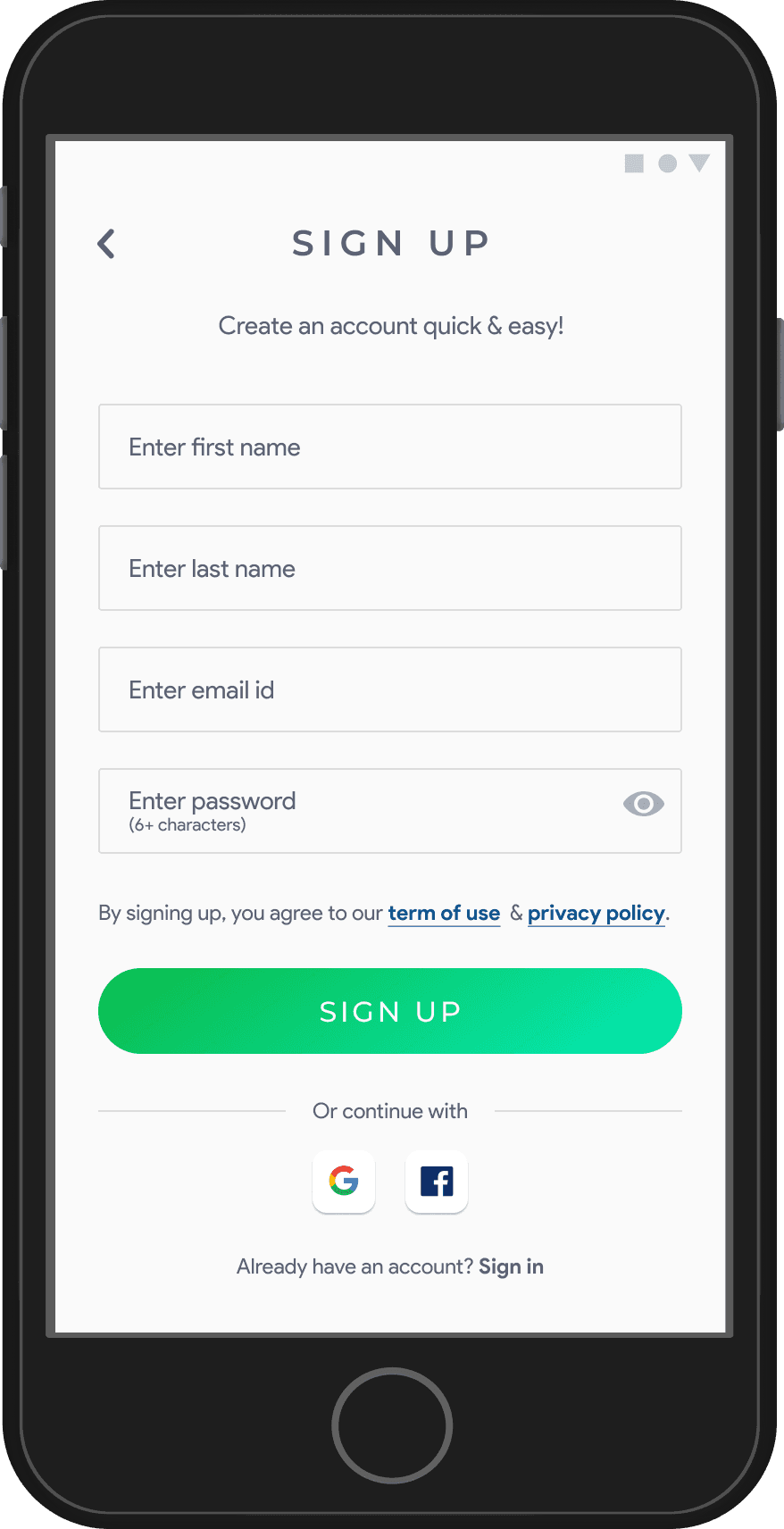
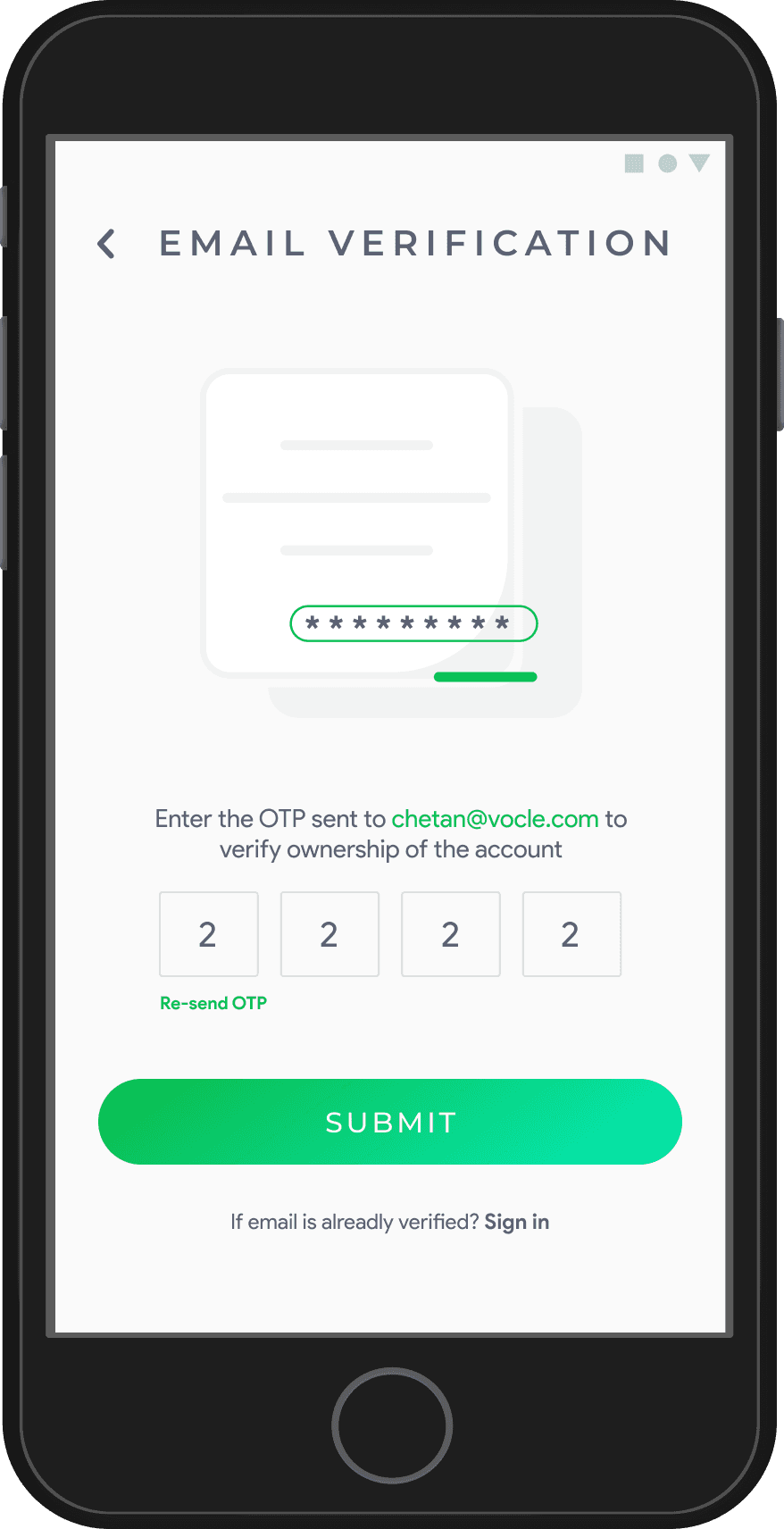
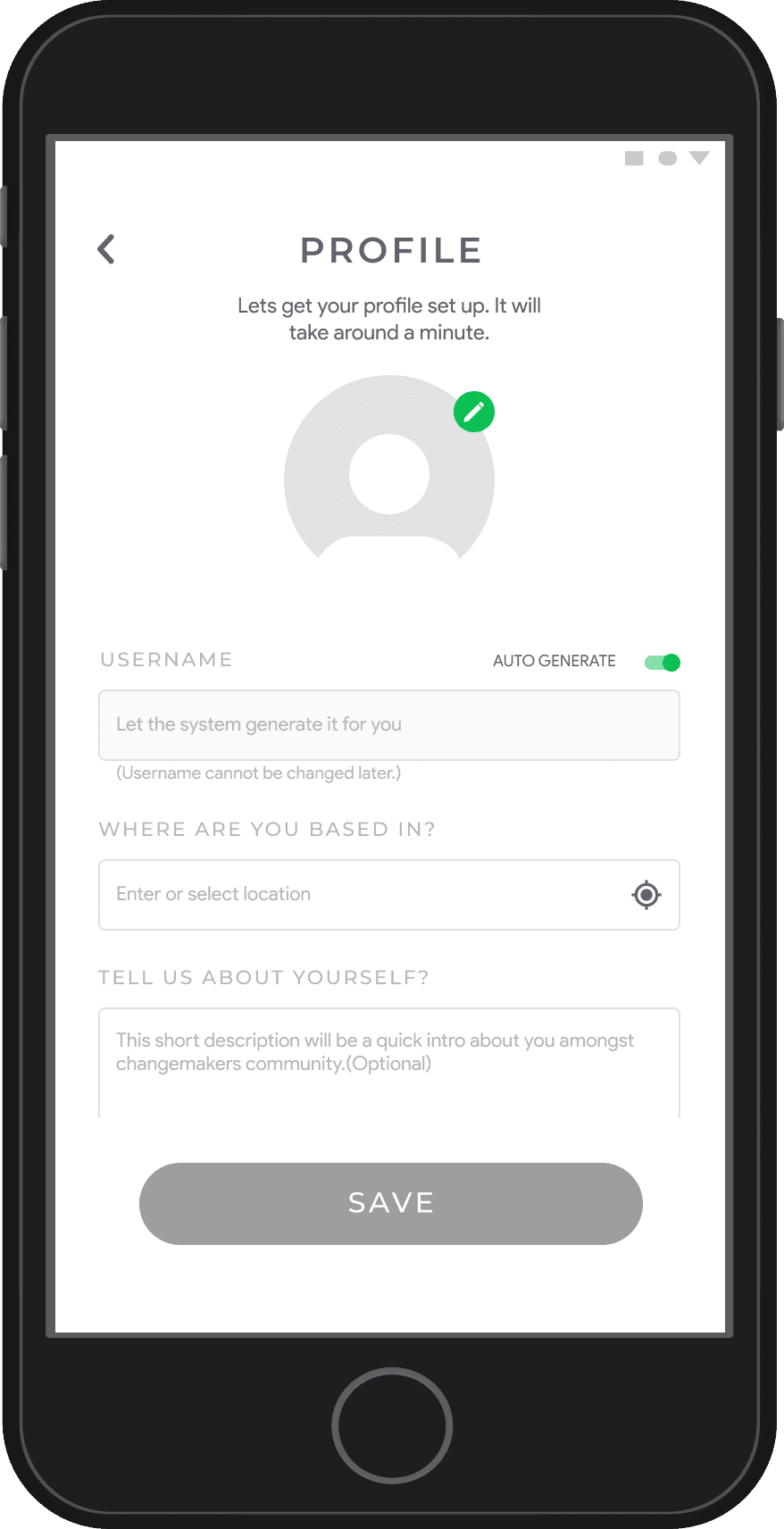
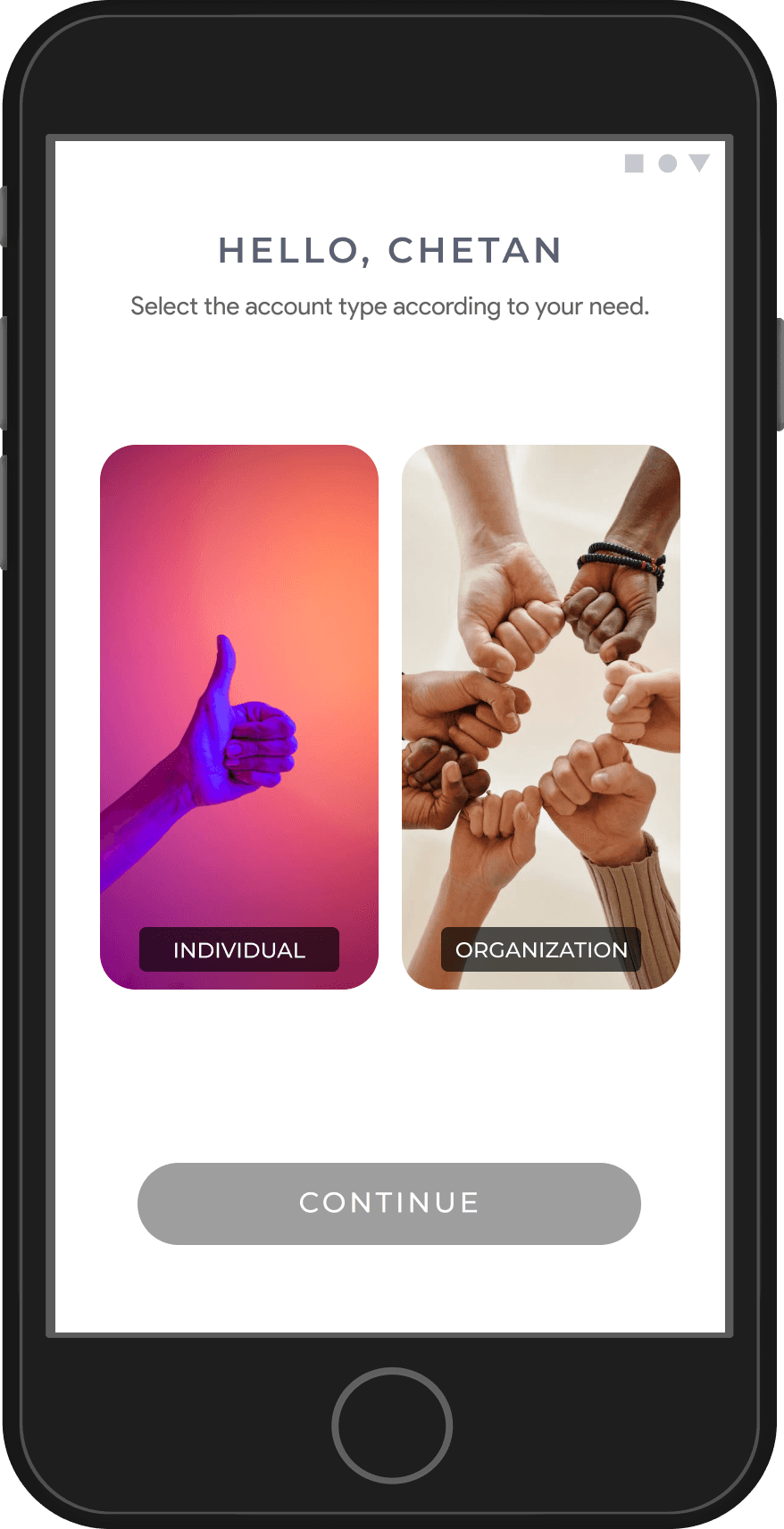
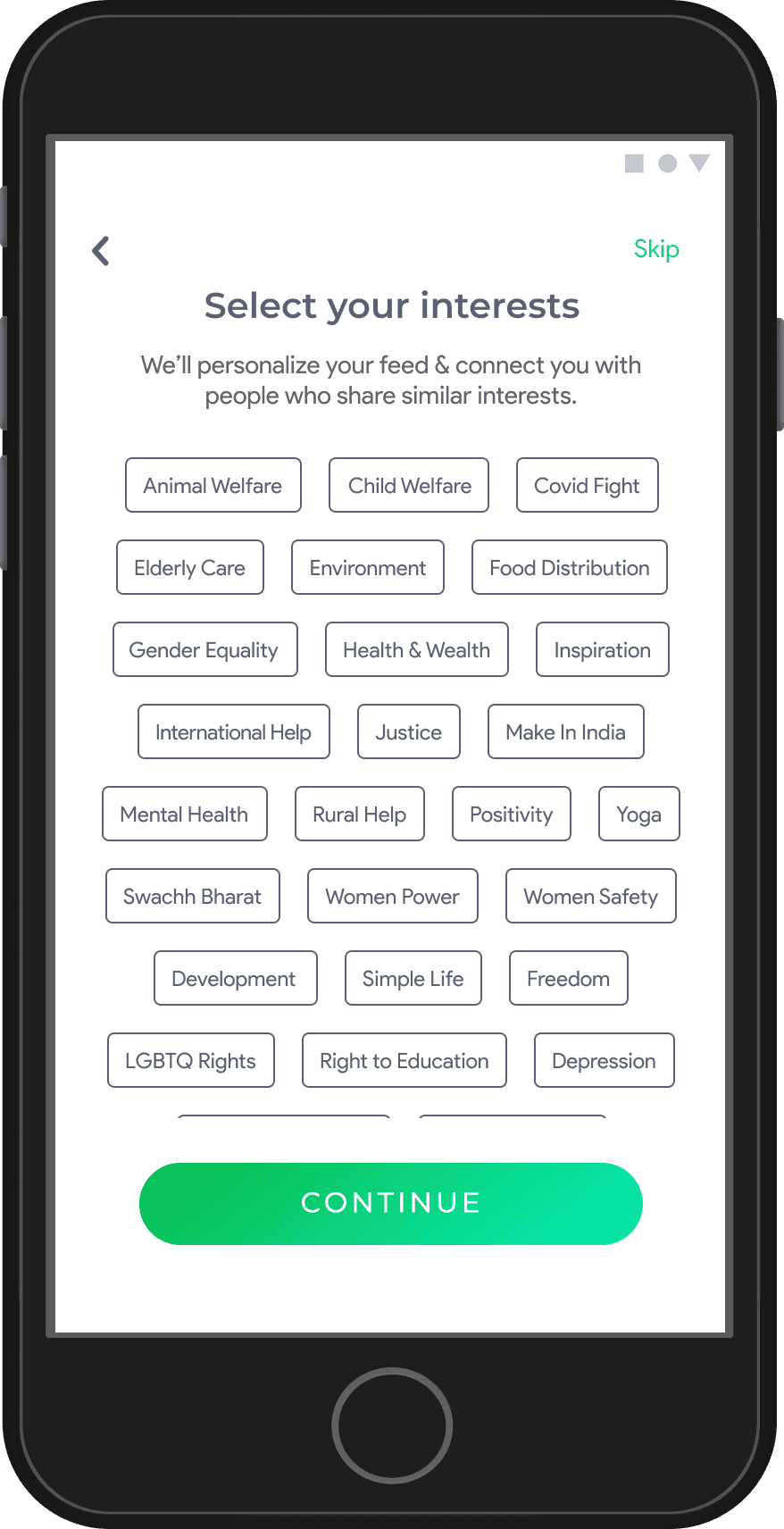
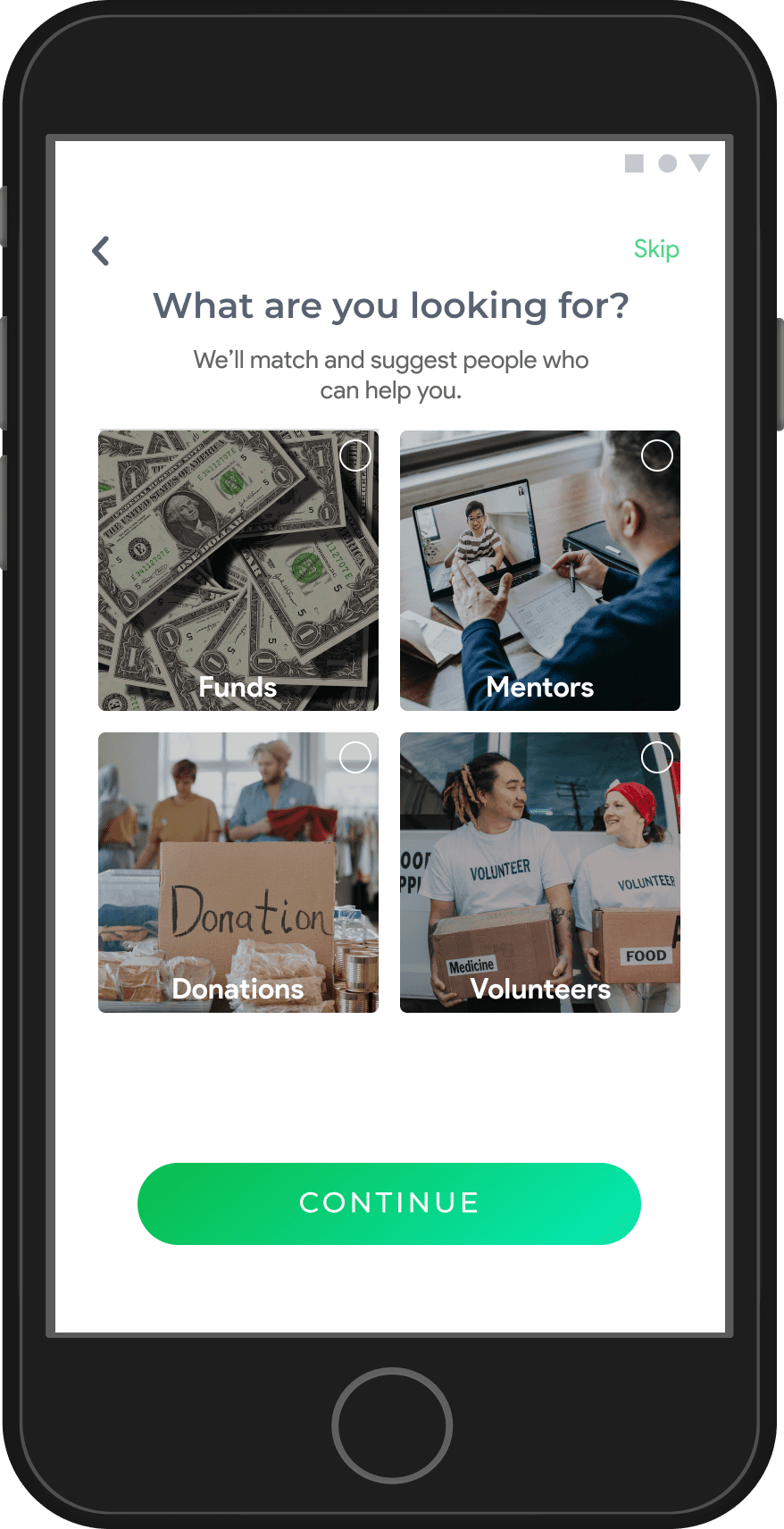
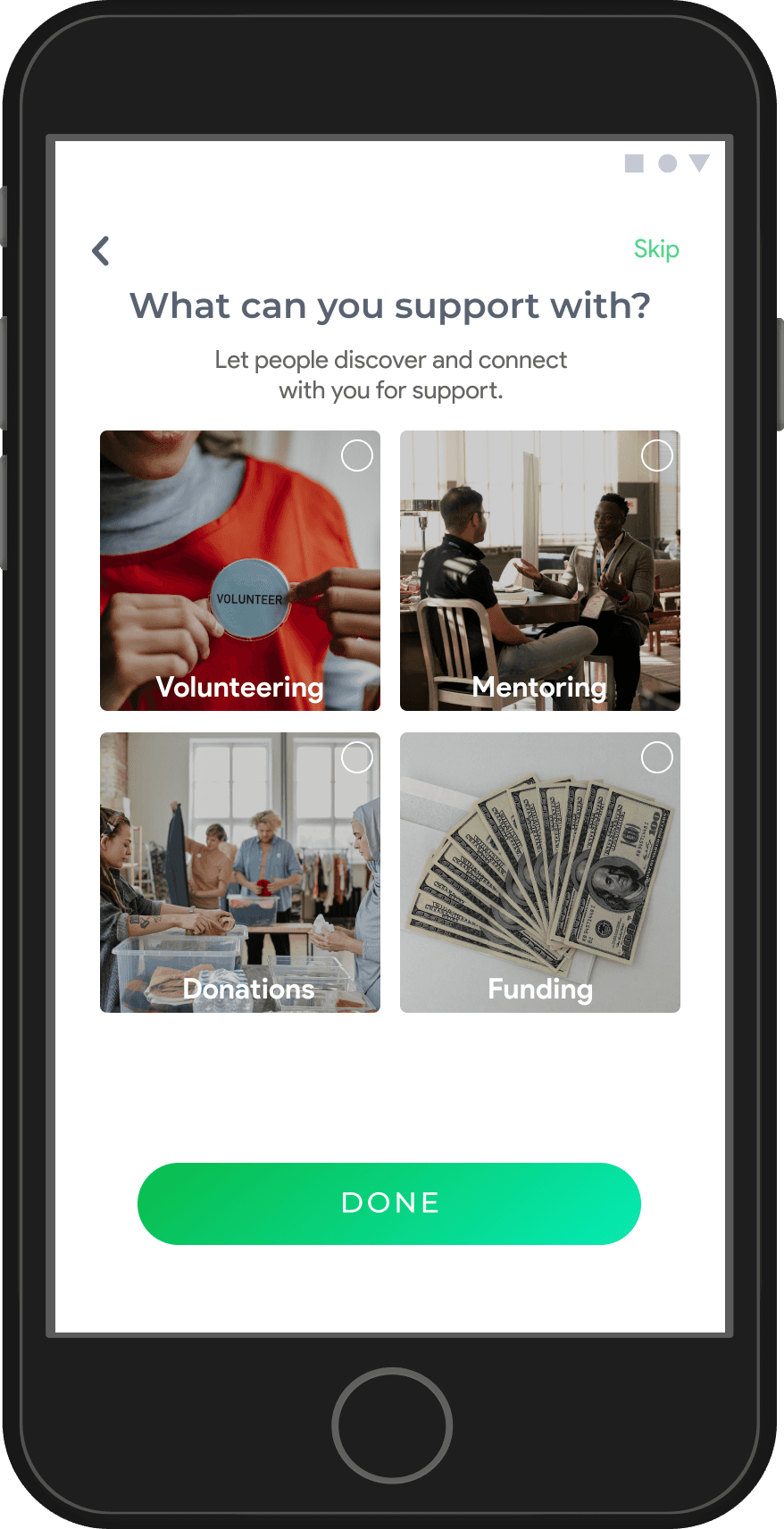
Streamlined Onboarding Flow
Simplified the process into clear, intuitive steps, ensuring minimal effort required from users at each stage.
Personalized Experience
Captured key user details such as type (individual or organization), interests, goals, and contributions to customize the experience.
Engagement-Oriented Design
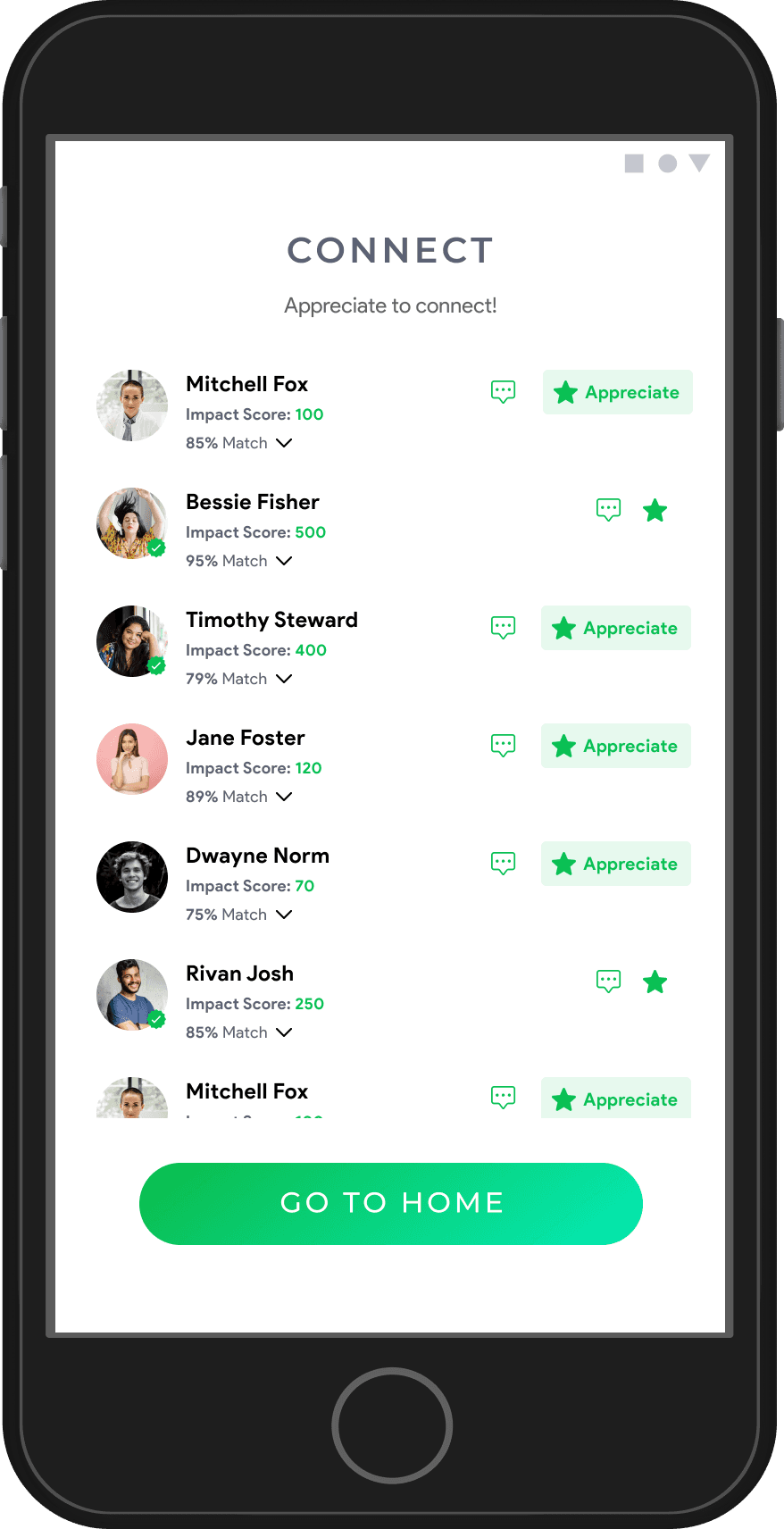
Designed a final step to connect users with relevant individuals or organizations to foster immediate engagement.
Redesign
Onboarding
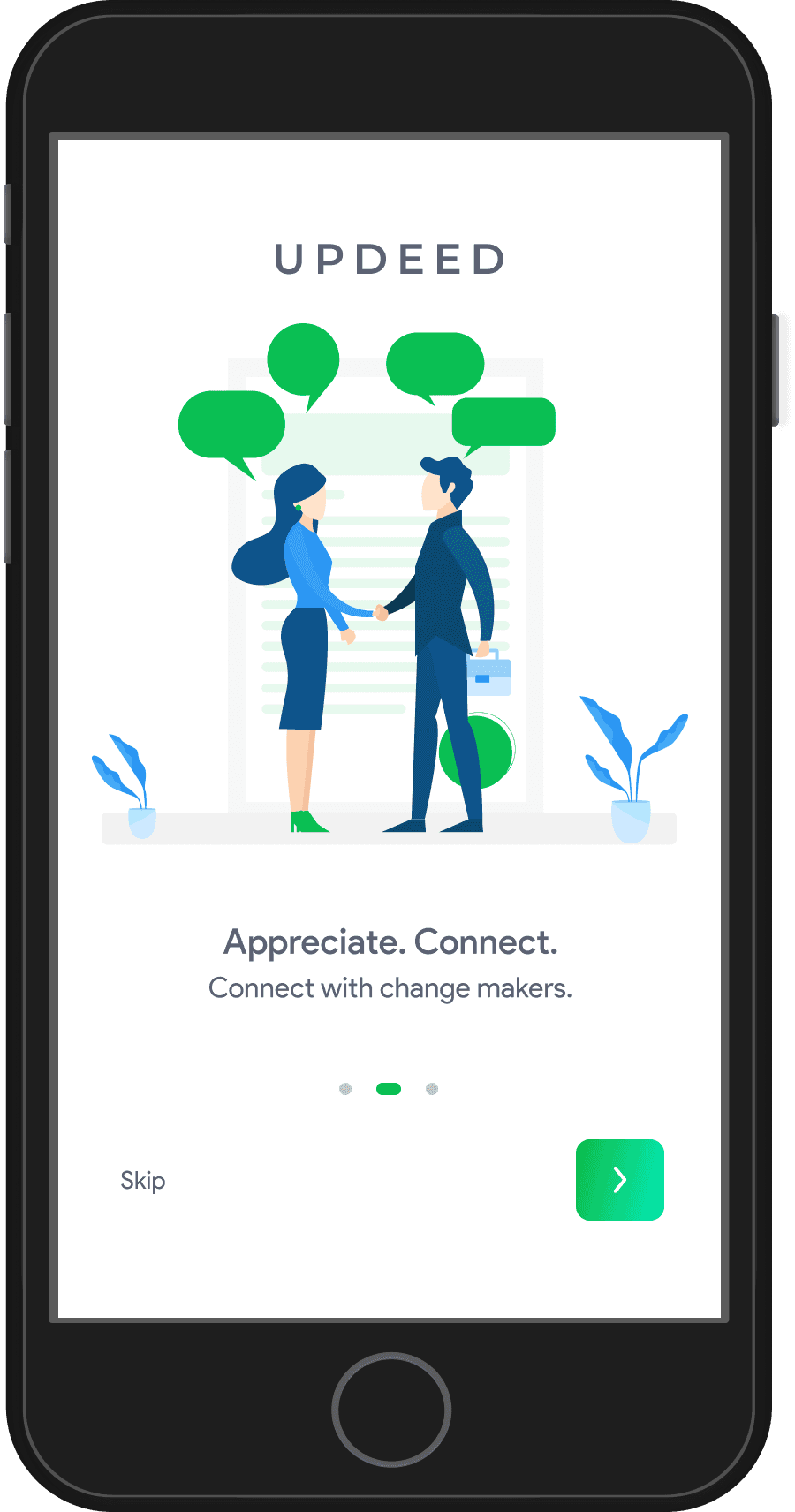
Launch & Landing Pages
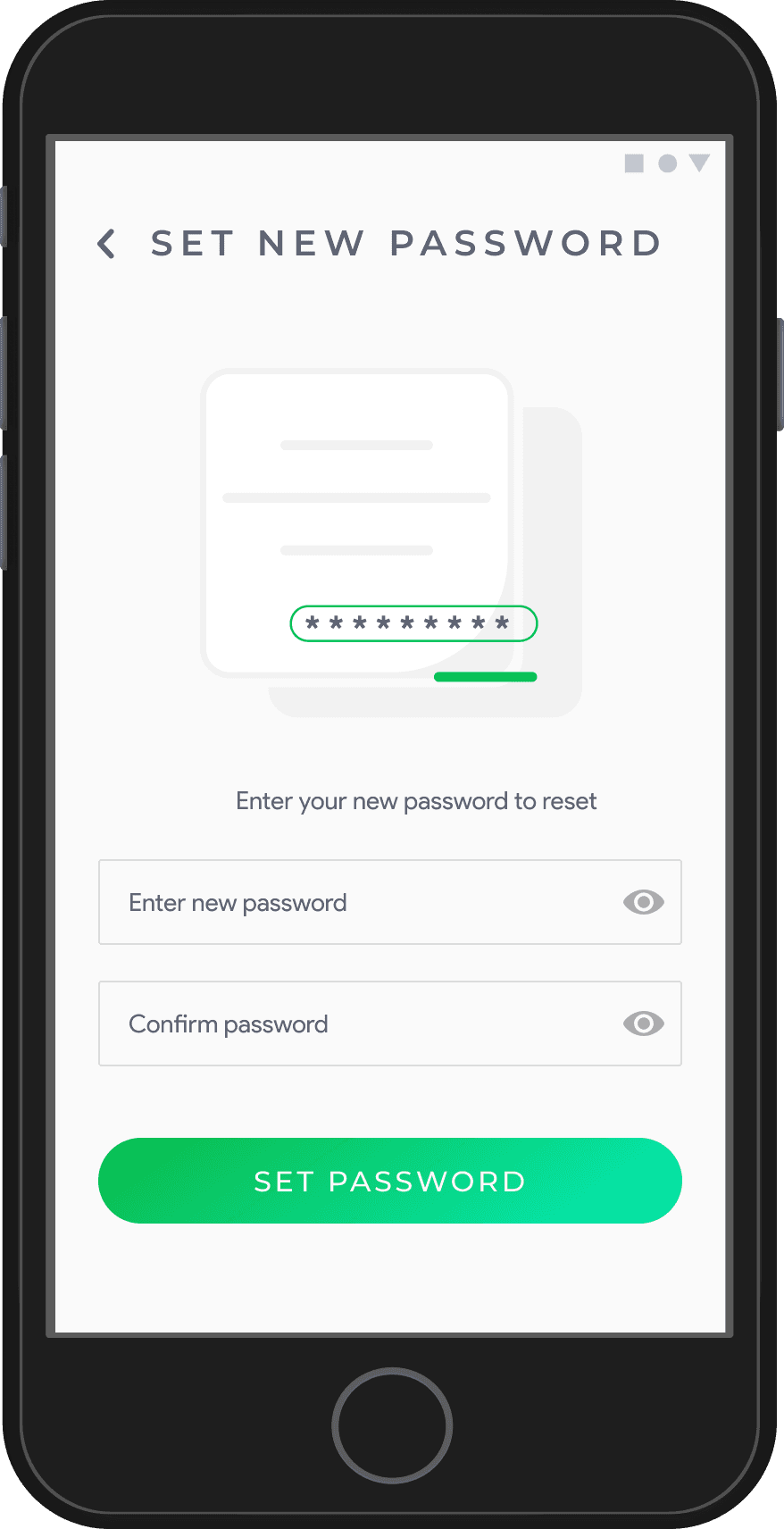
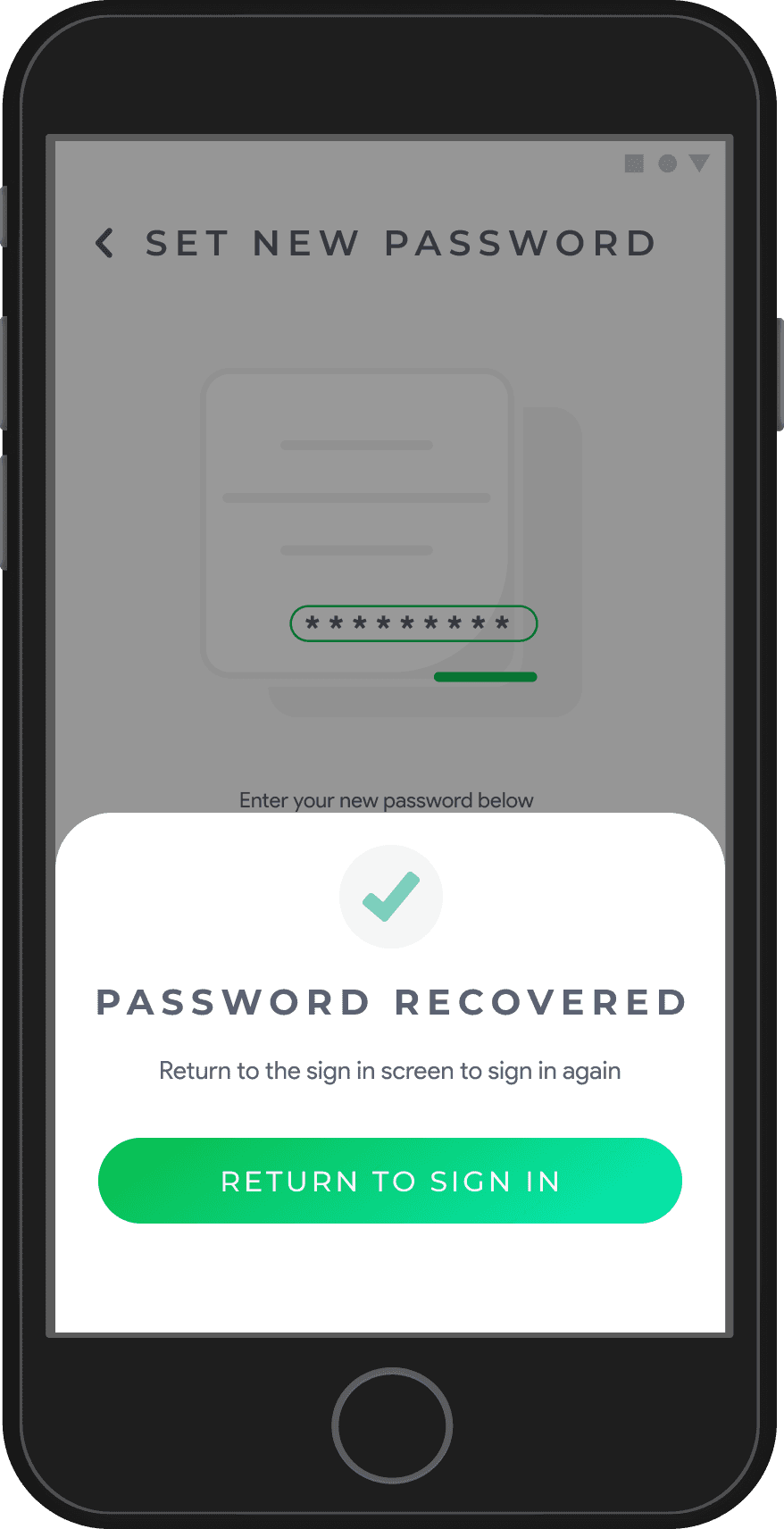
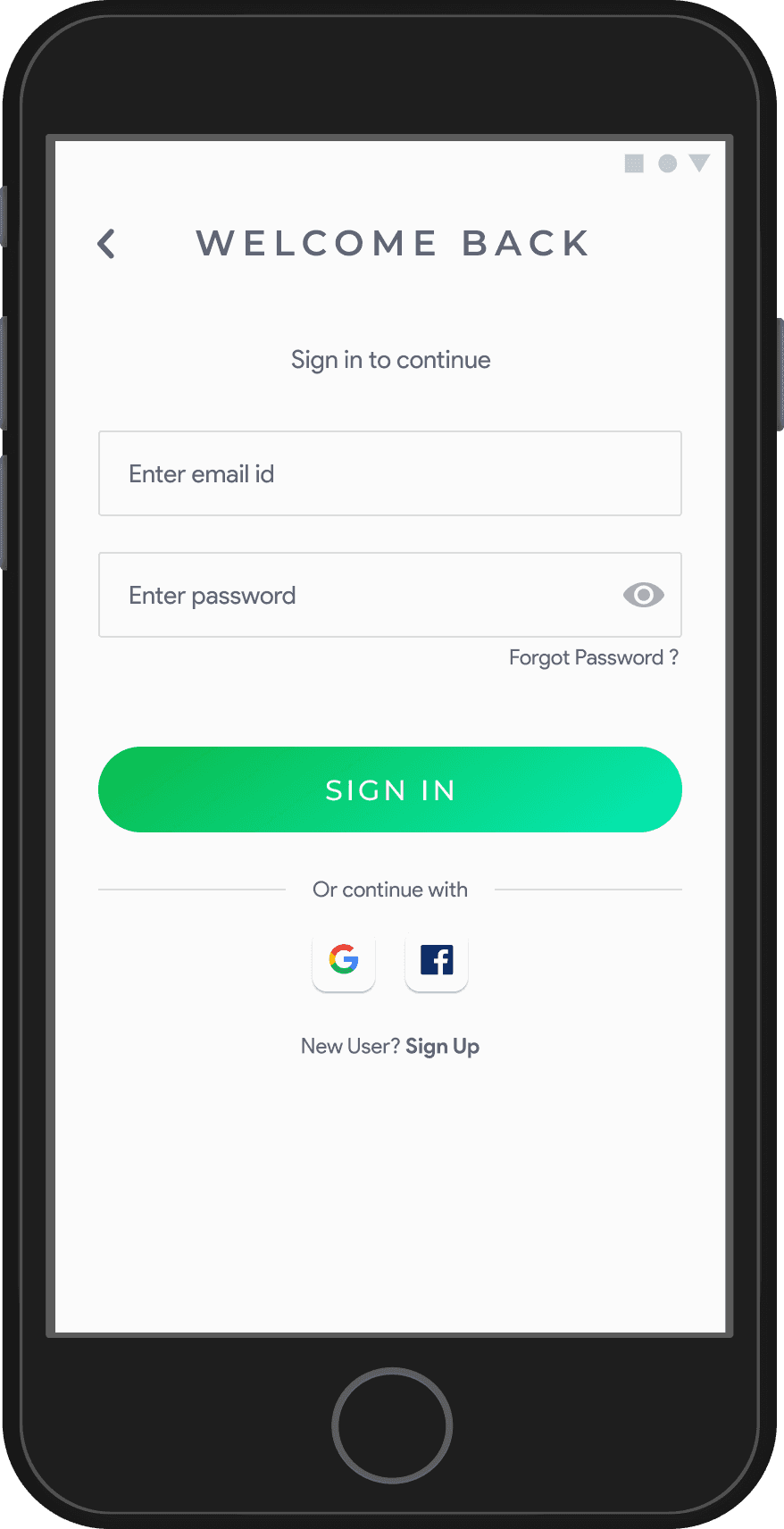
Sign In & Forgot Password Pages
Sign Up & Profile Setup Pages
Welcome Onboard & Home Pages
Challenges
Process
Information Architecture
Low-Fidelity Wireframes
High-Fidelity Wireframes
Impact
Solutions
High user drop-off rates during onboarding due to an overly complex and unclear process.
Lack of personalization, making the onboarding experience disengaging and impersonal.
Users had difficulty understanding the value of the platform during the initial steps.
The onboarding process was designed in multiple stages, each focusing on iterative improvement to ensure a seamless user experience. From mapping out the structure (Information Architecture) to developing wireframes and high-fidelity screens, every step was guided by user feedback and iterative testing.
The onboarding process was mapped into the following key steps to ensure a logical and seamless flow:
Created wireframes to outline the structure and flow of the onboarding process.
Prioritized clarity, reducing cognitive load by breaking the process into smaller, manageable steps.
Allowed for quick feedback and iterations during initial testing stages.
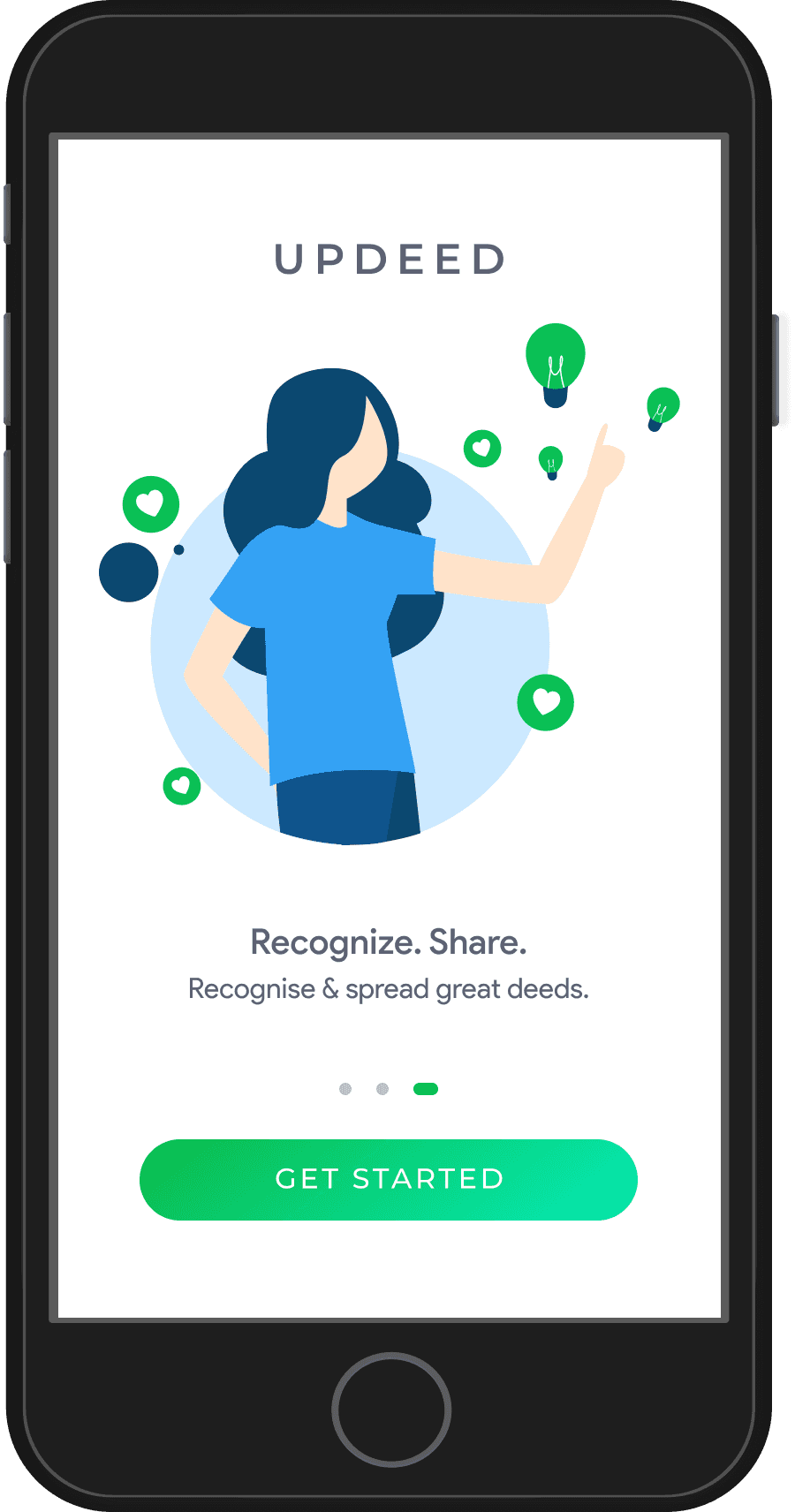
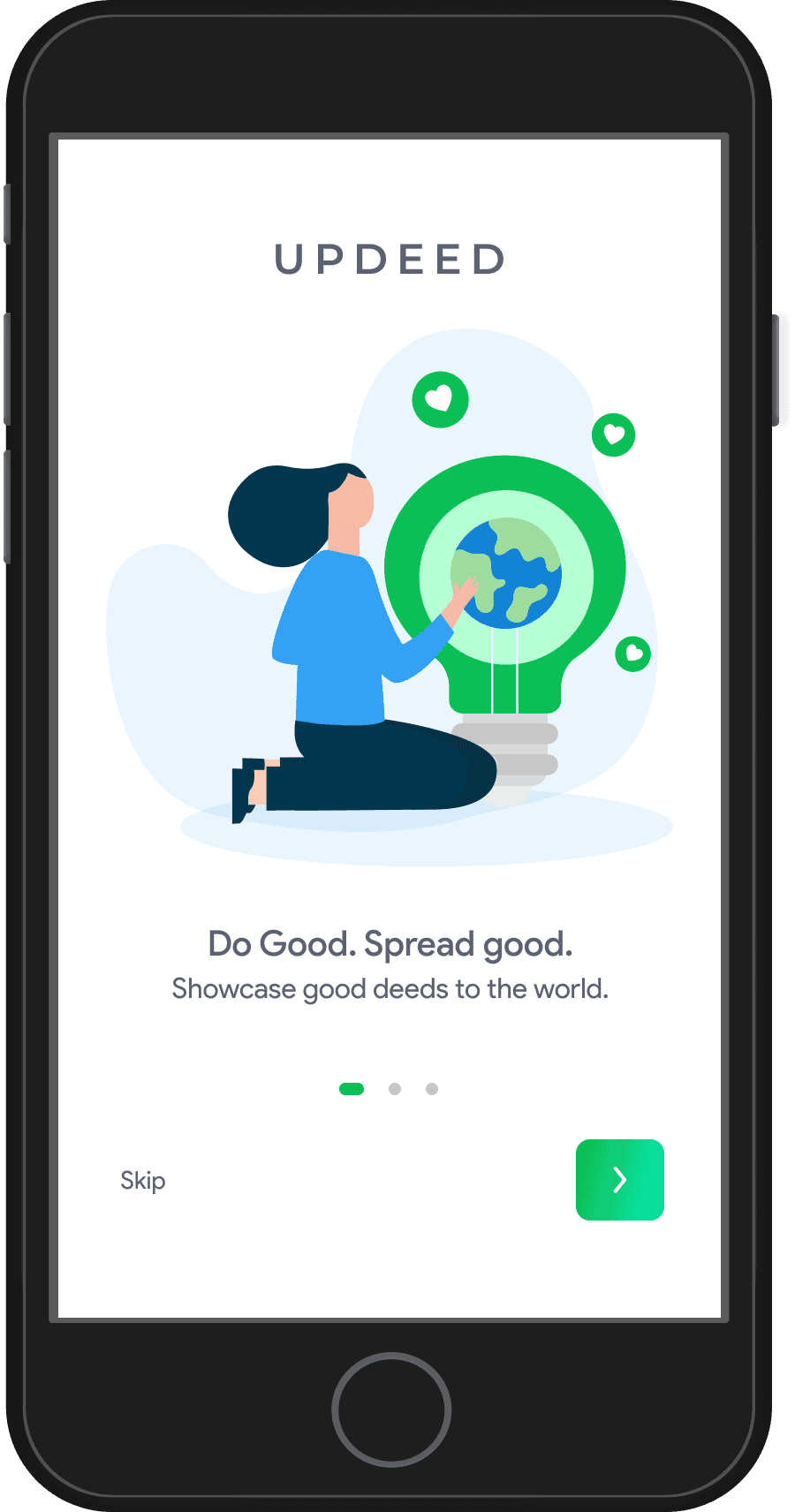
Carousel with three illustrations introducing the app’s mission and features.
Simple and clean design with multiple sign-in options (email, Google, Facebook).
The Sign-In page provides a simple, user-friendly interface for accessing the platform.
Page: Easy-to-use layout for recovering account access.
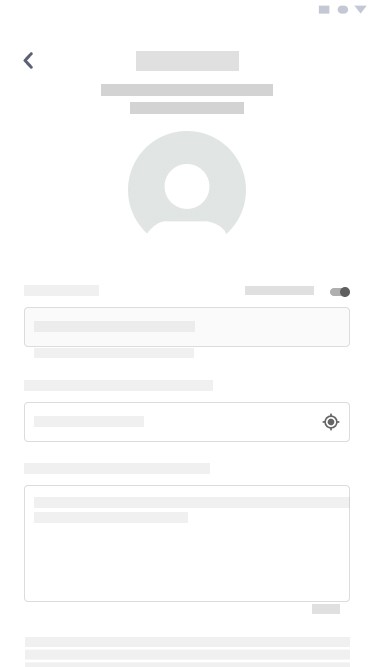
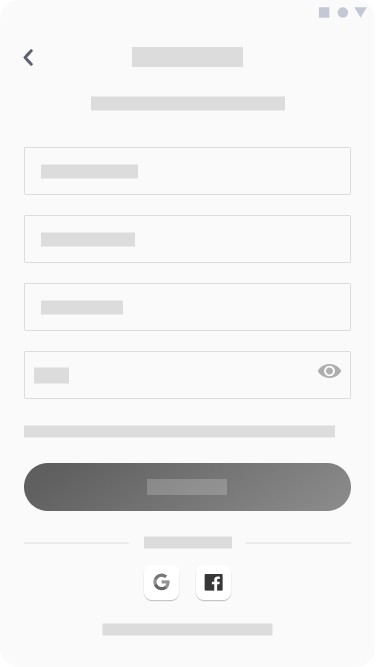
Straightforward form for collecting user details.
Dynamic fields based on user type (individual or organization).
Visually engaging forms to capture user interests, goals, and support details.
Showcases suggested connections with a call-to-action to start exploring the platform.
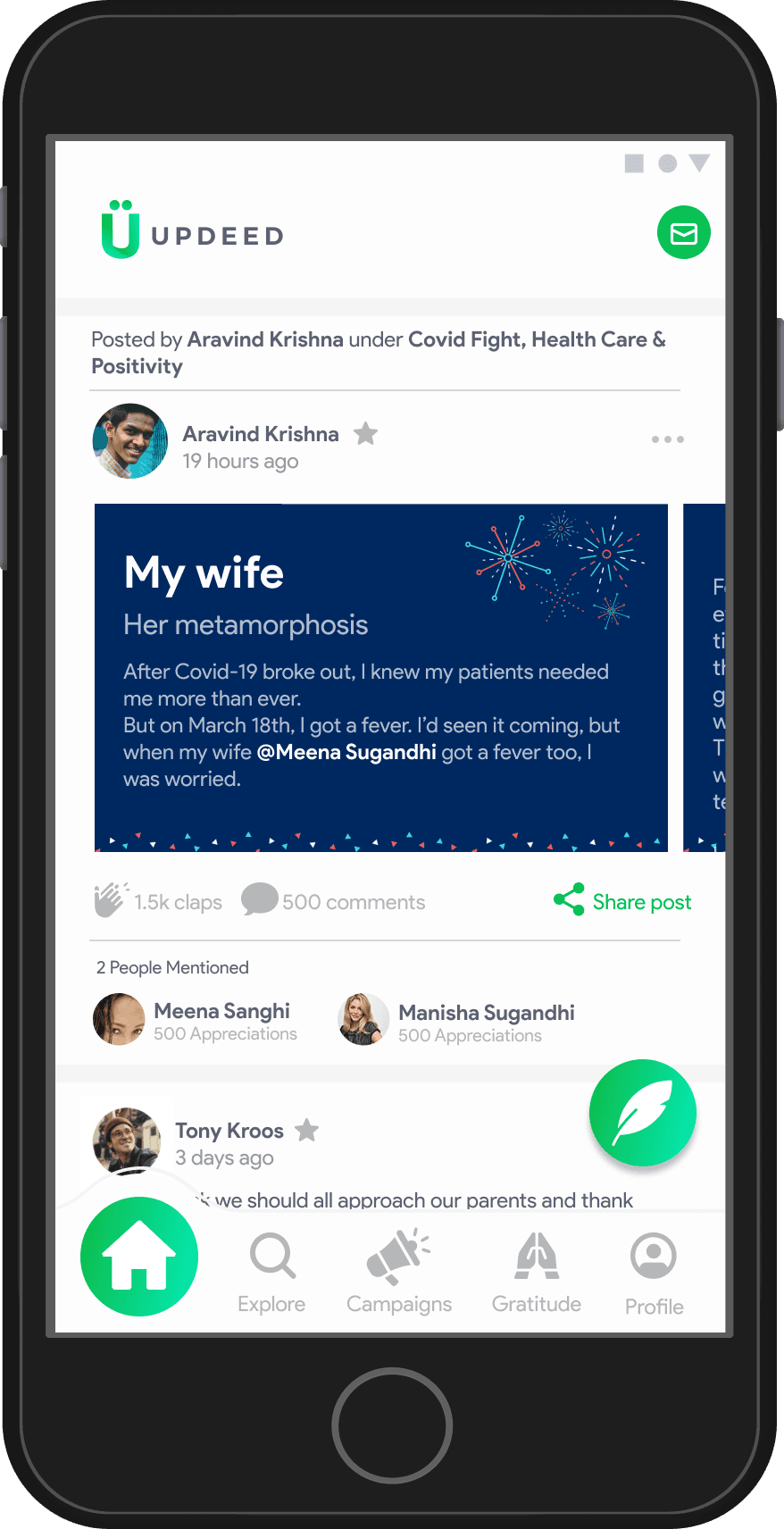
A seamless shift to the homepage, where users can immediately engage with content.
The high-fidelity designs represent the polished visual output of the onboarding process, incorporating branding elements, clean layouts, and interactive features to deliver a seamless and engaging user experience. Each screen is crafted to enhance clarity, usability, and user satisfaction, ensuring a smooth transition through all onboarding steps.
Increased Sign-Ups: Redesigned flow led to a 40% increase in sign-up completions.
Higher Interaction Rates: Buttons like "Done" during profile setup and personalization steps saw a 30% increase in clicks.
Enhanced Personalization Engagement:
70% of users selected their interests.
65% of users completed the "What are you looking for?" section.
60% of users filled out the "What can you support with?" section.
Reduced Drop-Offs: Streamlined onboarding decreased drop-offs by 20%, ensuring more users completed the process.
Launch Page
Landing Page
Sign In
Create Password
Forgot Password
Sign In
Sign In with Google
Sign In with Facebook
Personal Info
Forgot Password
Reset password
Home Page
Email Verification
Account Type
Individual
Interests
Looking For
Support With
Welcome Onboard
Organization
Profile Setup
Profile Pic
Location
Username
Save
About Yourself
Profile Info
Sign Up
First Name
Last Name
Create Password
Sign Up
Sign Up with Google
Sign Up with Facebook
Personal Info
Profile Setup
Logo
Location
Organization Name
Save
About Organization
Profile Info






This section delves into the design and structure of profiles on UPDEED, focusing on Self Profiles, Other’s Profiles, and the conceptualized Impact Profile/Insights. It includes Information Architecture (IA) flowcharts, low-fidelity designs, high-fidelity designs, and a summary of the key takeaways.
The Self Profile is designed as a central space for users to manage their personal or organizational presence on UPDEED, while focusing on user motivations, behavior, and tasks to be achieved. Below is the detailed breakdown based on the research:
Demographic Personas: Targeted for marketing and personalized branded experiences.
Data Segments: Used to group users at scale for specific targeting.
Mindset Profiles: Designed to meet the needs of different user types through core functionalities
The Other’s Profile is designed to provide users with a way to explore and engage with the contributions, achievements, and impact of other users or organizations. Below is a detailed breakdown based on the research:
Connection Profiles: Facilitate building meaningful relationships and collaborations.
Engagement Segments: Group users based on interactions like appreciations, nominations, or shares.
Discovery Profiles: Designed to help users find and explore relevant contributors or organizations.
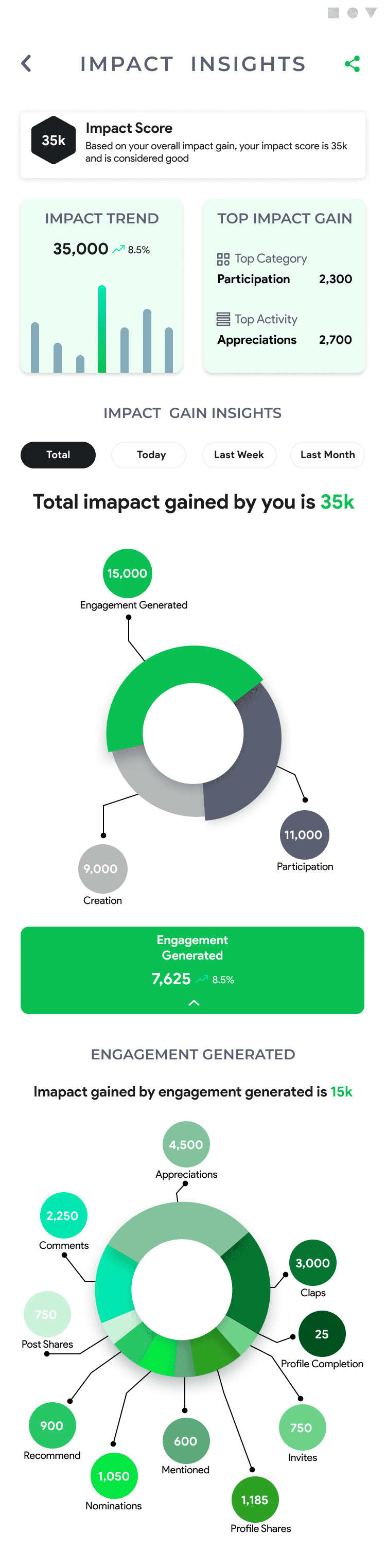
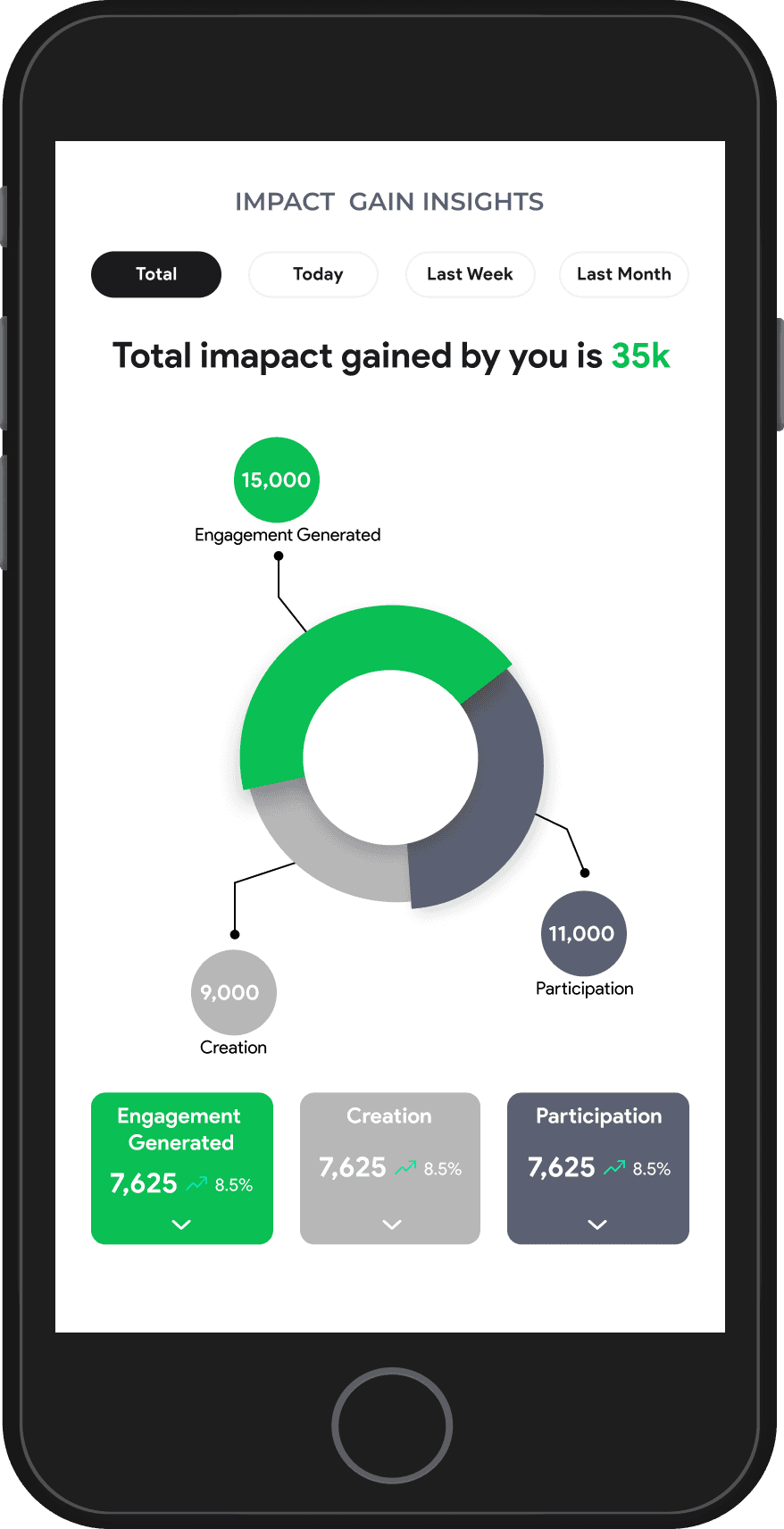
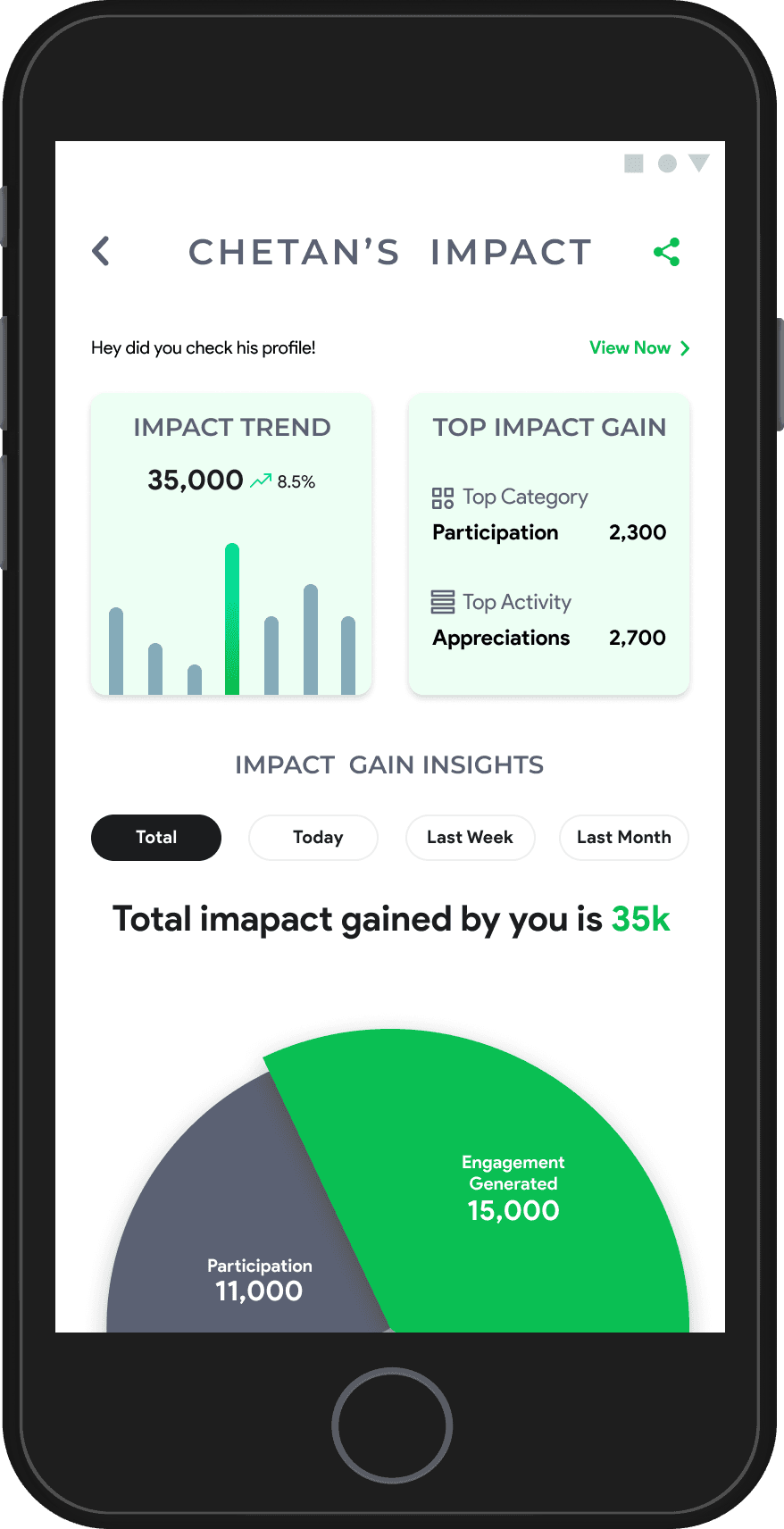
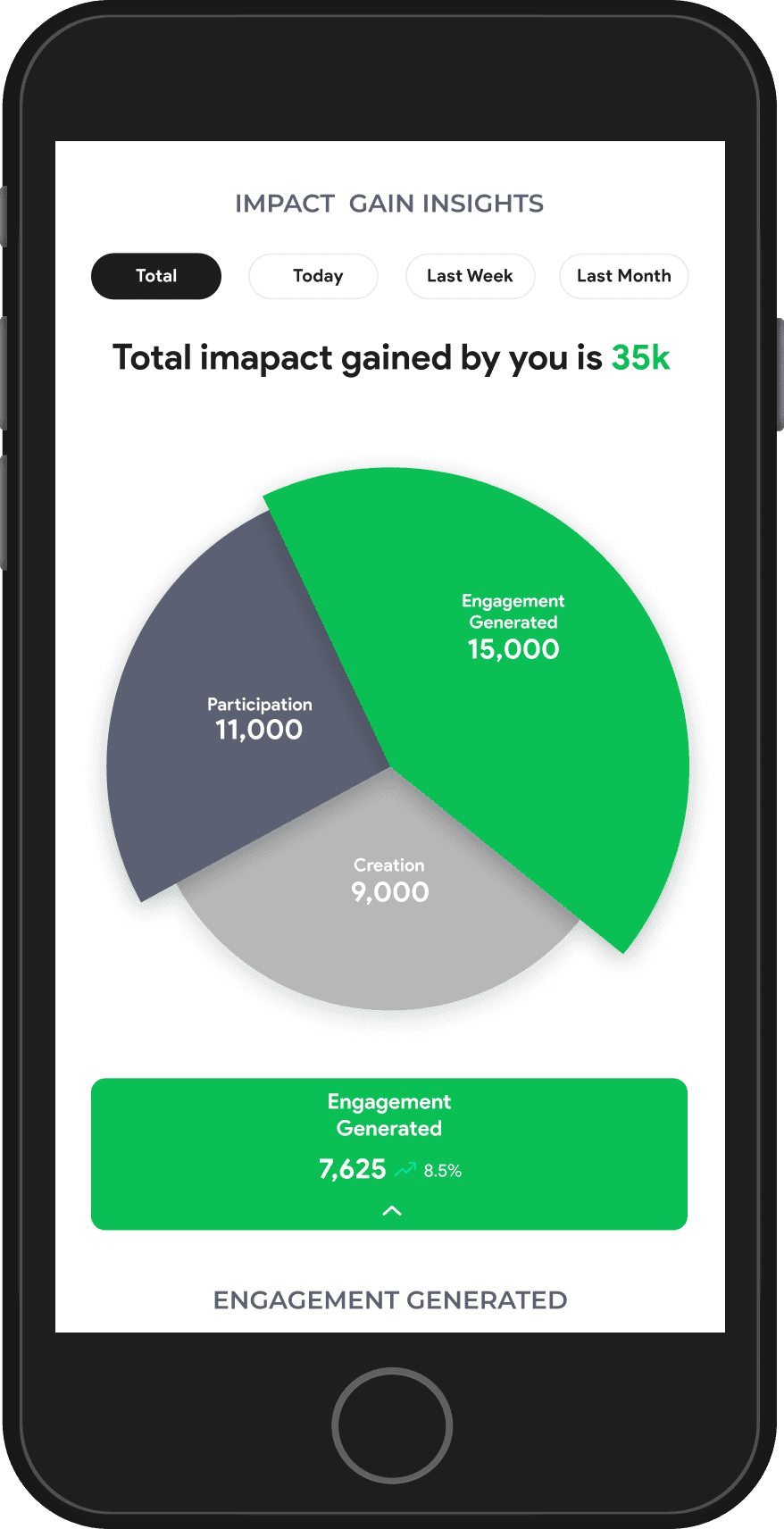
The Impact Profile centralizes all metrics and trends related to a user’s contributions, engagement, and participation on the platform. It is available in both Self and Other’s Profiles, making it shareable and engaging.
Impact Summary:
Contribution: Reputation from posts, initiatives, and campaigns.
Engagement: Reputation from appreciations, nominations, shares, and mentions.
Participation: Reputation from volunteering, mentoring, funding, or donations.
Impact Insights:
Metrics from user-generated content, profile engagement, and campaign participation.
Impact Trends:
Visual timeline showcasing Impact Score progression, including growth and opportunities for improvement.
Reputation System:
Earn points via creation, engagement, and participation.
Points unlock badges, levels, and awards to celebrate milestones and contributions.
Profiles
Redefining
Other’s PROFILE
SELF PROFILE
Impact profile(designed but not developed)
Understanding the Profile
Information Architecture
User interact with the profile to?
Complete and manage their profile.
Share their profiles to showcase their mission.
Discover and invite others connections.
Track Impact Insights.
Why users come to their profiles?
To view and track metrics.
To use insights for personal improvement.
To understand how others perceive their contributions.
To showcase their impact & achievements.
Track progress and showcase achievements.
How a user will land to others profile?
Search based on interests, location, or names.
Appreciations or nominations.
Links shared by other users.
Users interacting with posts or profile.
Why users visit Other’s Profiles?
To explore contributions, campaigns, or initiatives.
To connect, message, or collaborate.
To appreciate their work or nominate them for an award.
To check their Impact Insights
Explore contributions and build connections.
Other’s profile
Basic Info
Profile Info
Can Support With
Looking For
Interests
Impact Metrics
Impact Score
Impact Trends
Impact Work
Engagement
Appreciate
Nominate for Award
Share Profile
Message
Report User
Links & Connections
External Links
Users or Organizations
Social Media Profiles
Profiles
Self Profile
Basic Info
Profile Info
Can Support With
Looking For
Interests
Impact Profile
Impact Score
Impact Trend
Top Impact Gain
Engagement
Appreciations
Posts, Mentions
Shares
Settings
Policies and Terms
Customer Support
Reset Password
Log Out
Share
Invite
Low-Fidelity Wireframes
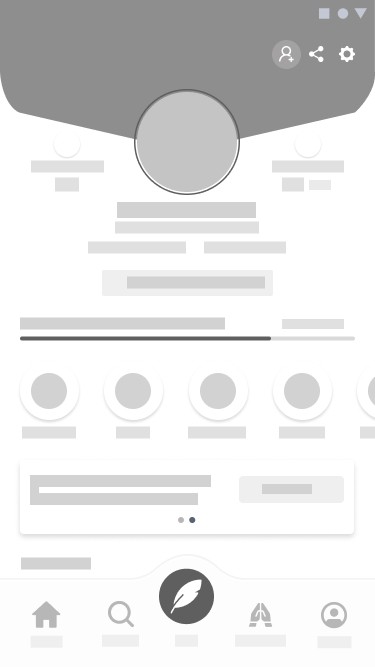
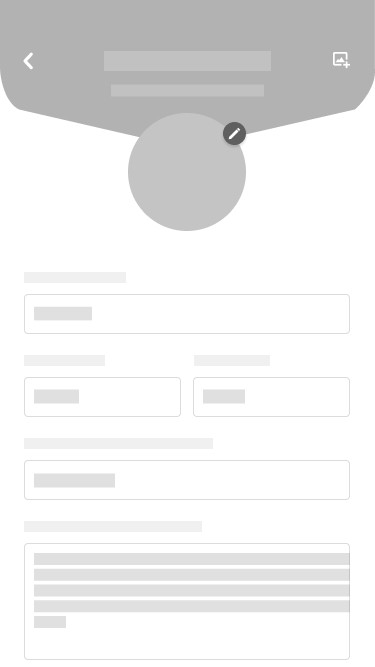
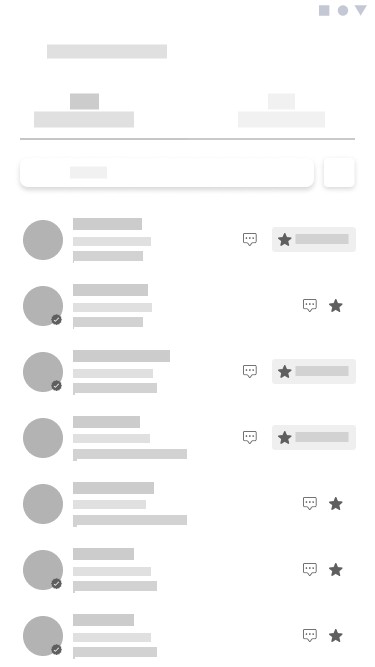
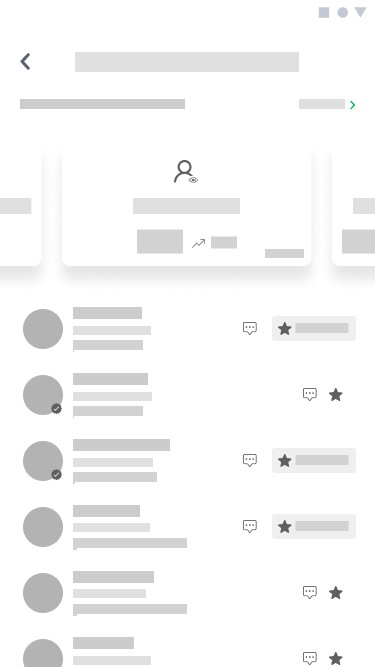
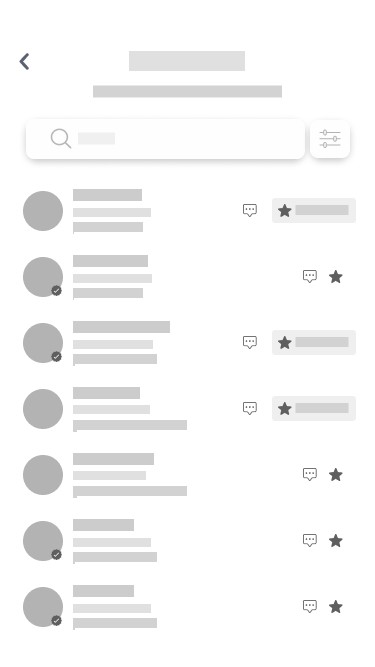
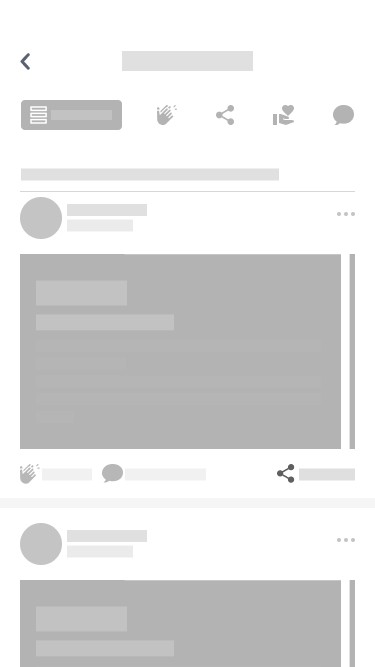
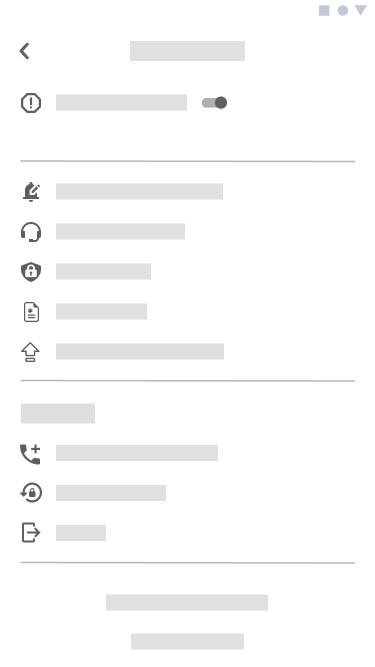
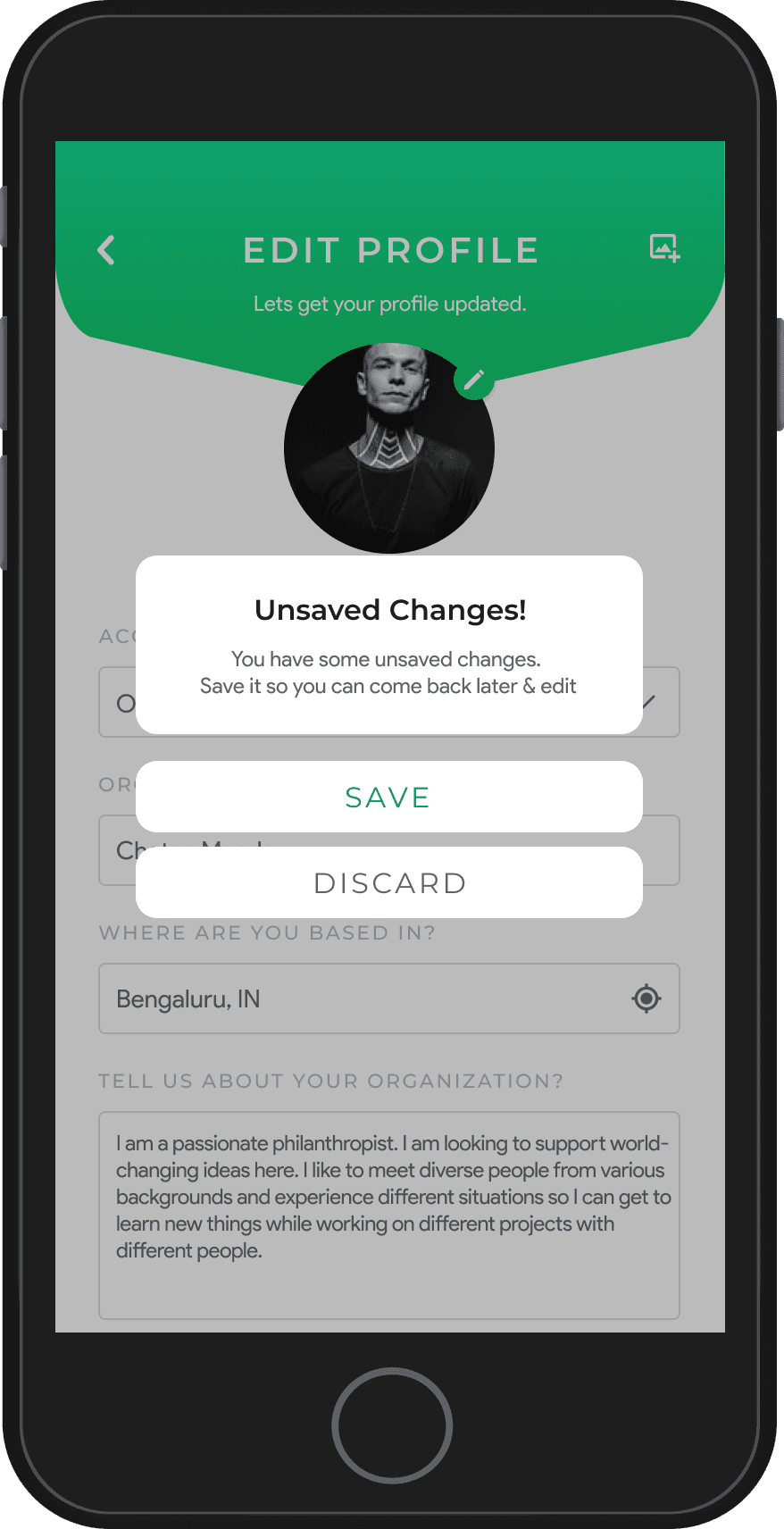
The low-fidelity wireframes focus on structuring the layout and flow of the profile pages. These initial designs prioritize functionality and user journey, providing a clear framework for testing navigation, content placement, and interaction points before visual styling is applied.

Self Profile
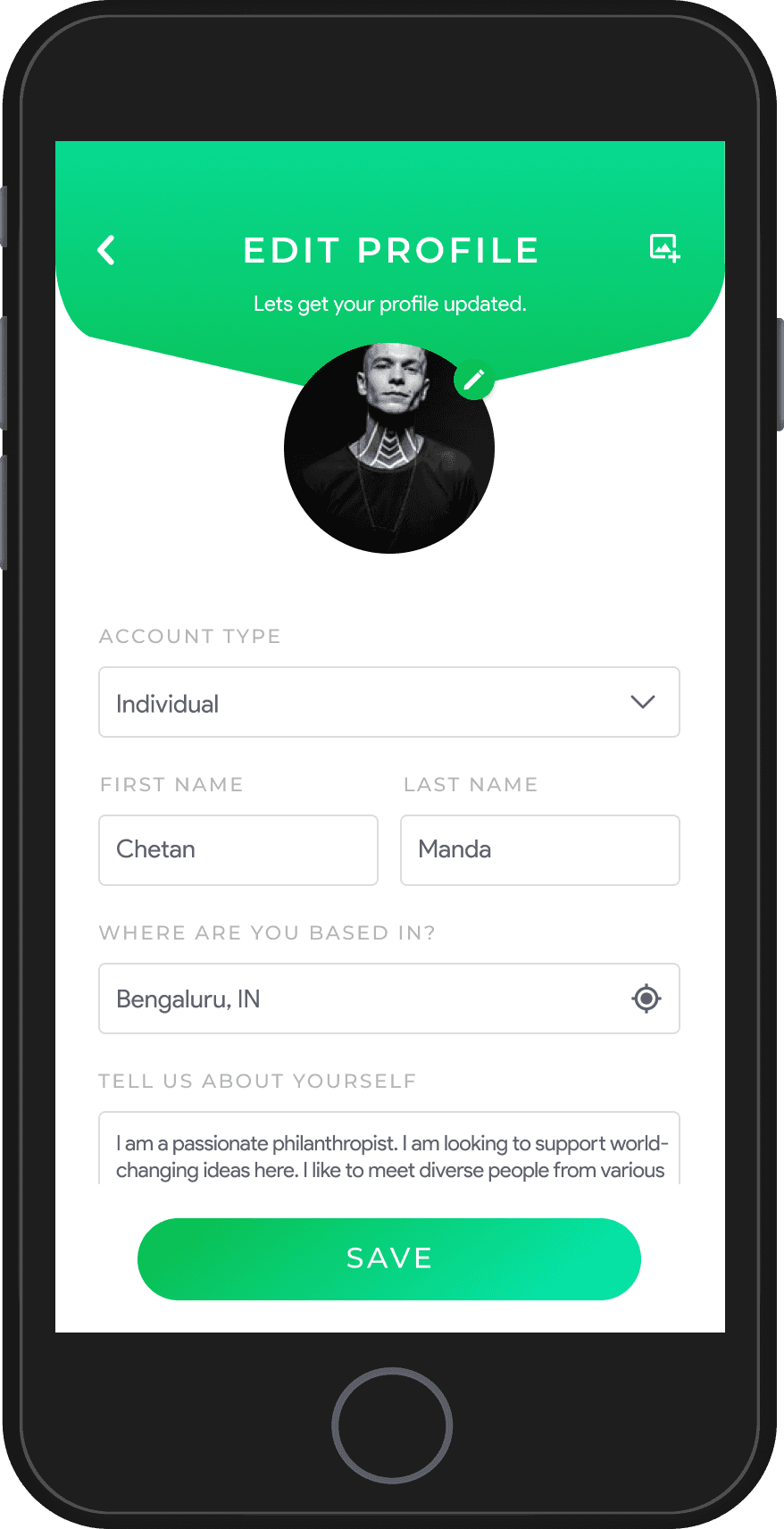
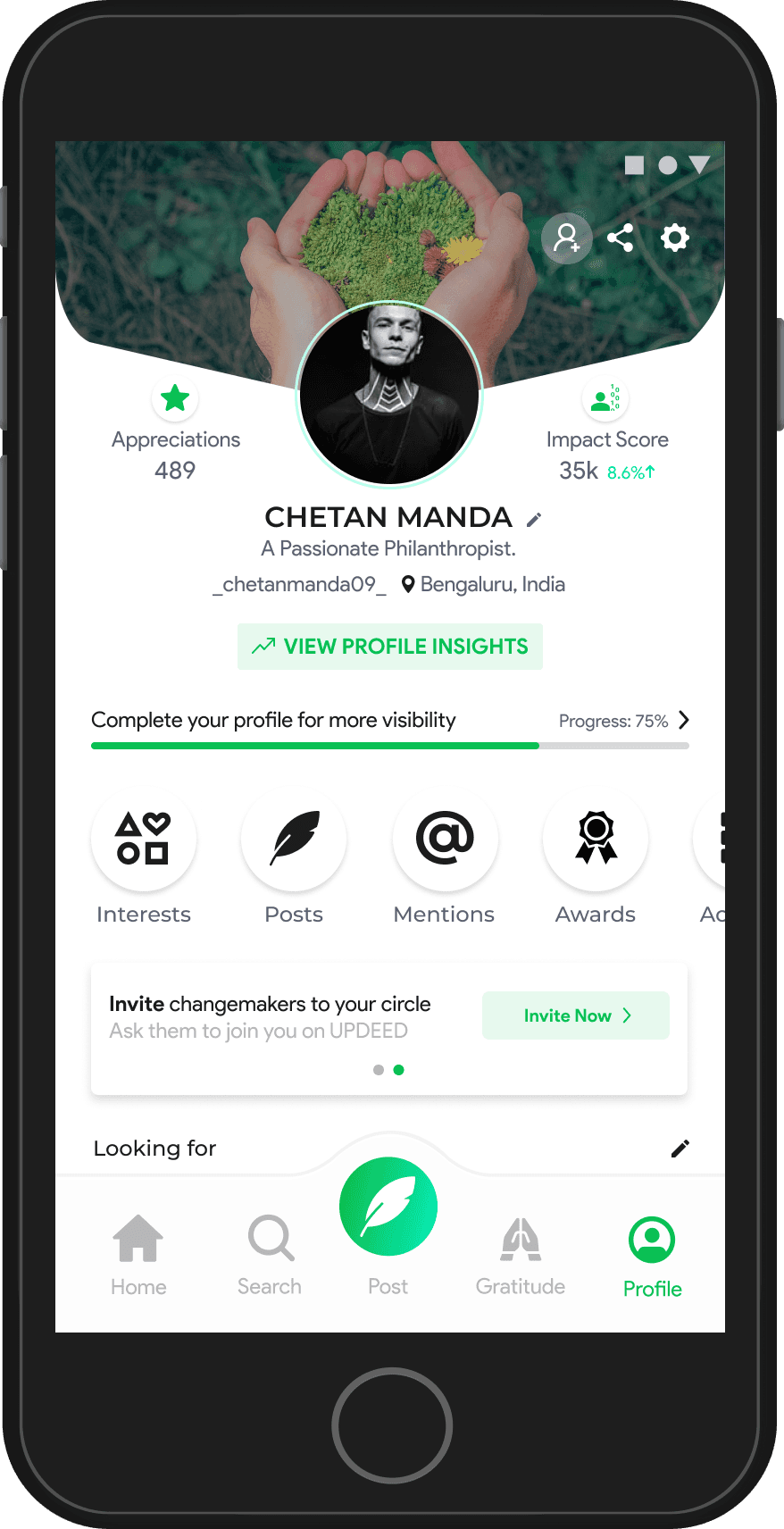
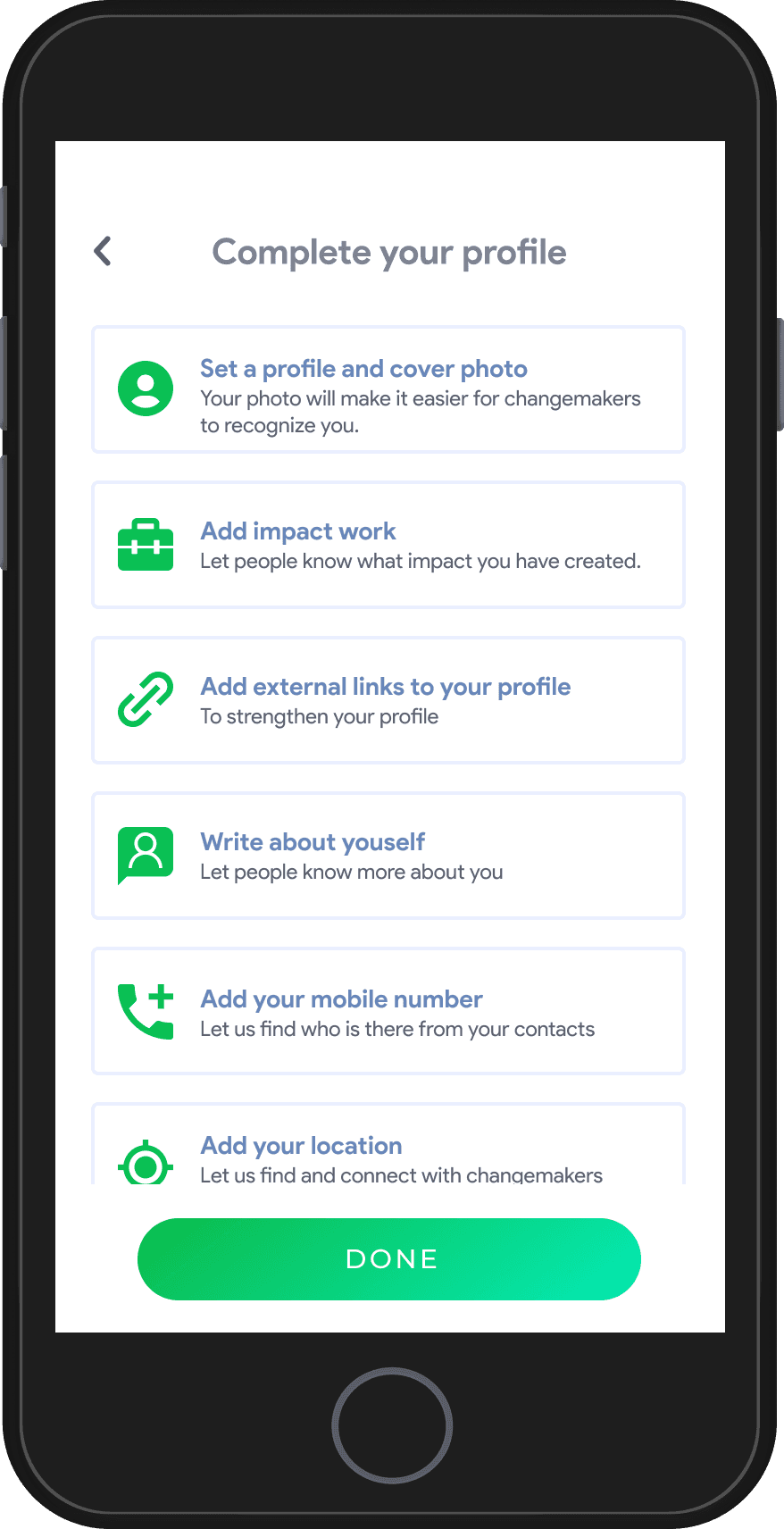
View, Edit, & Completion
This section highlights the user journey through profiles, from viewing detailed information to editing personal or organizational details and completing profiles for better visibility and engagement.
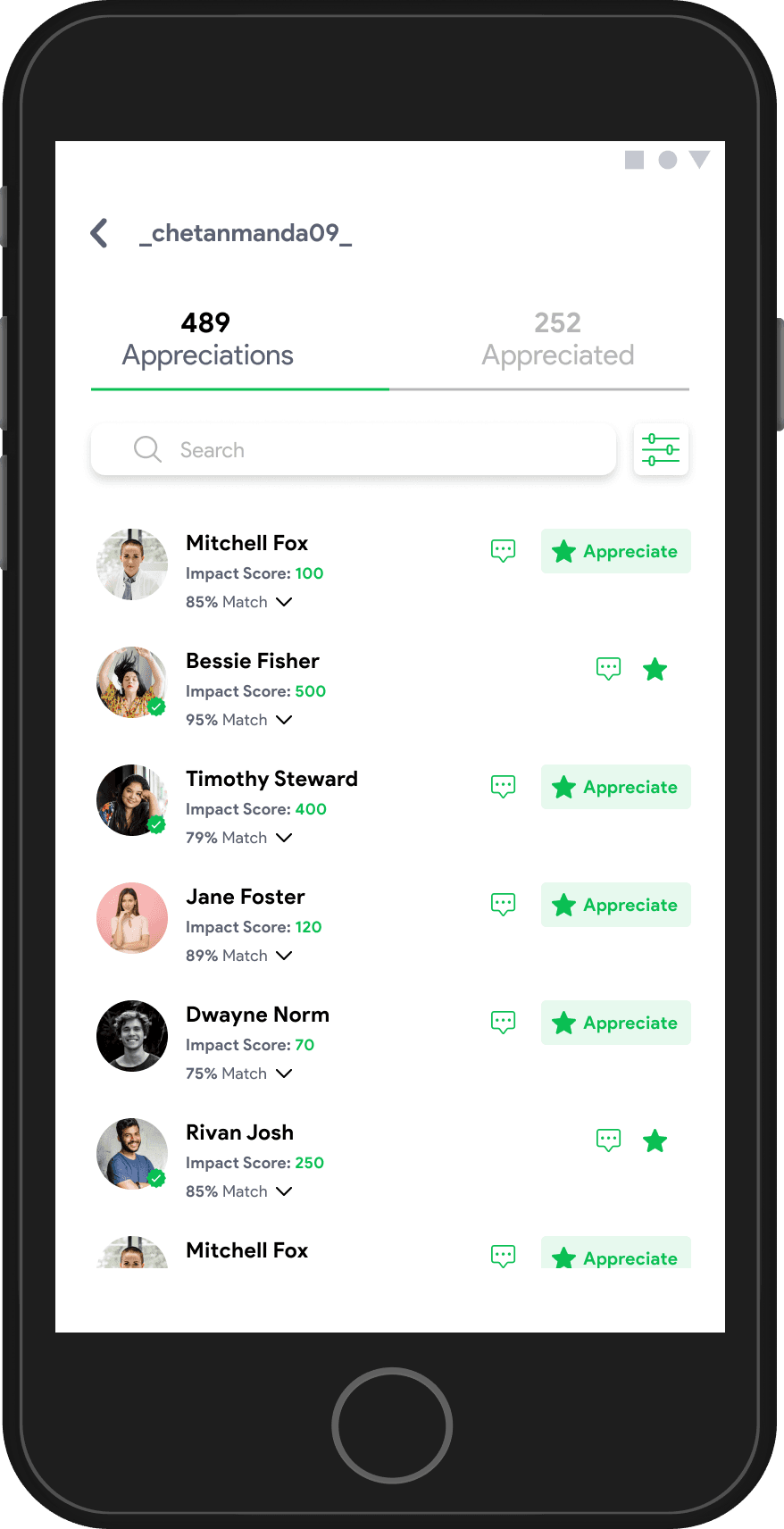

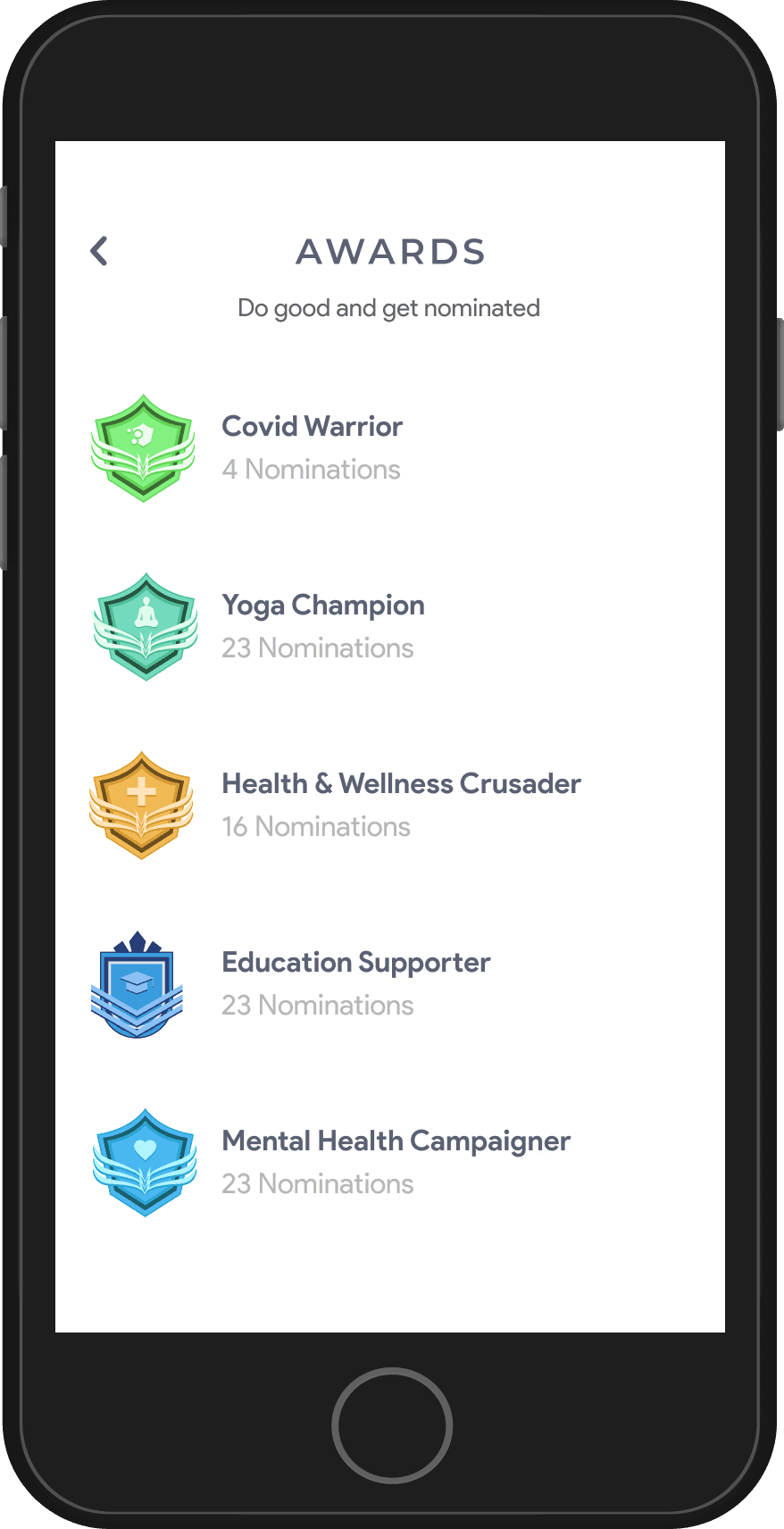
Engagement Highlights
This section showcases key user interactions, including Appreciations, Activities, and Awards, designed to recognize contributions, encourage participation, and foster meaningful connections on the platform.
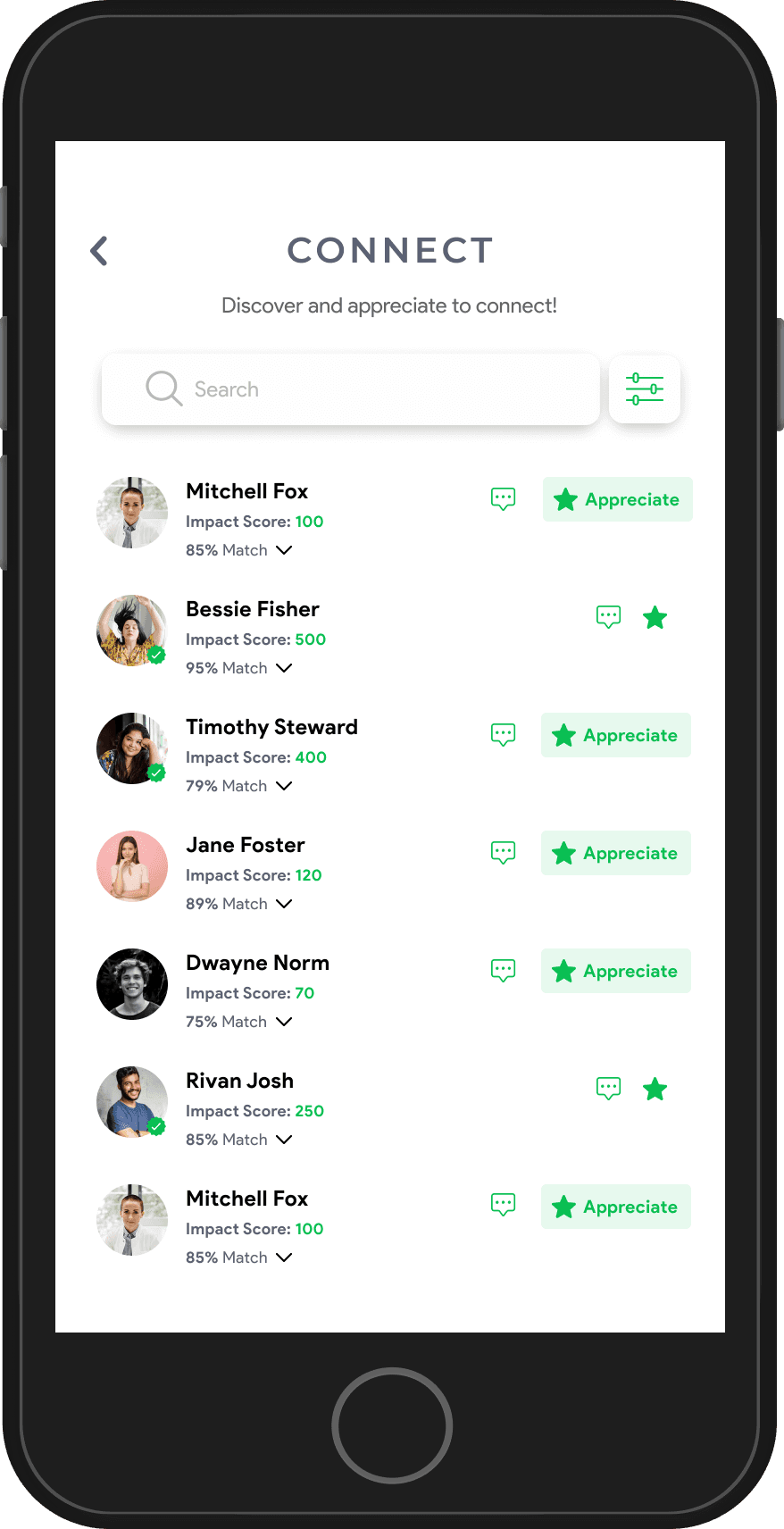
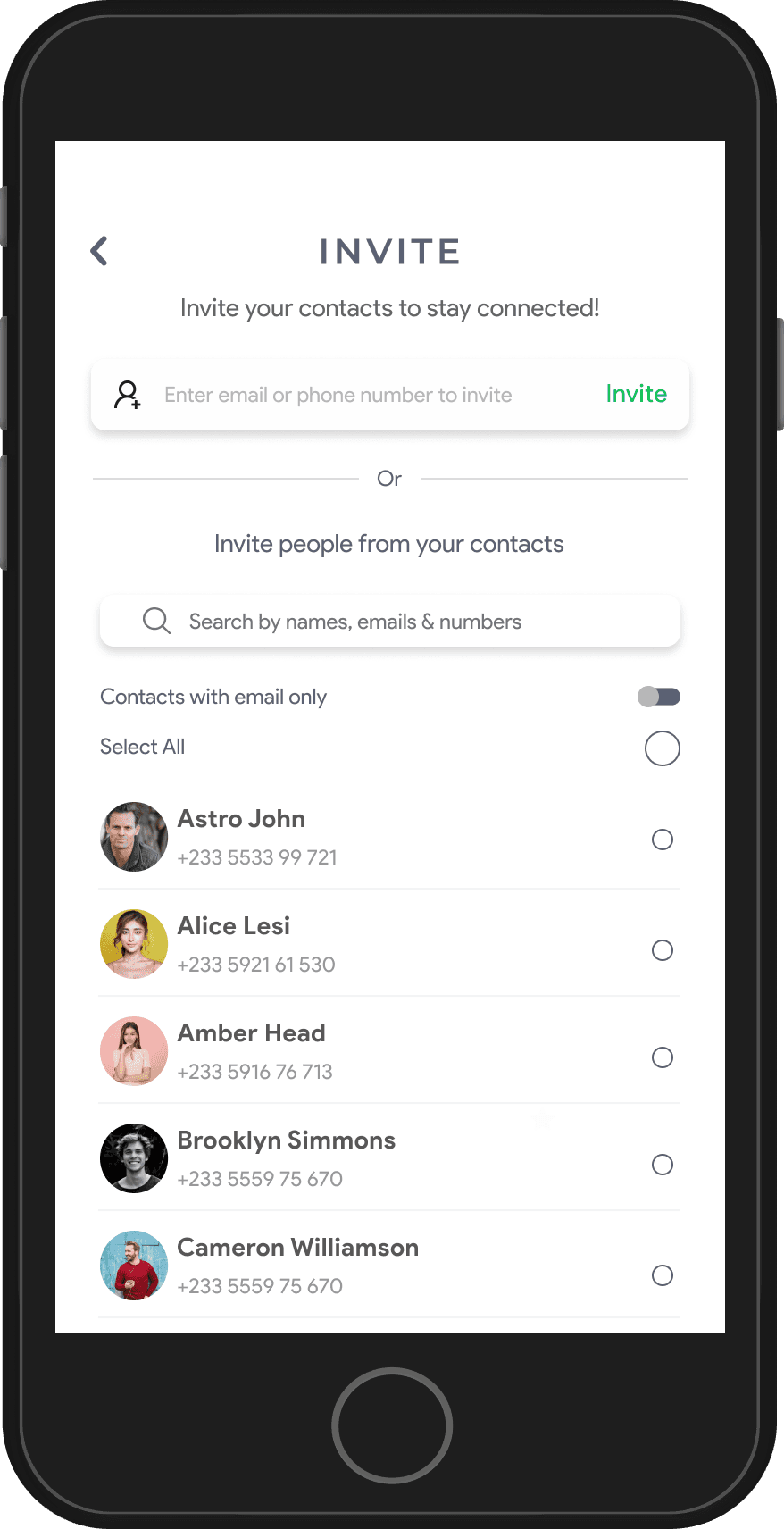
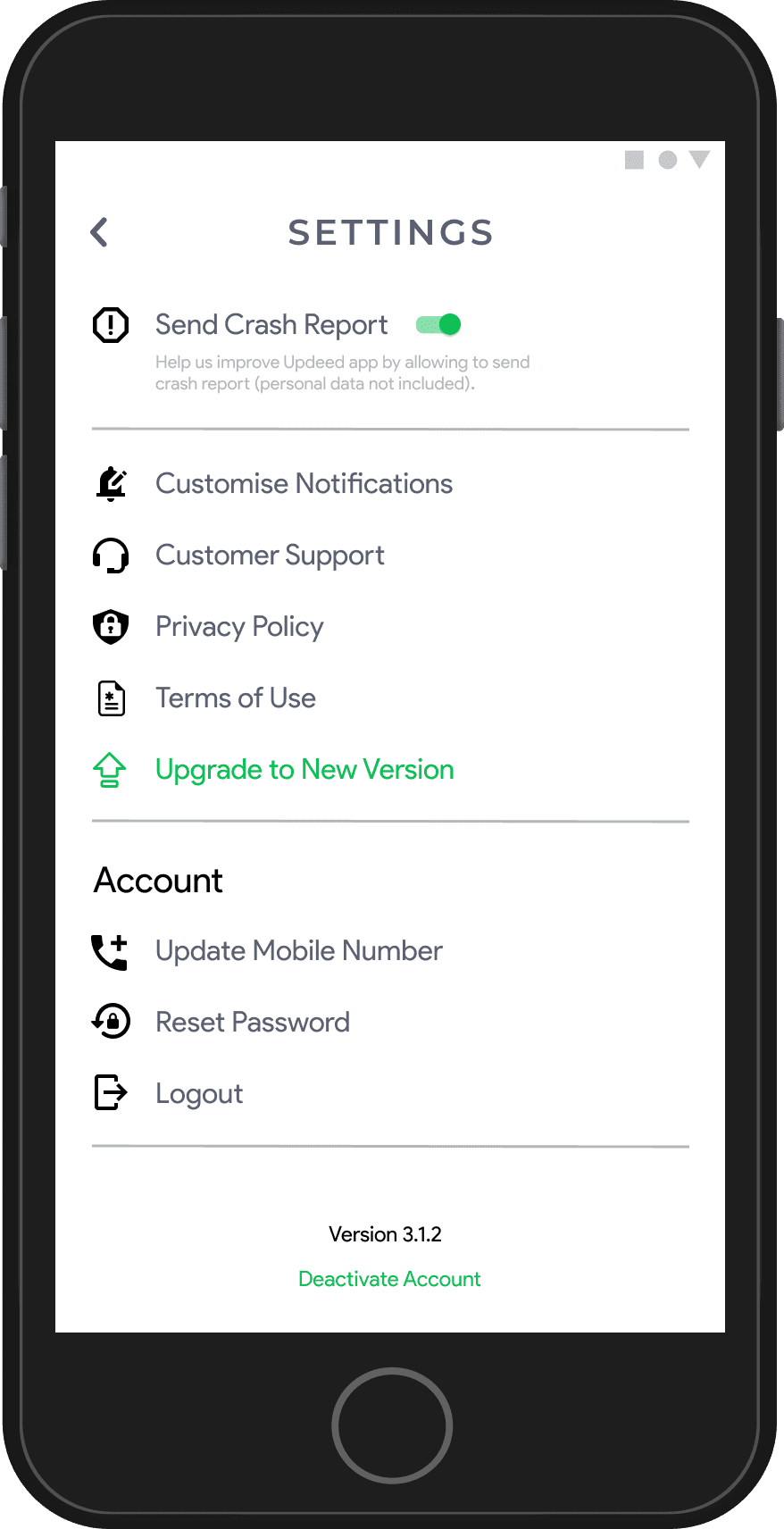
Connections, Invitations & Preferences
This section showcases tools for building meaningful connections through invites and interactions while allowing users to customize their experience with personalized settings and preferences.
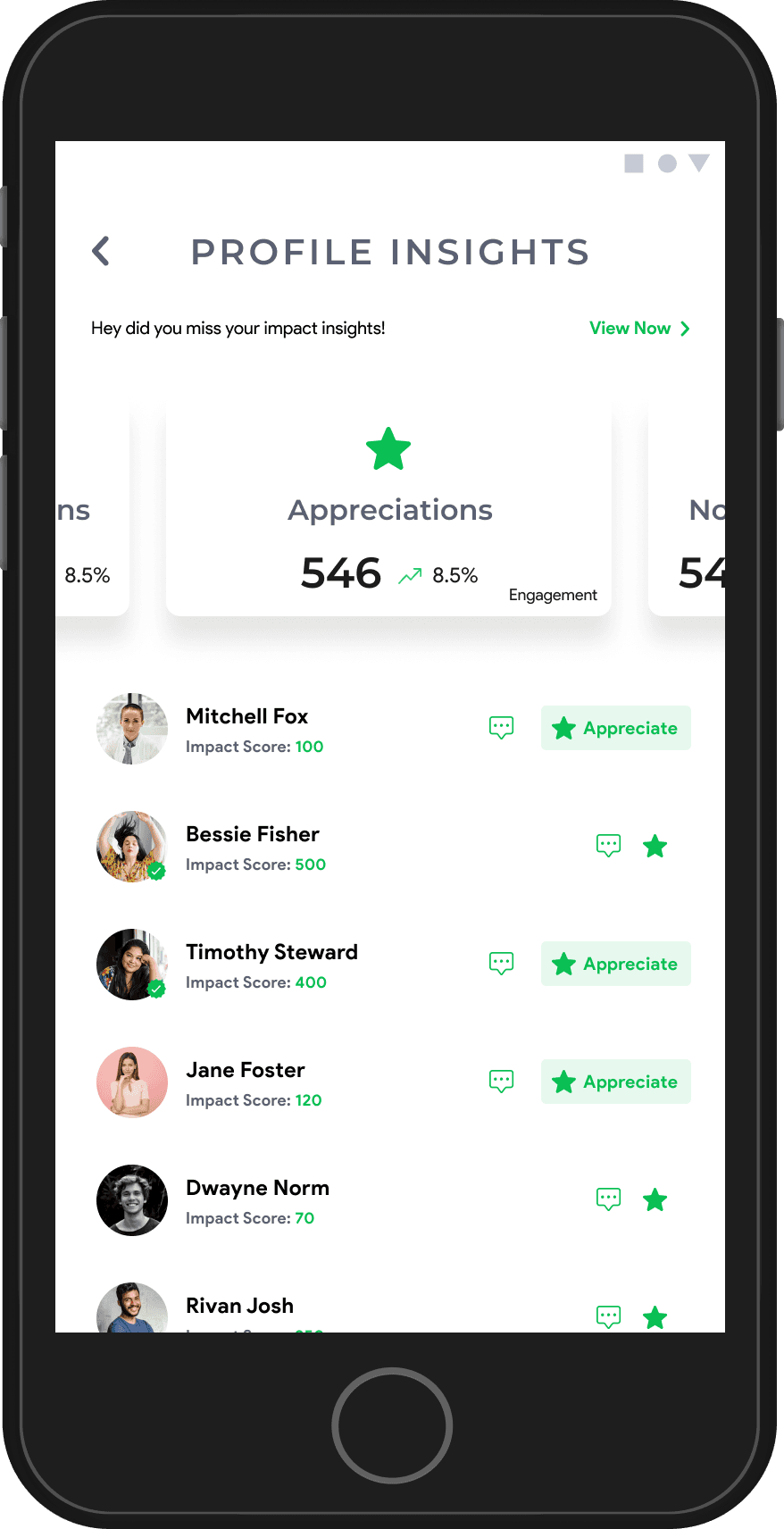
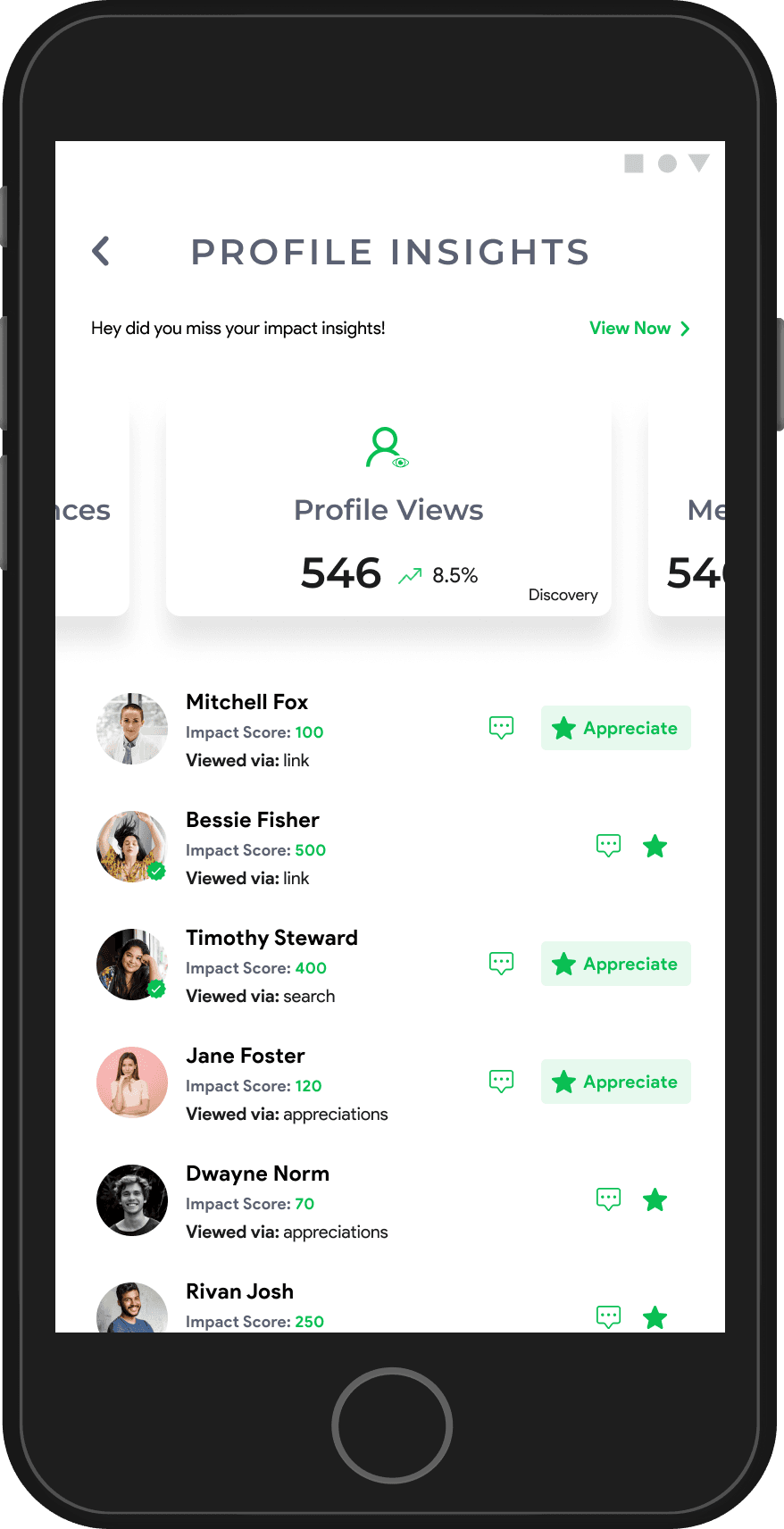
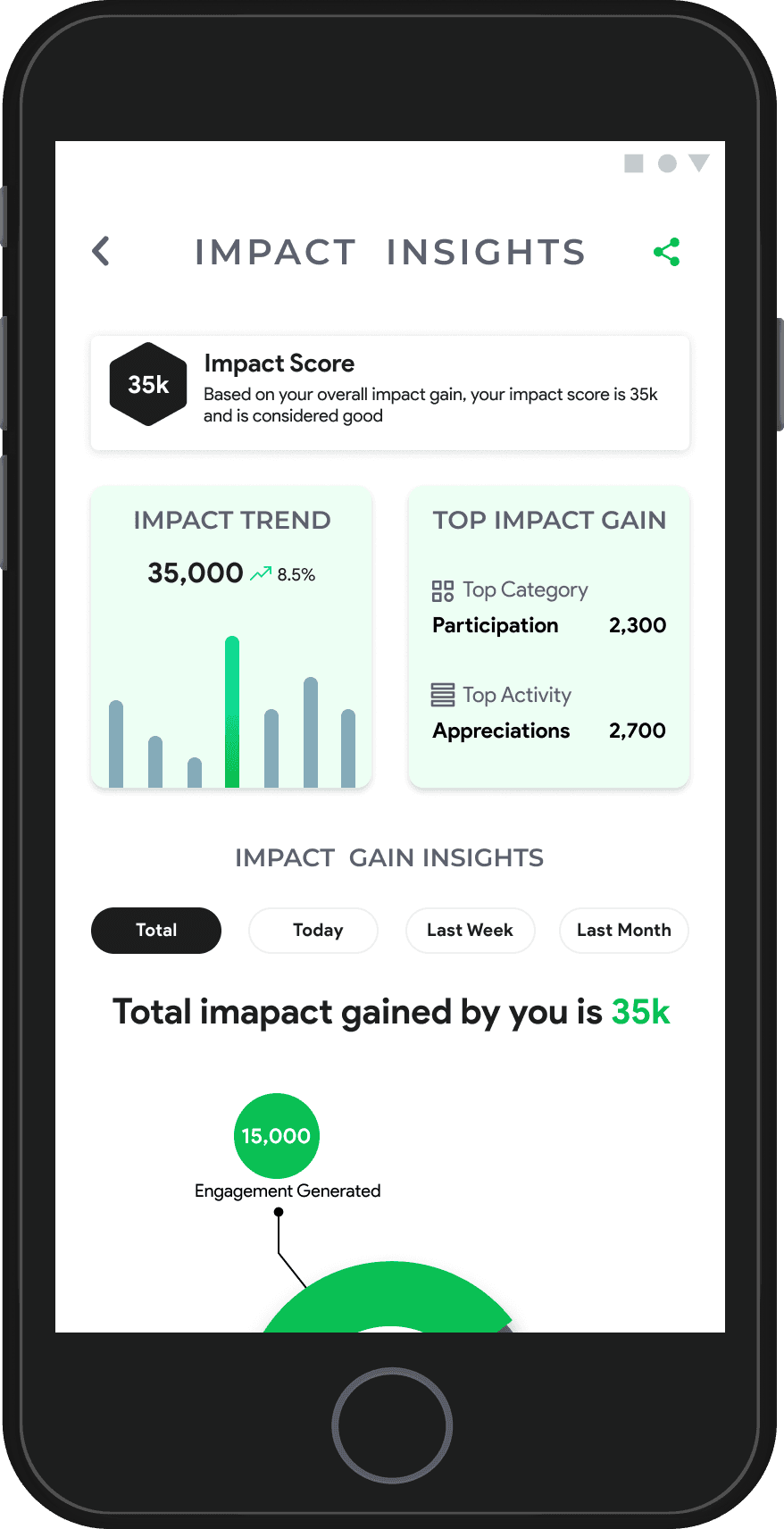
Impact & Profile Insights
This section highlights user metrics, with Profile Insights covering basics like appreciations and shares, while Impact Insights provide a detailed view of contributions, engagement, and growth.
High-Fidelity Wireframes
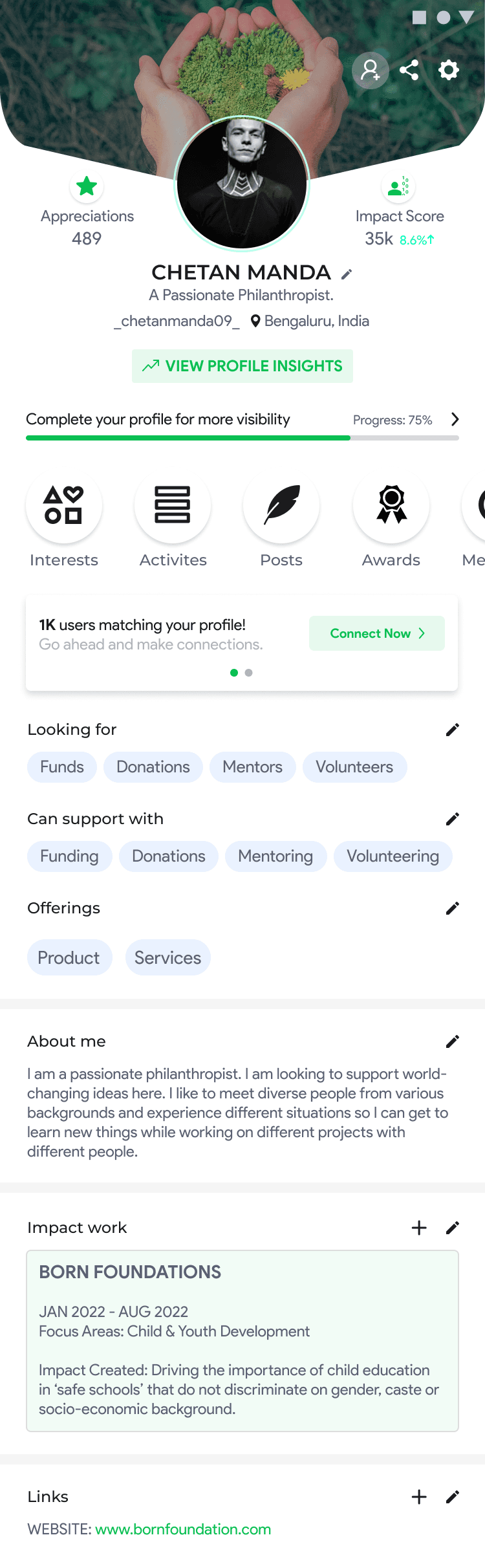
The high-fidelity designs bring the profile pages to life with polished visuals, branding elements, and interactive features. These designs focus on delivering a seamless user experience by incorporating refined typography, colors, and detailed components, ensuring clarity, engagement, and alignment with the platform's identity.
Elevating Profile Experiences
The Self and Other’s Profiles are carefully crafted to deliver meaningful insights, strengthen connections, and showcase user contributions. By integrating engagement tools, impact metrics, and personalization options, the profiles offer a seamless and impactful user experience that reflects each changemaker’s influence on the platform.
Profile completion rates improved by 25% due to intuitive navigation and easy-to-edit fields.
Engagement actions like appreciations and awards increased by 30%, driving platform activity.
User connections grew by 35% with features like "Connect" and "Invite."
Over 40% of users leveraged Impact Insights to monitor and share their progress effectively.
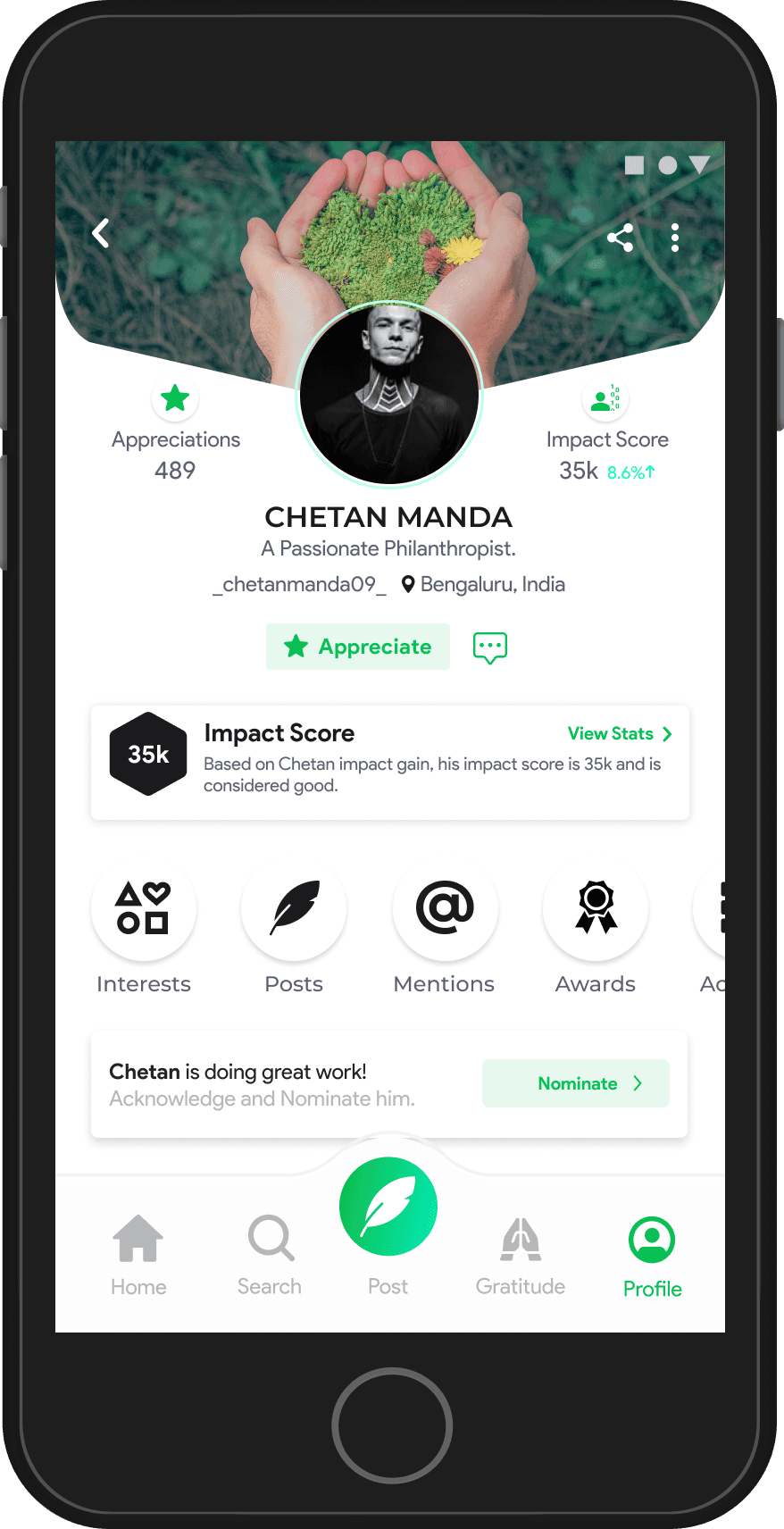
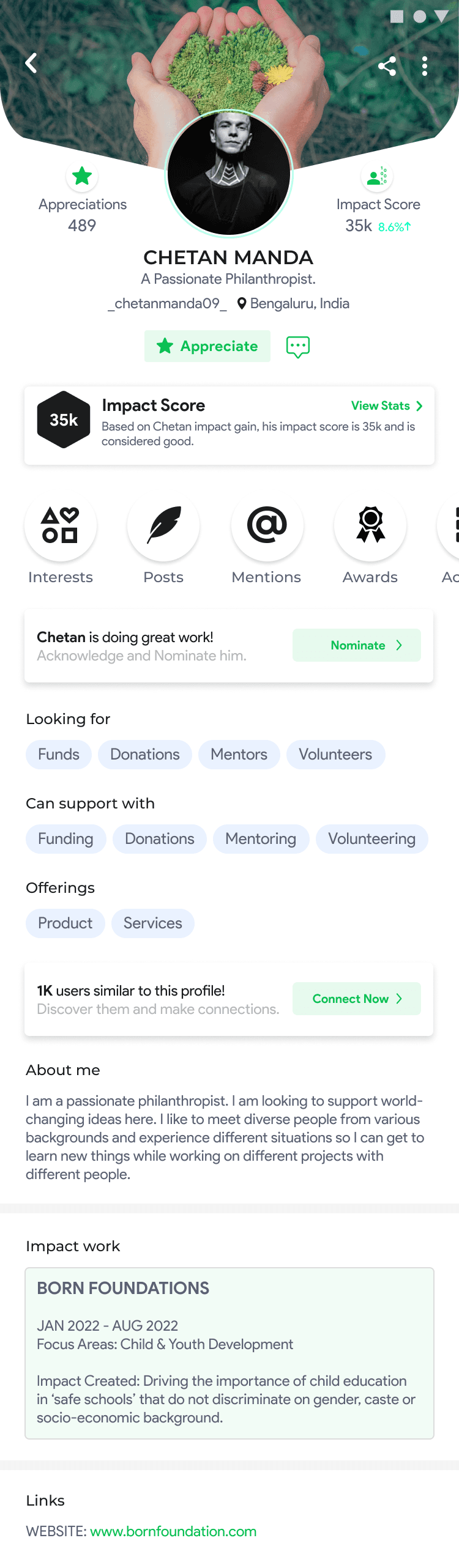
Other’s Profile
Exploring Other’s Profiles & Insights
This section highlights the user journey through profiles, from viewing detailed information to editing personal or organizational details and completing profiles for better visibility and engagement.
To identify the core requirements of a successful campaign feature, extensive research was conducted with NGOs, changemakers, and other stakeholders. Key insights from this research include:
A. Mobilize Resources and People
These campaigns are designed to gather tangible resources, volunteers, and donations to support various causes and initiatives.
B. Drive Impact
These campaigns focus on spreading awareness, promoting products, or organizing events to generate broader impact and engagement.
Design
Campaign
Research & Insights
Campaign Categories
Information Architecture
Challenges
User Expectations
Low-Fidelity Wireframes
Mapped out the user journey, ensuring a logical flow and easy navigation.
Prototyped basic forms, preview sections, and navigation pathways for usability testing.
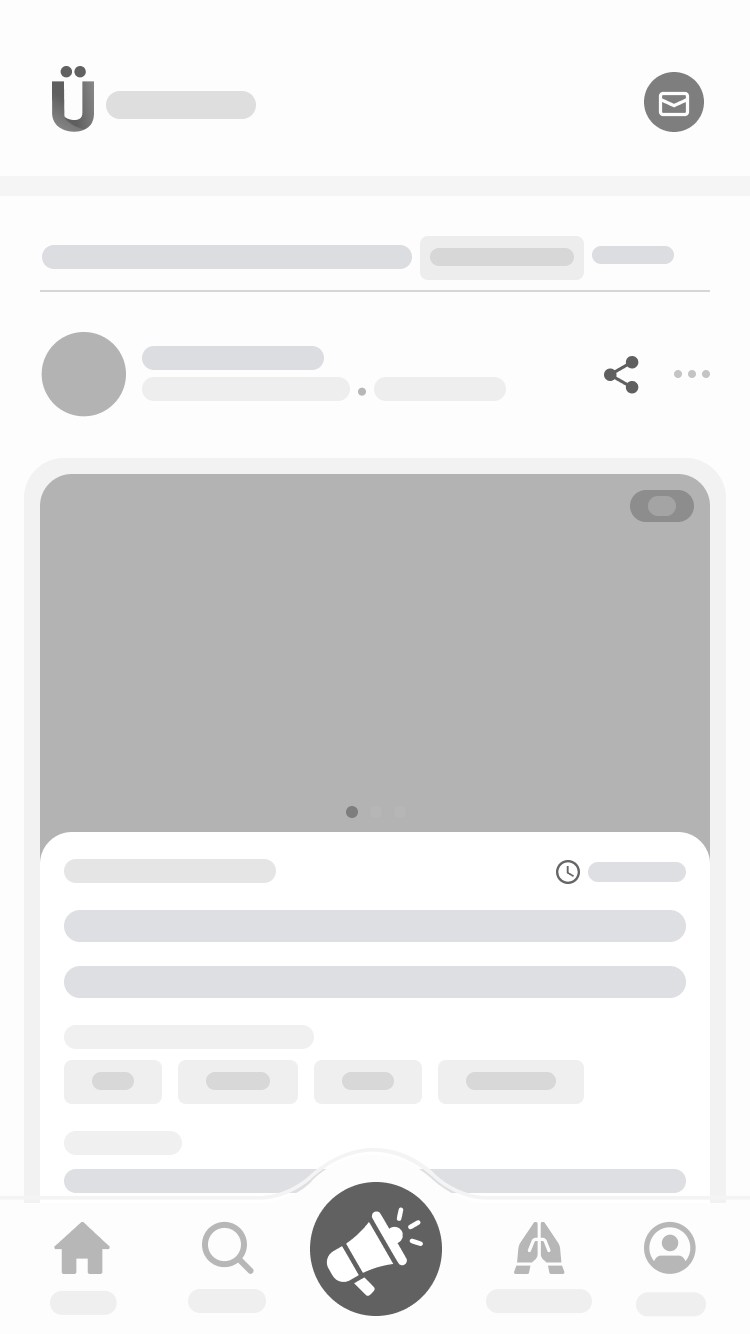
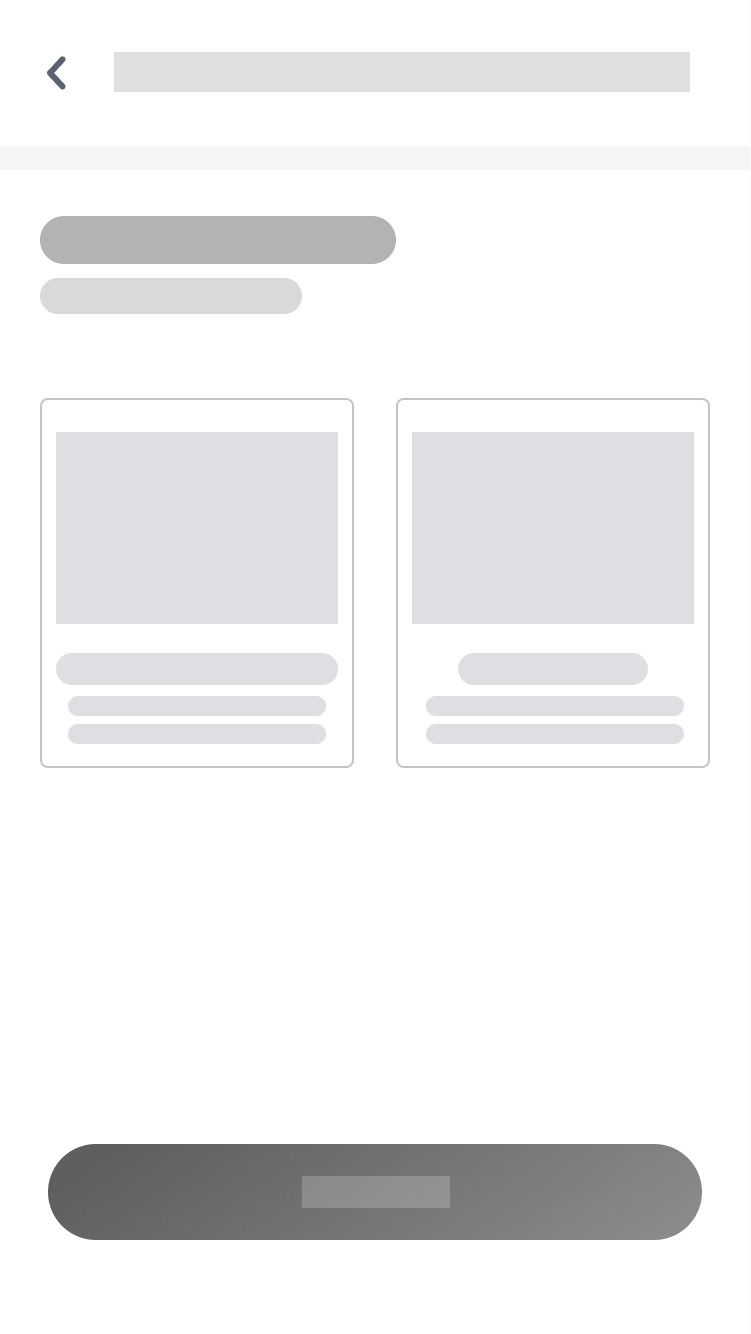
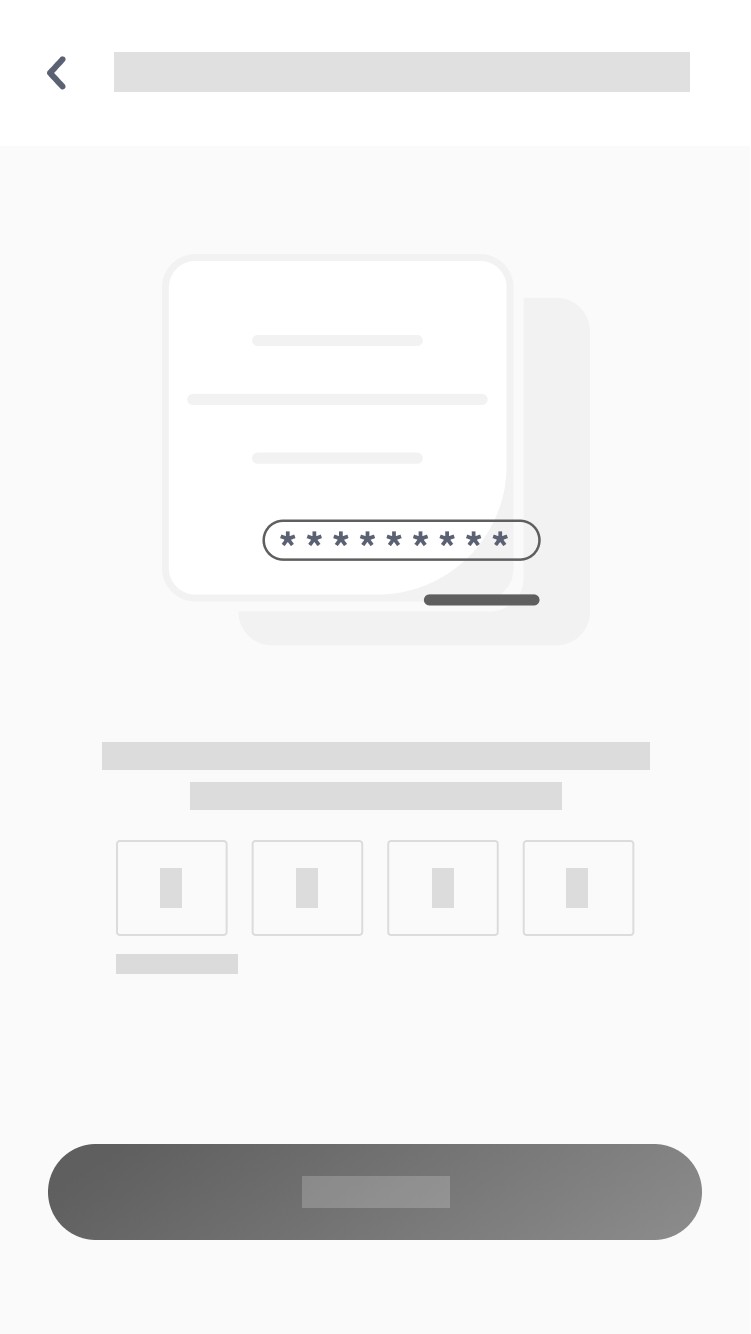
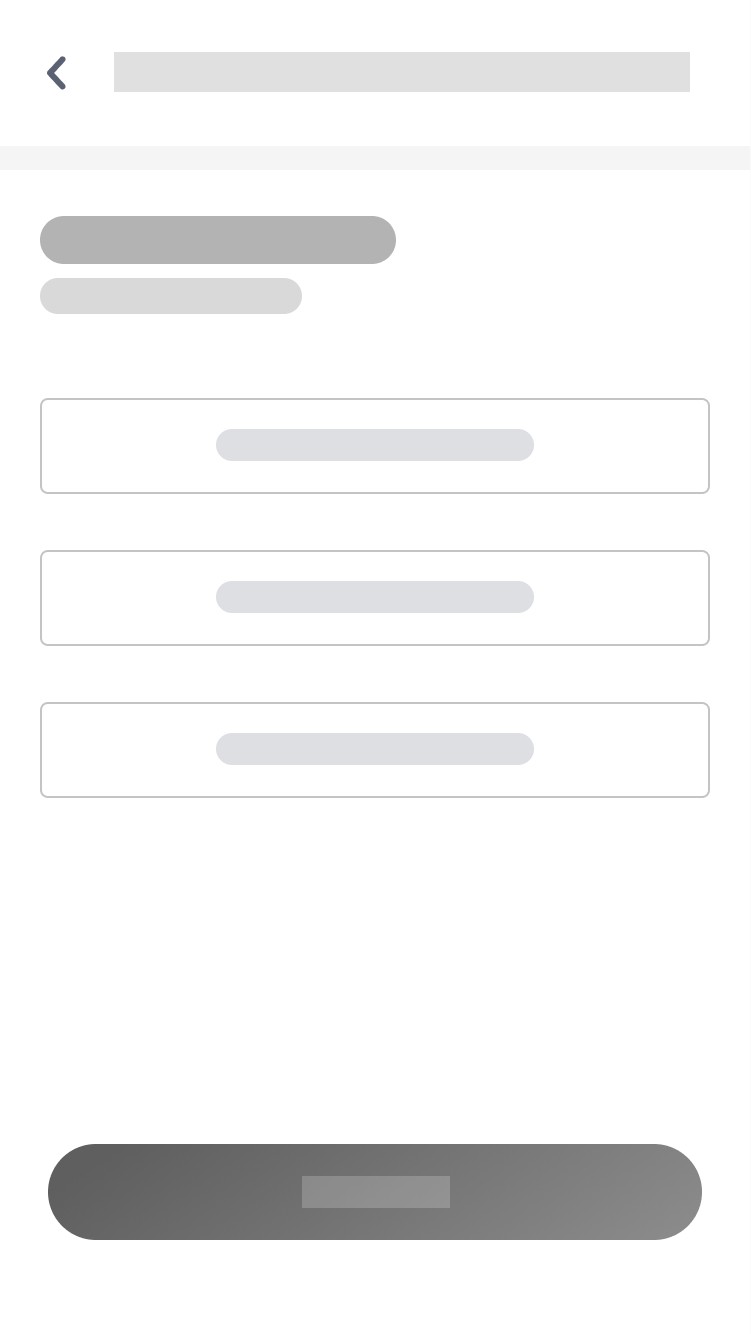

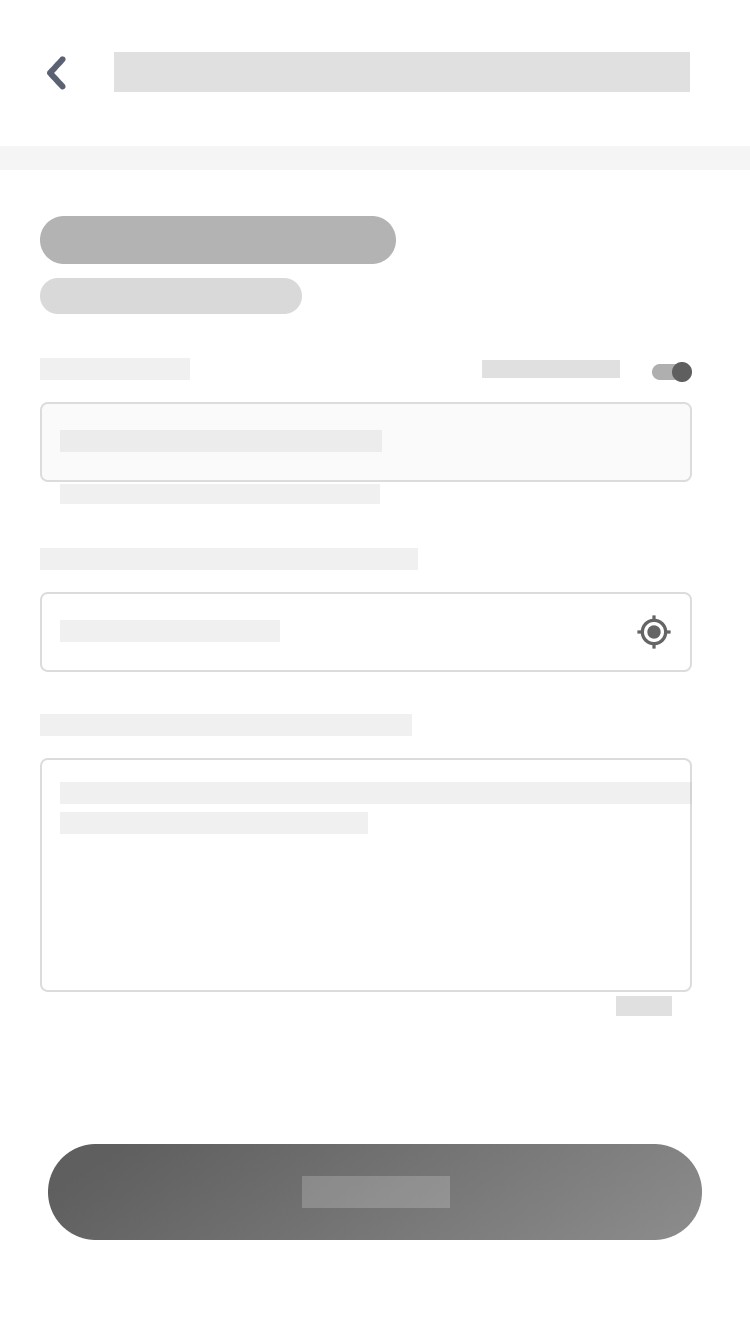
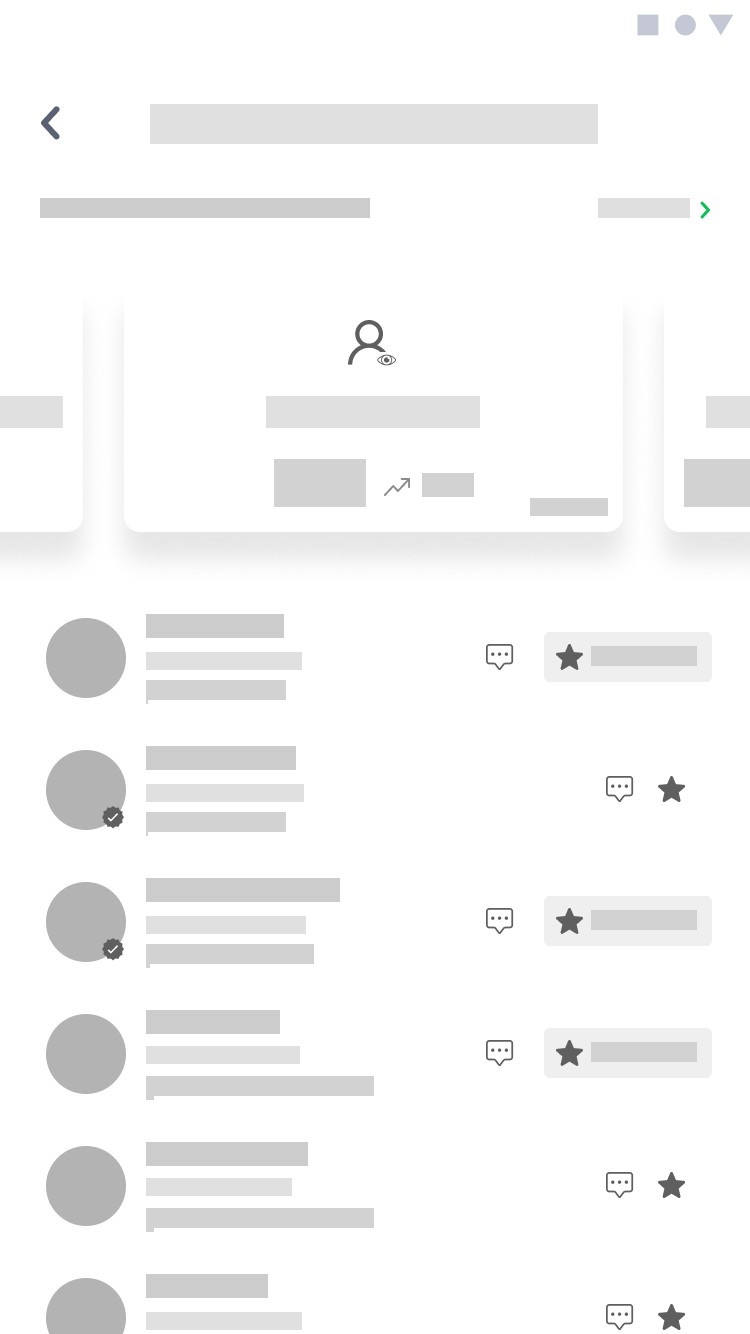
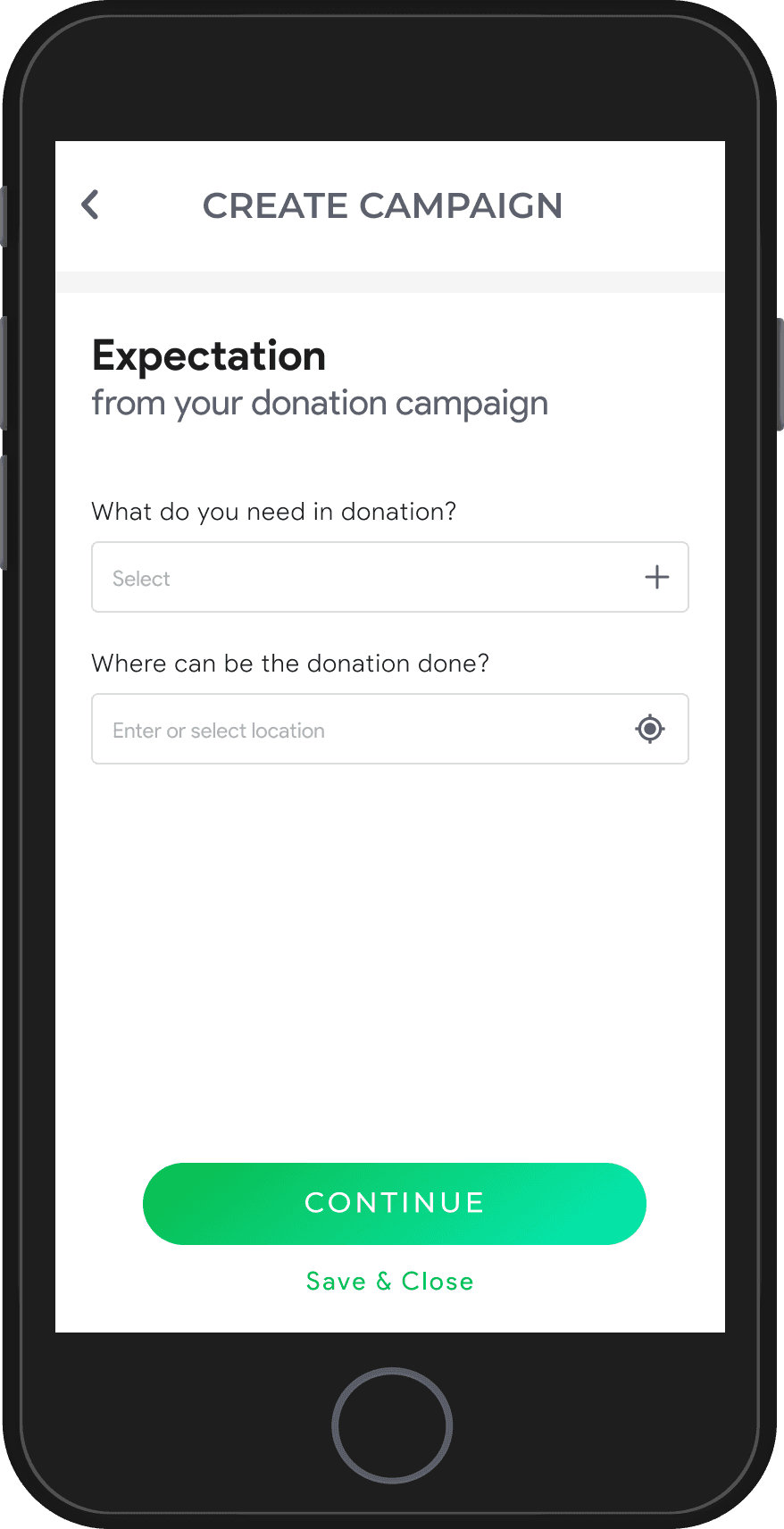
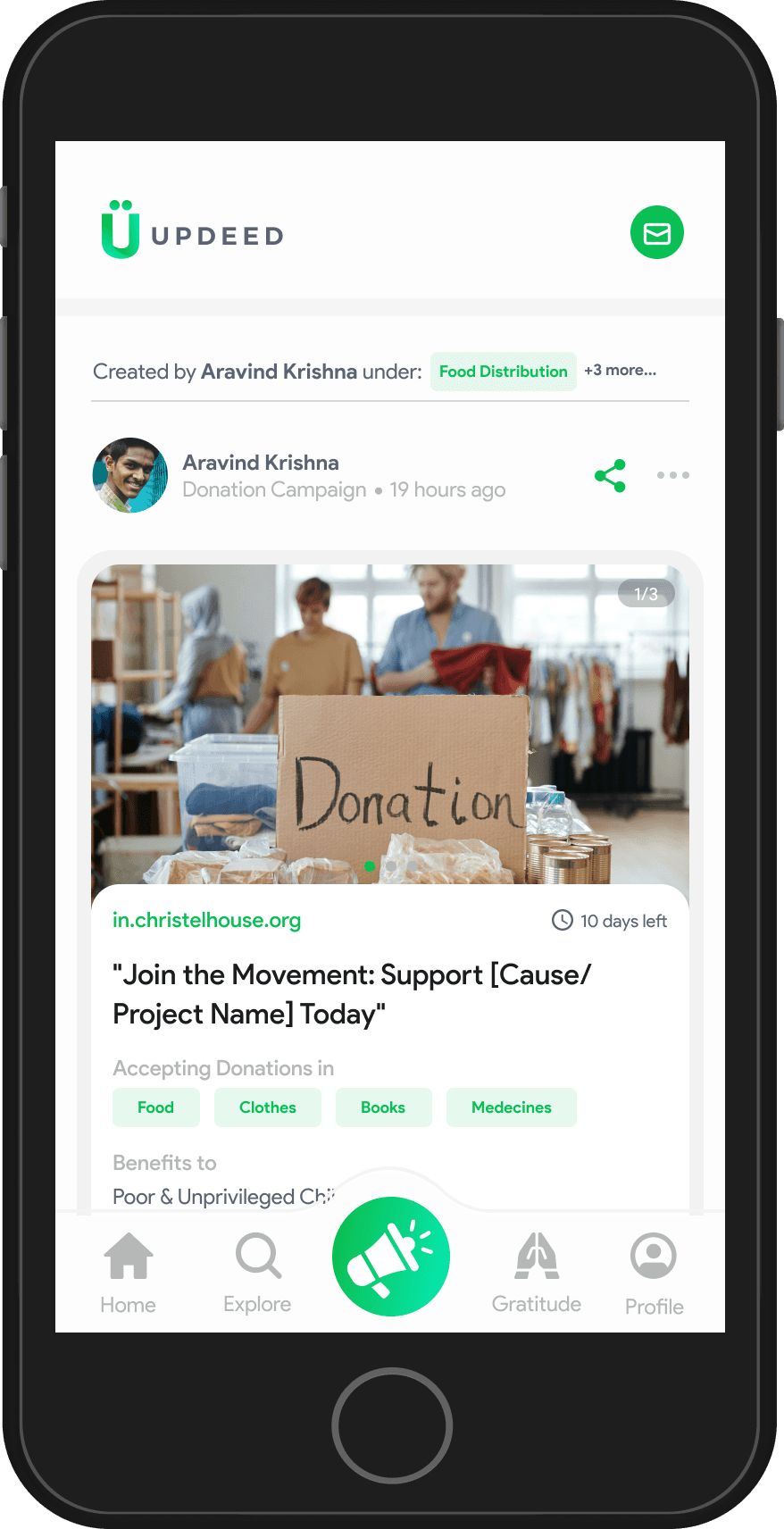
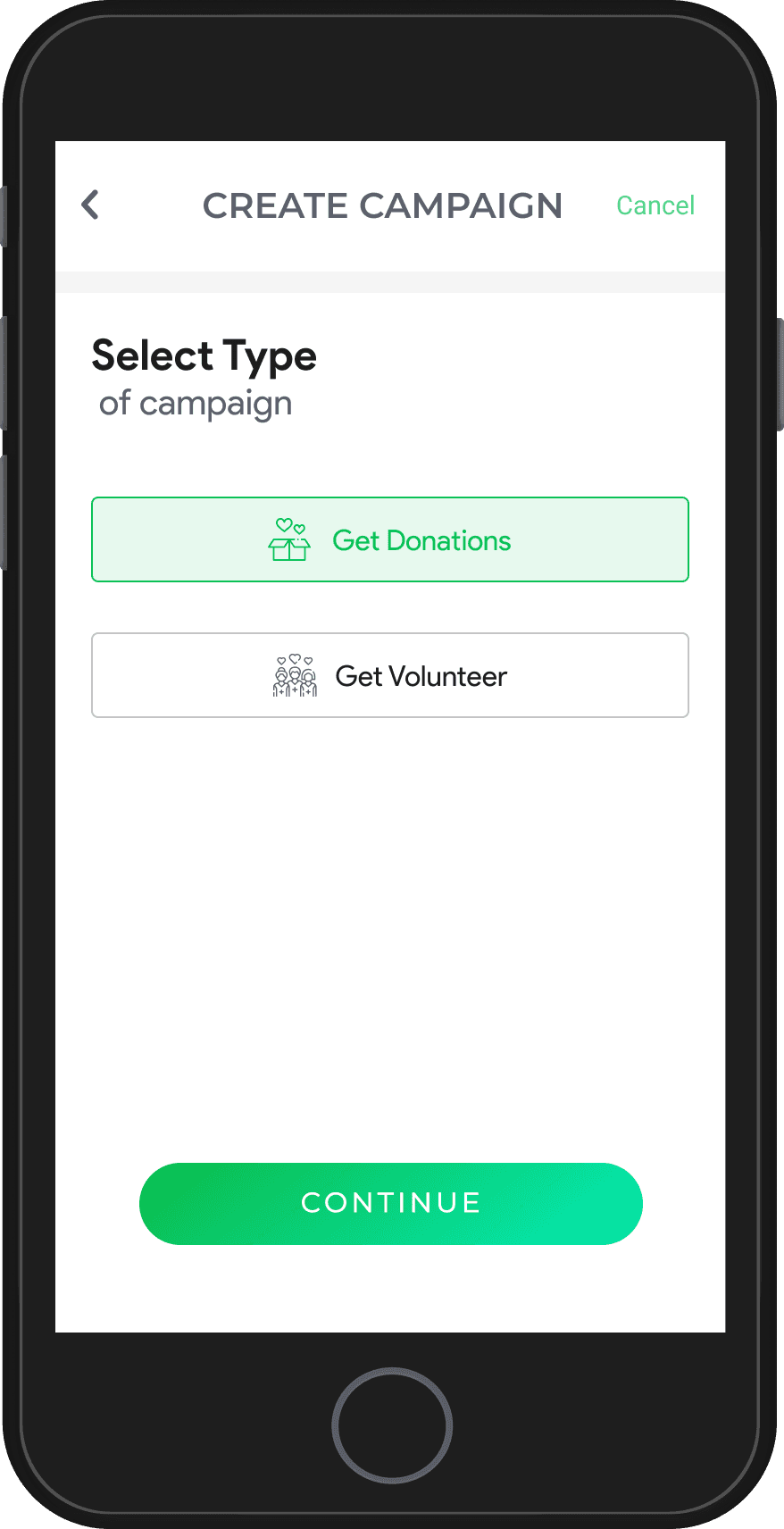
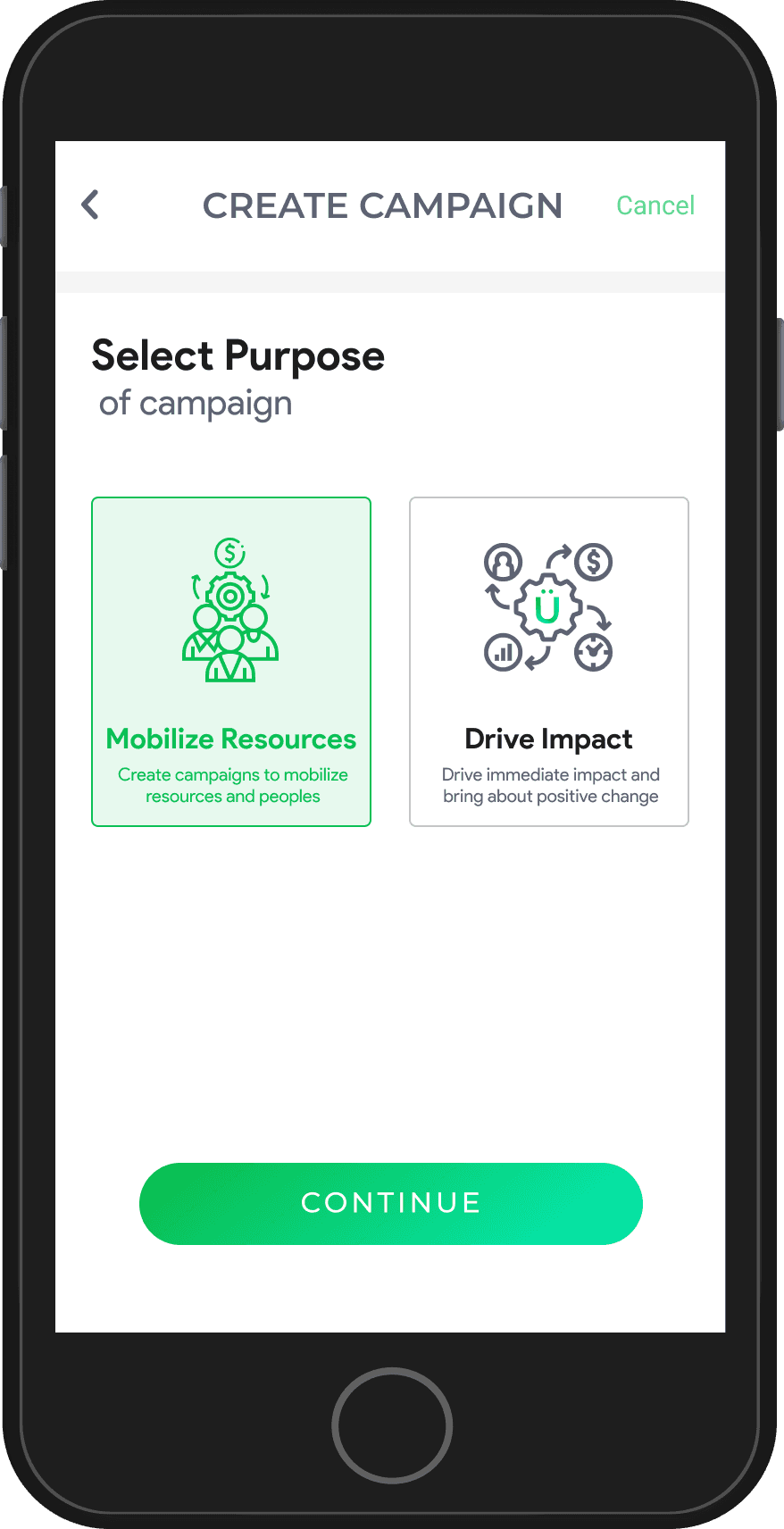
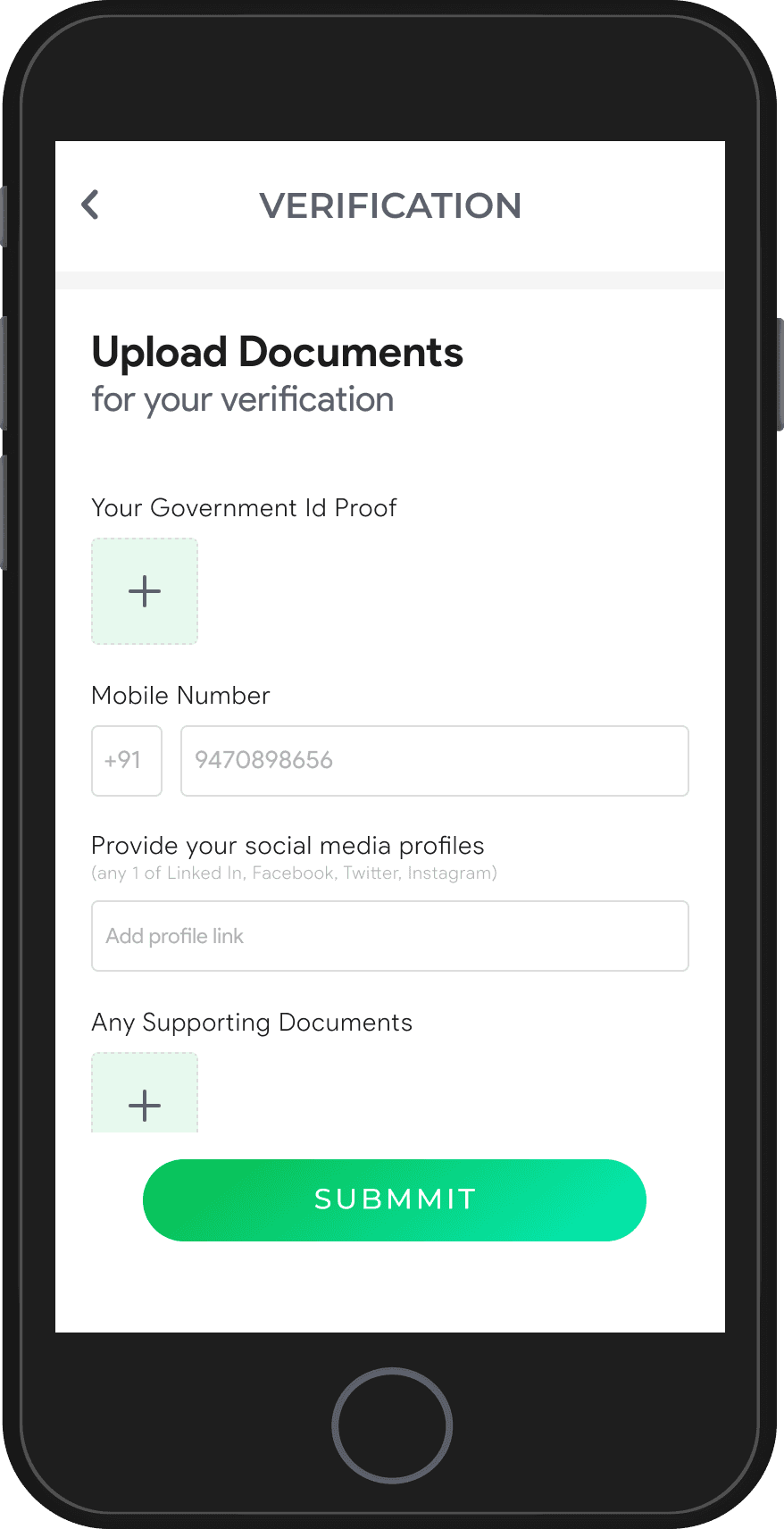
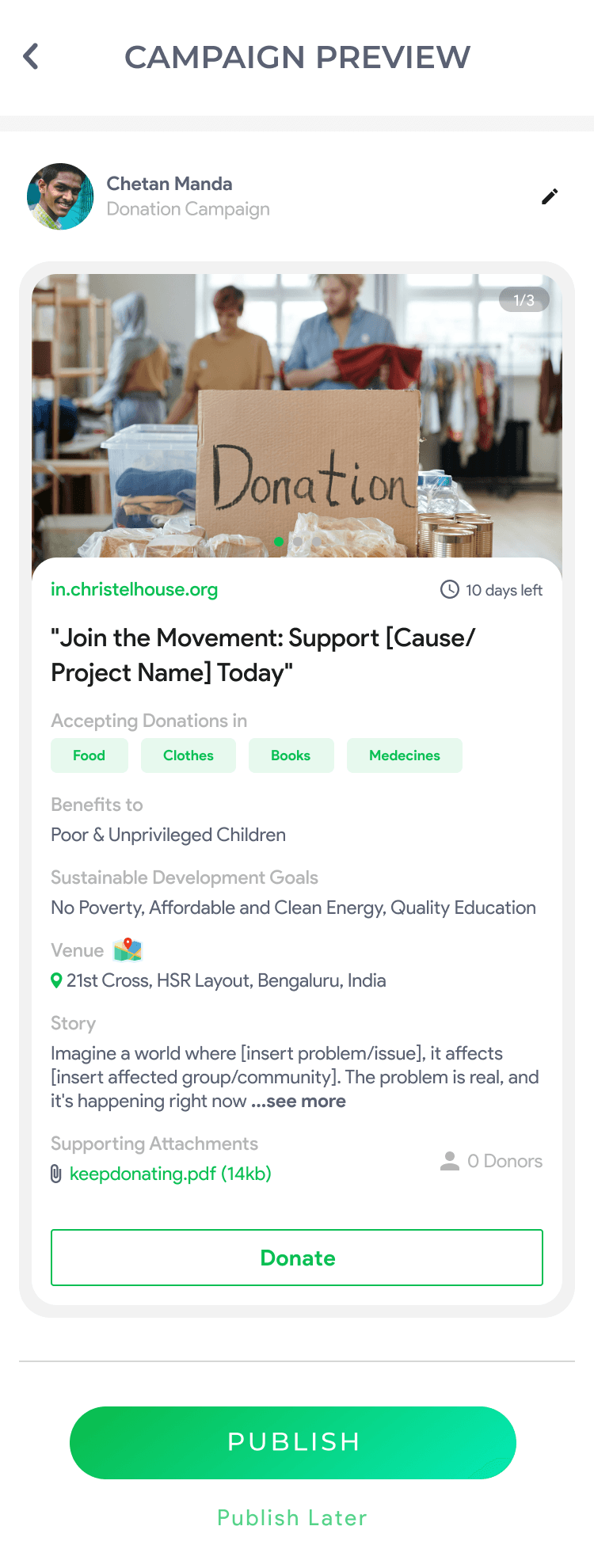
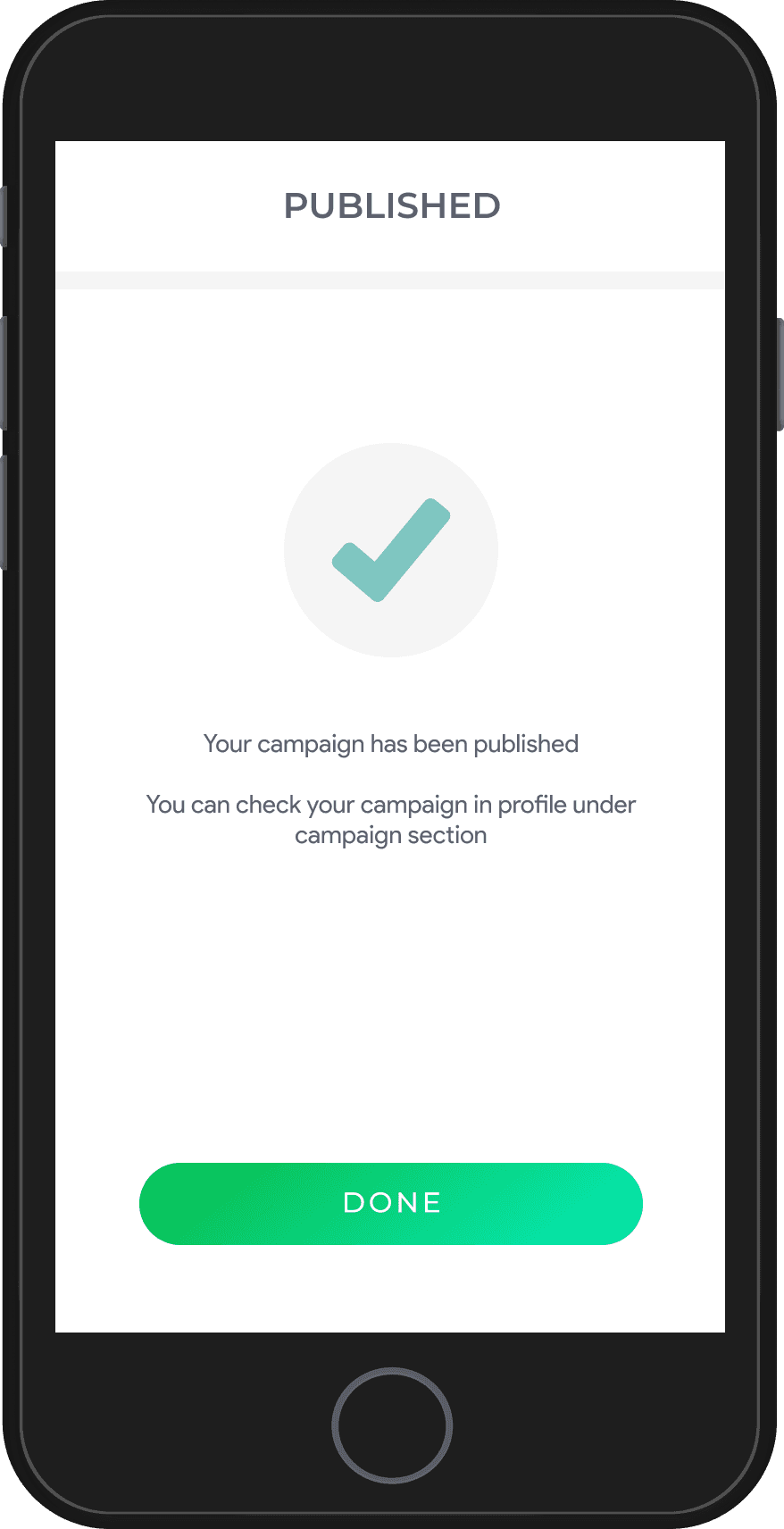
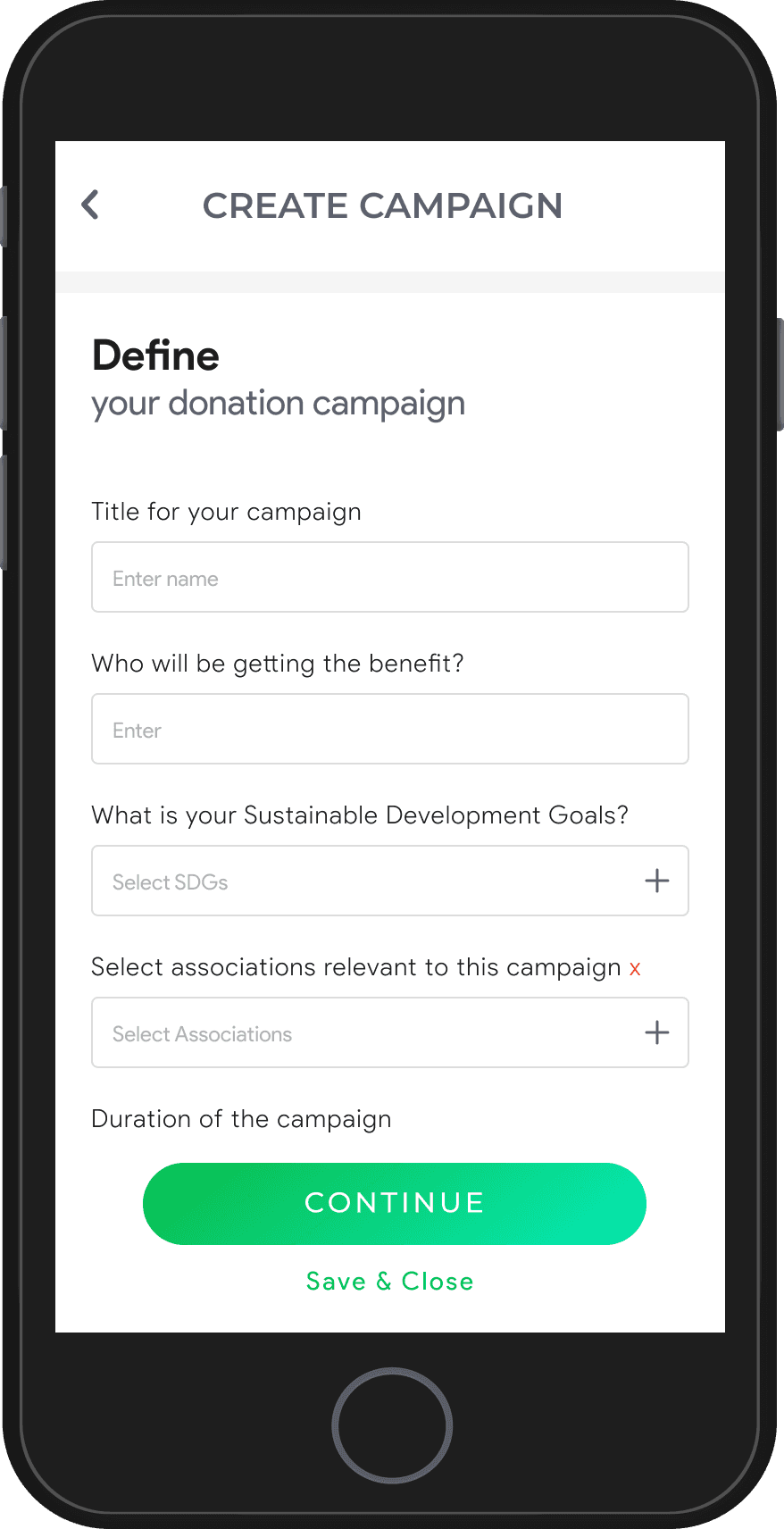
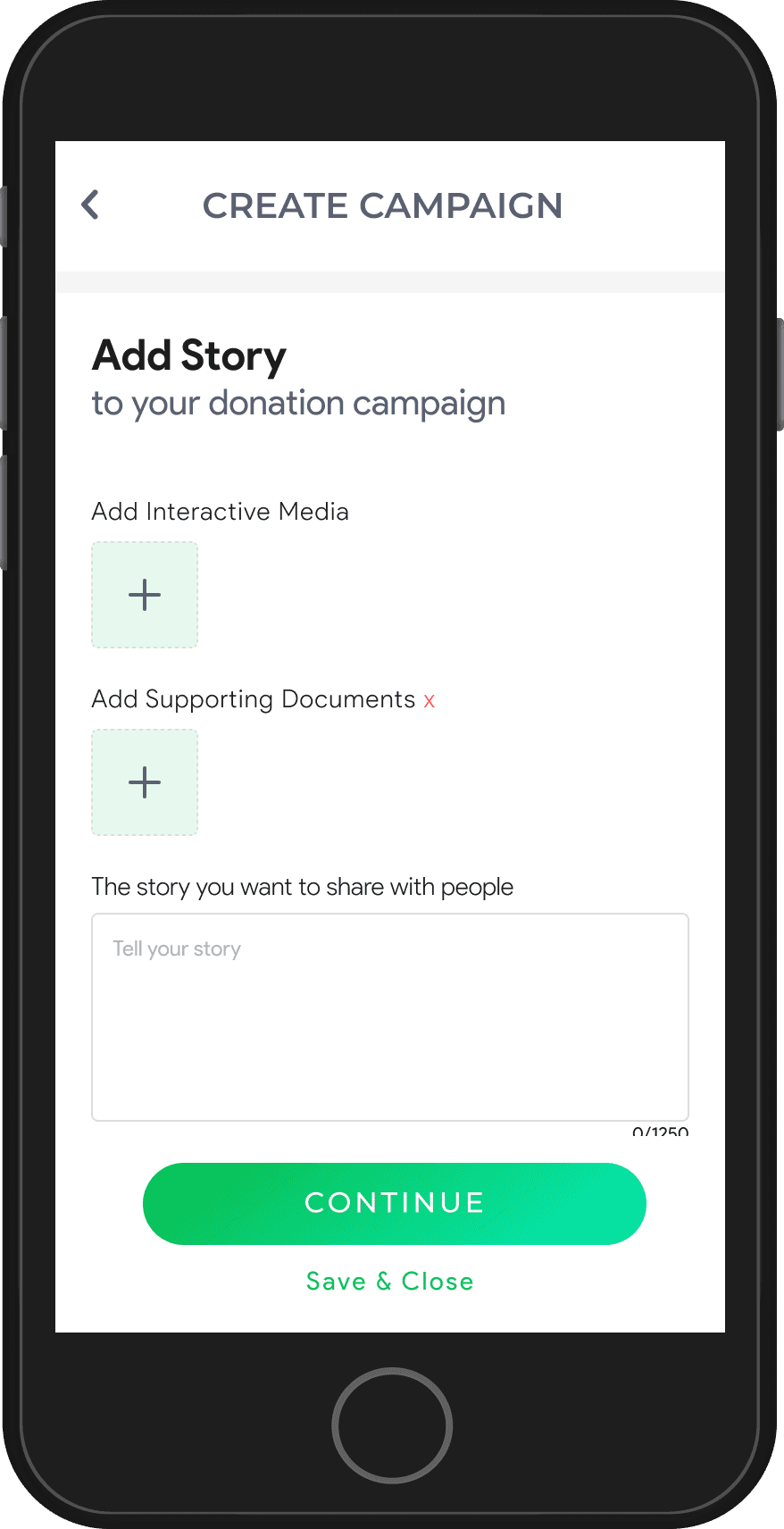
Campaign Creation & Verification
This section showcases the structured flow of campaign creation, from filling out details and uploading media to verifying and publishing the campaign, ensuring a seamless and efficient launch process.
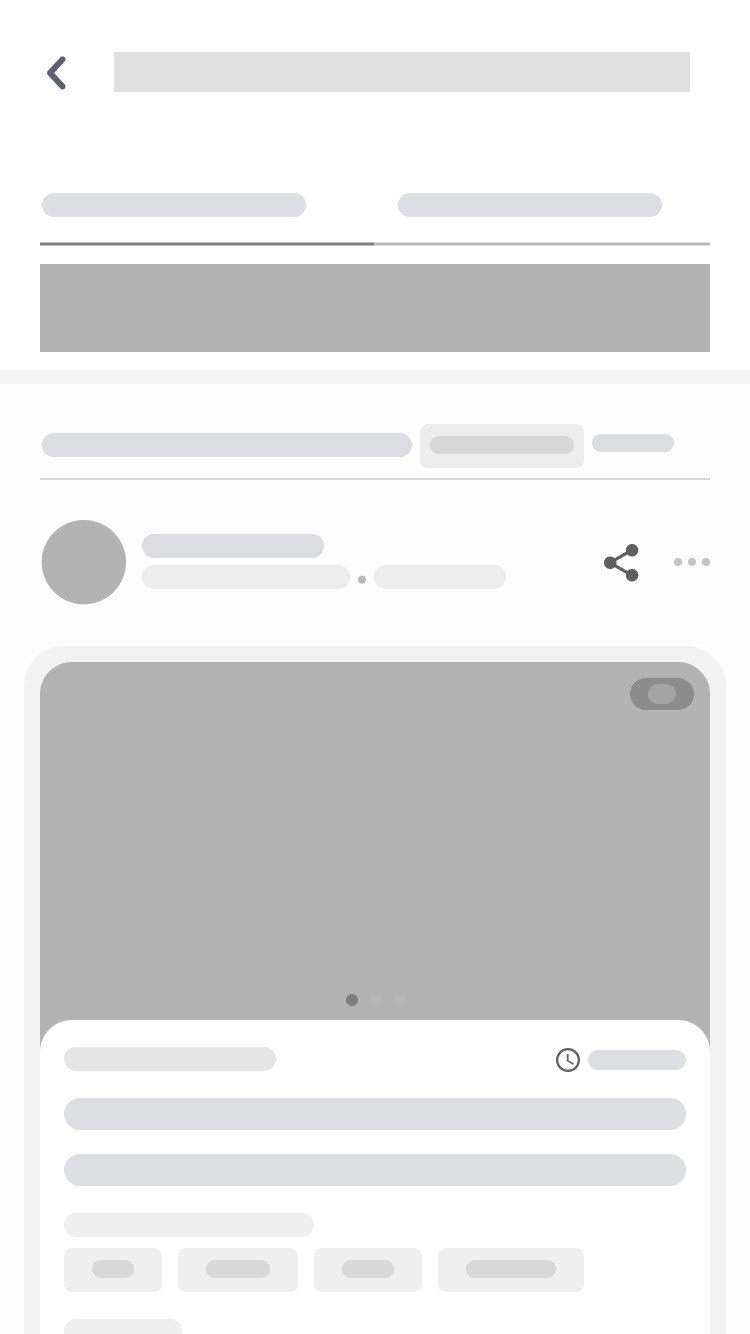
Campaign Showcase
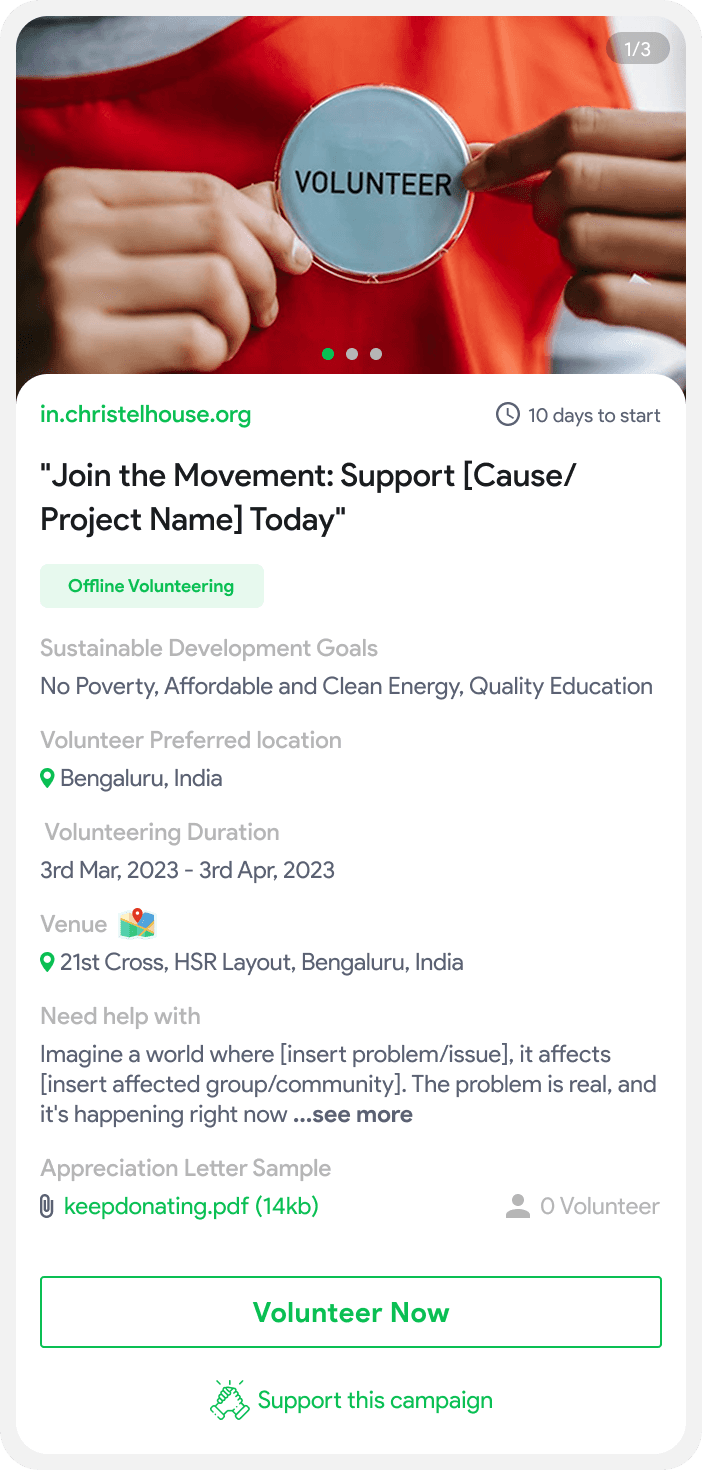
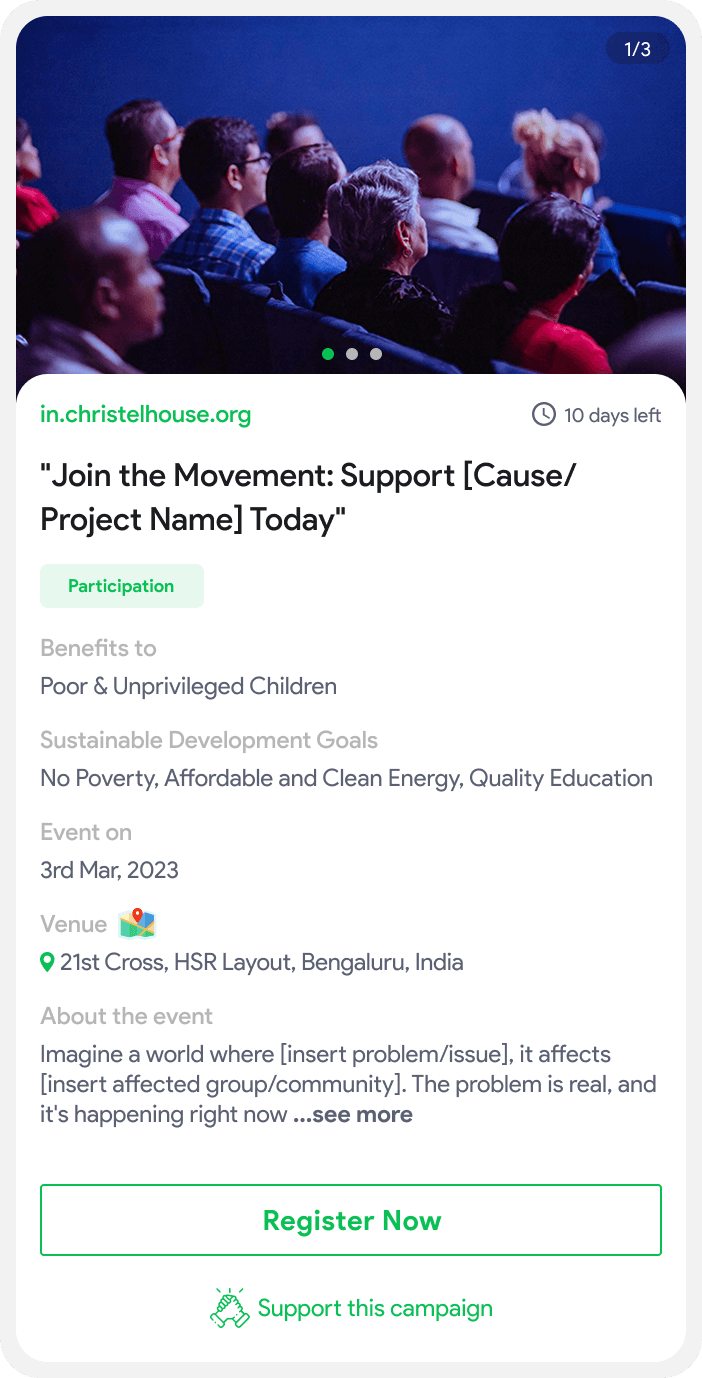
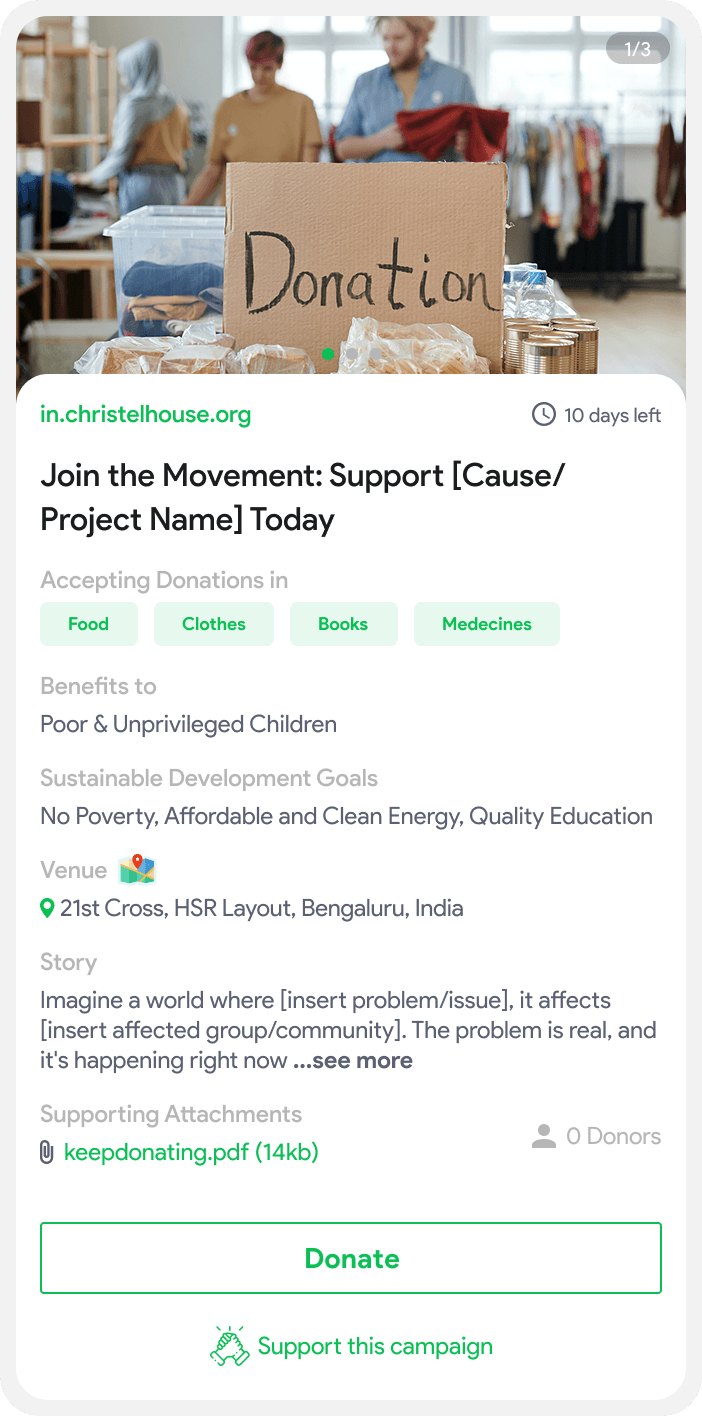
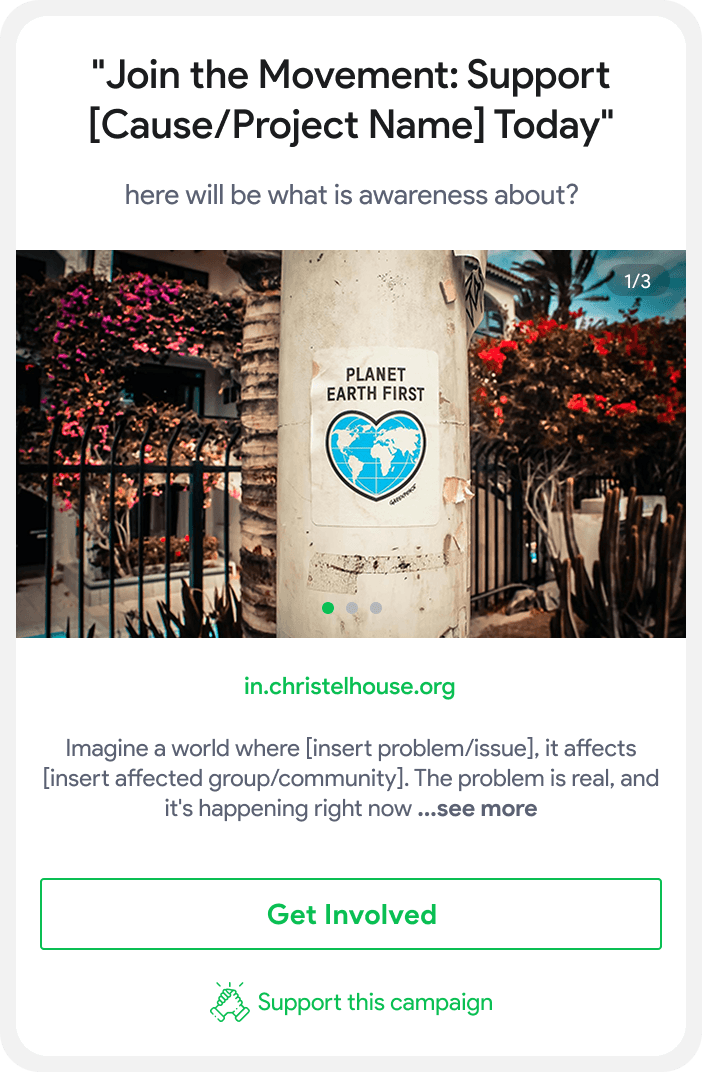
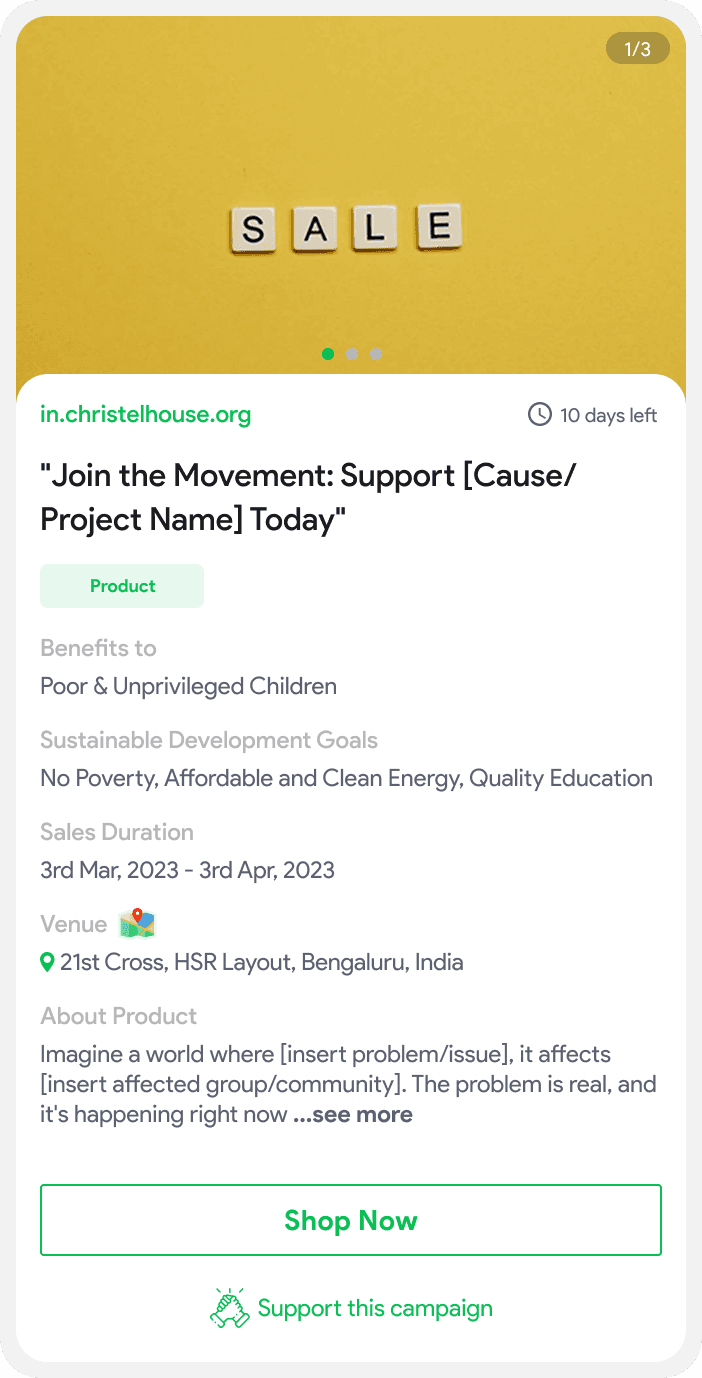
Here, different types of campaigns are displayed in visually engaging cards, allowing users to explore and engage with active fundraising, awareness, and volunteer initiatives.
High-Fidelity Wireframes
The high-fidelity designs featured polished visuals with brand elements like colors, typography, and icons. A simplified multi-step interface guided users through the process, while interactive components, including media uploads and real-time previews, enhanced engagement and ensured smooth campaign creation.
Limited flexibility in creating tailored campaigns for different goals.
Time-consuming and disorganized campaign setup.
Low participation due to a lack of interactive and engaging elements.
Objective:
Raise monetary or in-kind donations.
Required Information:
Type of donation (money, supplies, food, etc.)
Beneficiaries and location of donation.
Time limit, message, and story to support the campaign.
Donations Campaign
Objective:
Spread awareness about a cause or mission.
Required Information:
Message and goal of the campaign.
Story to create emotional engagement.
Media such as images or videos.
Awareness Campaign
Objective:
Recruit volunteers for tasks, events, or long-term initiatives.
Required Information:
Skills needed, job descriptions, and location.
Duration and appreciation letters, if applicable.
Message, story, and interactive media.
Volunteer Campaign
Objective:
Promote products for fundraising or outreach.
Required Information:
Product details and type of sale (online/offline)
Duration and message to attract buyers
Interactive visuals and CTAs
Product Sales Campaign
Objective:
Promote events for awareness or fundraising purposes.
Required Information:
Event type (online/offline), venue, and date
Goal and key messages
Media to engage attendees
Event Campaign
Easy-to-navigate and streamlined setup process.
Dynamic forms tailored to different campaign goals (fundraising, awareness, product promotion).
Interactive media (images/videos) and strong messaging to drive engagement.
What makes a campaign strong?
Emotional Appeal
Use of interactive media like images and videos to evoke emotions and connect people to the cause.
Clear Goals and Calls to Action
Ensure the campaign has a clear objective (donations, volunteers, awareness) with compelling CTAs.
Positive and Constructive Approach
Messaging should inspire action with a clear, supportive tone.
Empathy and Storytelling
Share impactful stories that create empathy and encourage involvement.
Select Purpose
Preview Campaign
Publish Campaign
Verification
In Review
New Campaign
Mobilize Resource
Published
Volunteer
Product Sales
Event
Donation
Awareness
Drive Impact
Failed
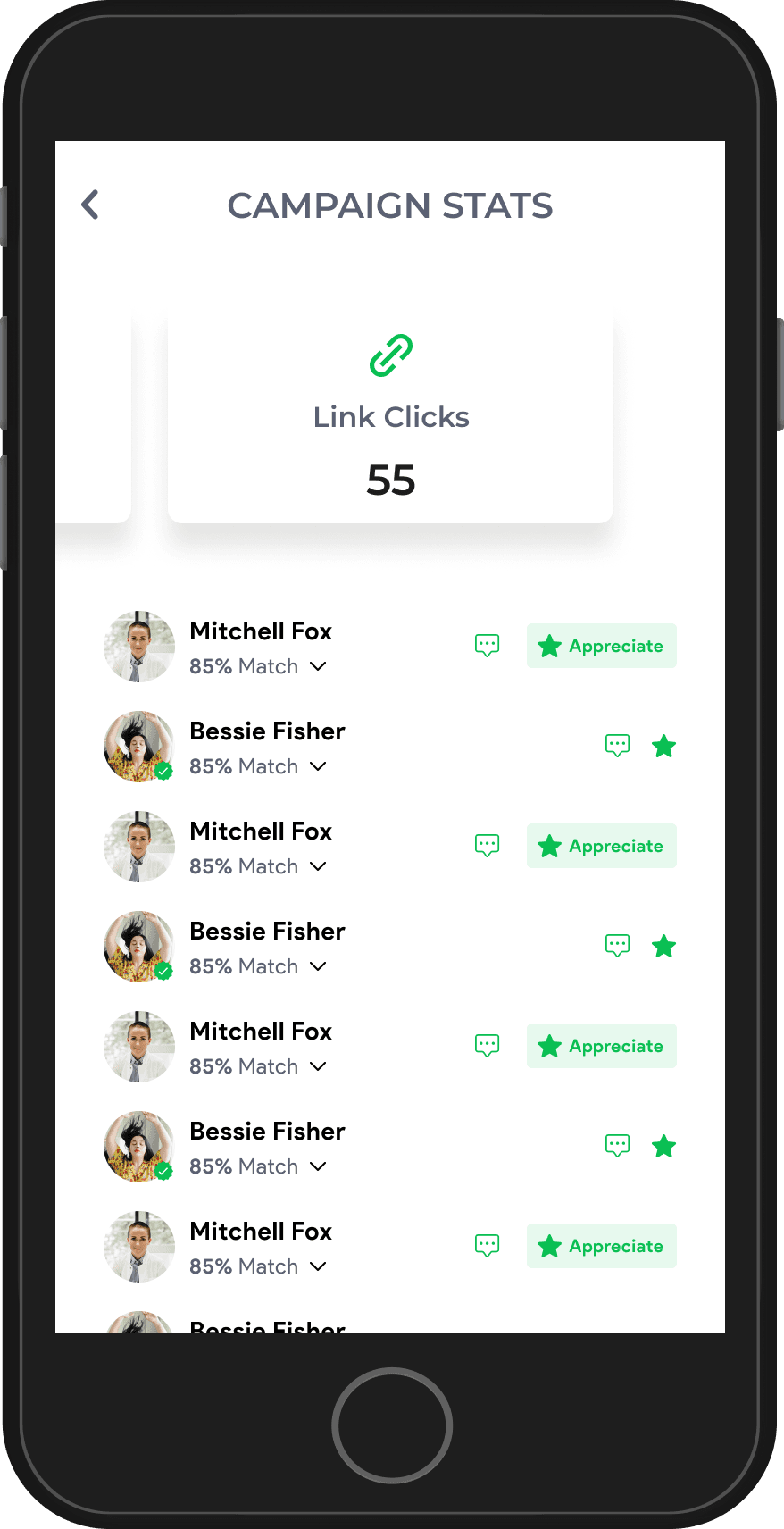
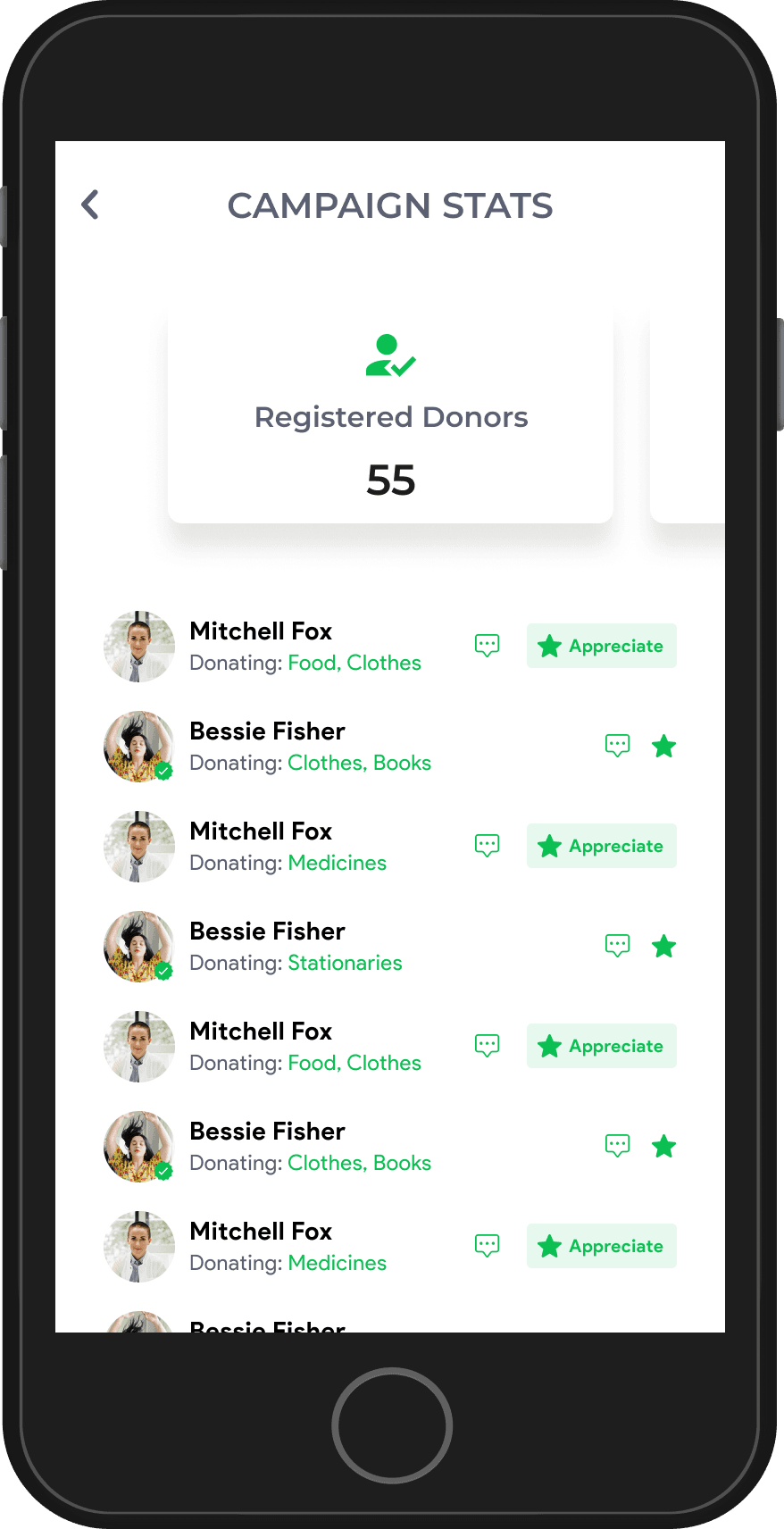
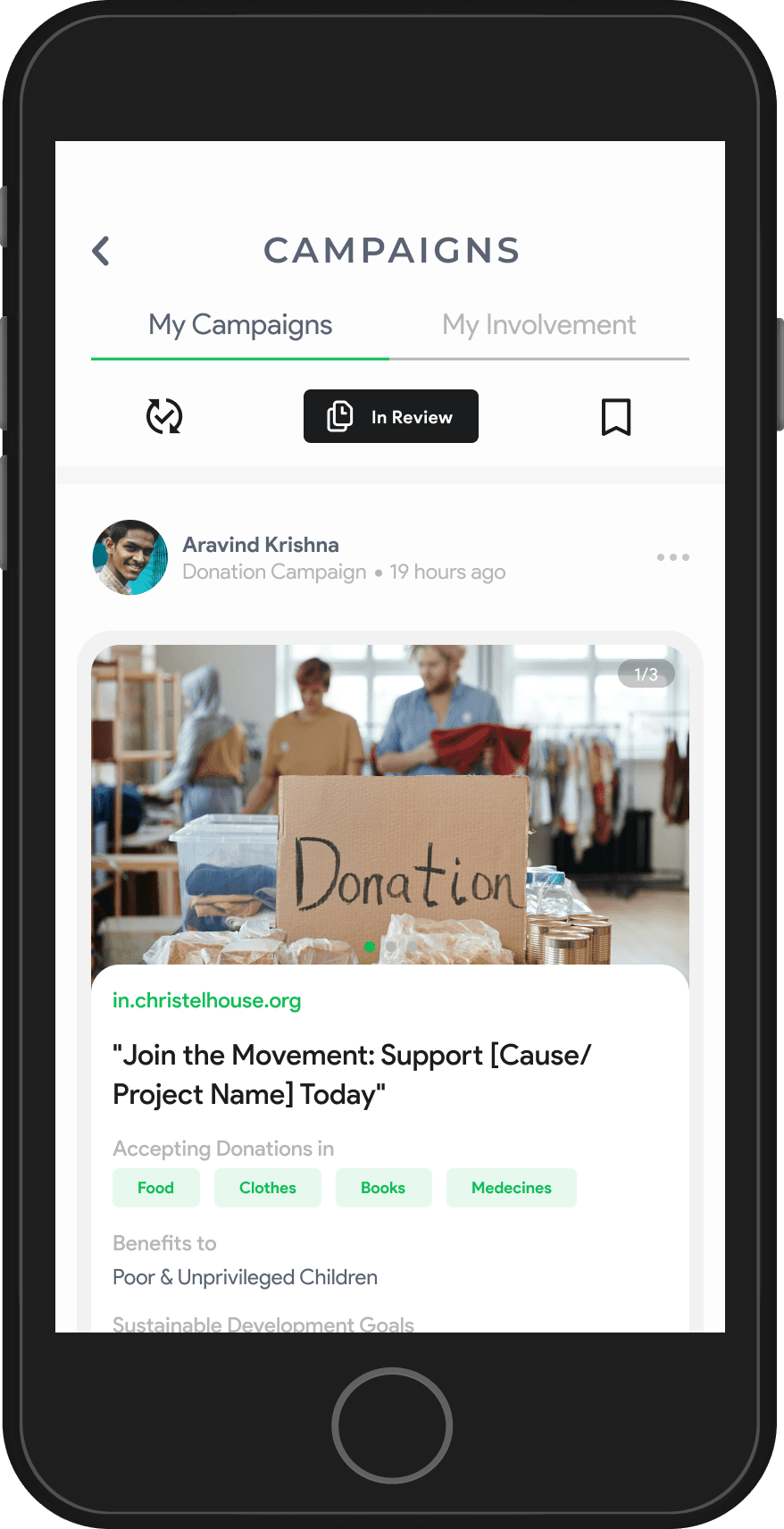
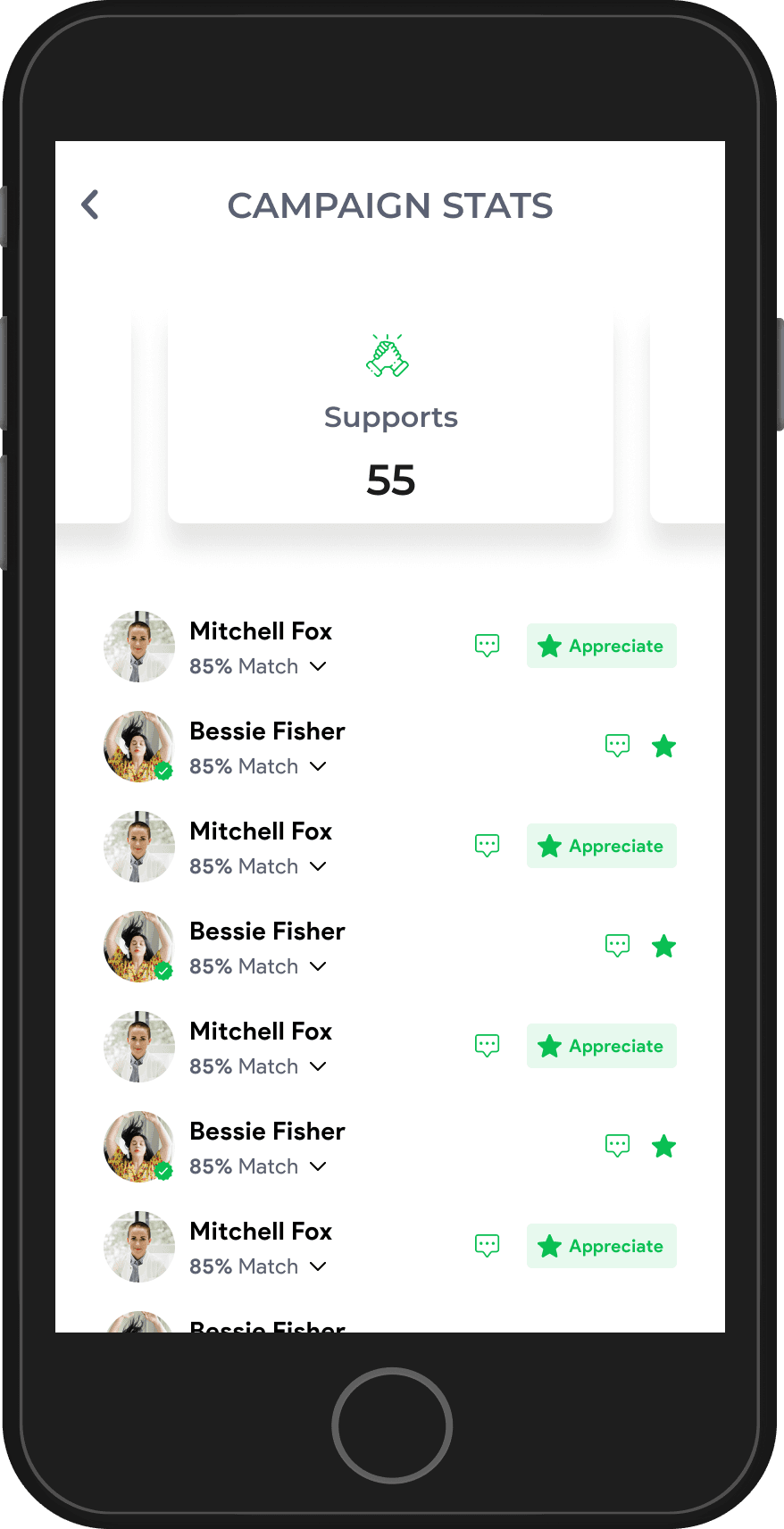
My Campaigns & Insights
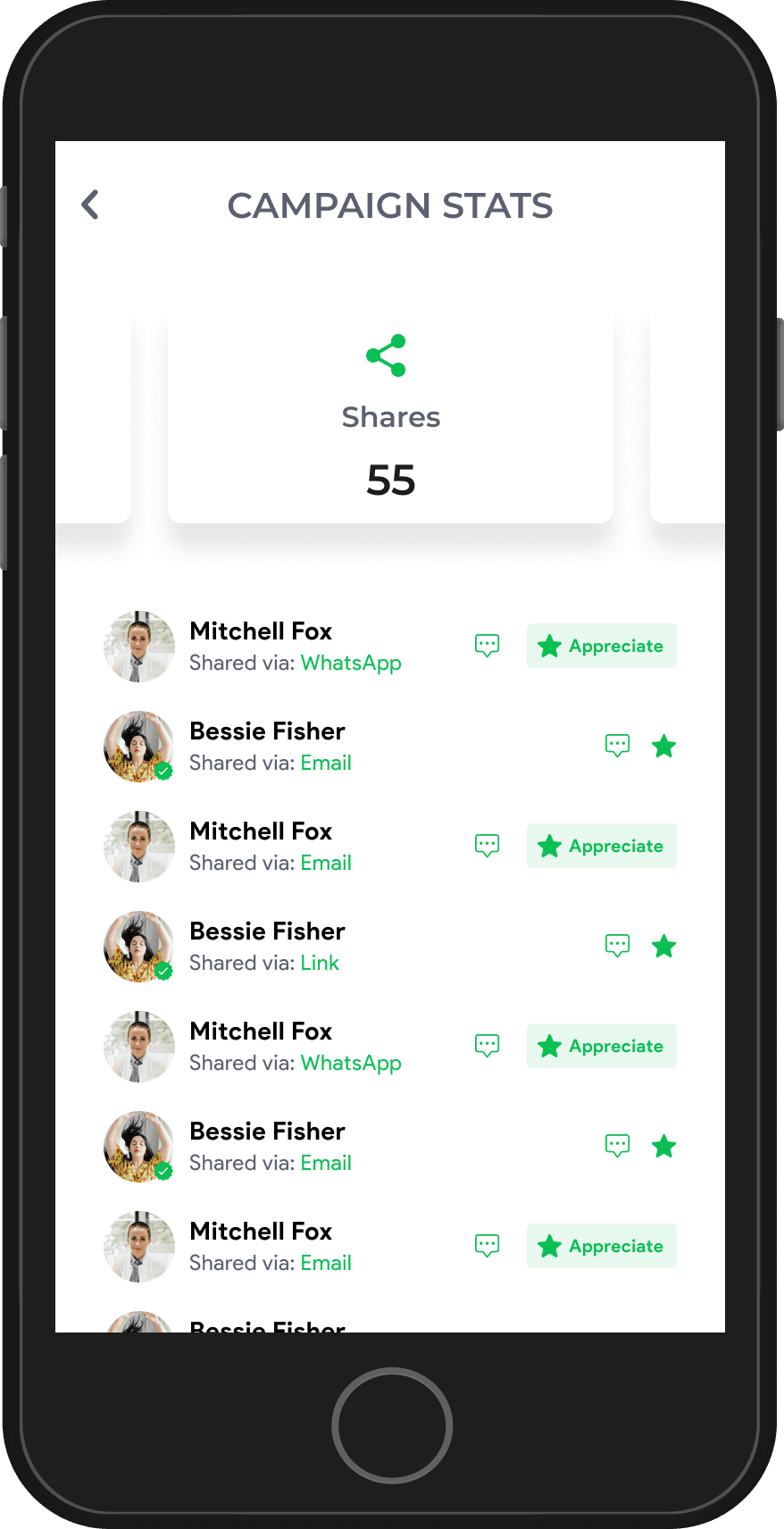
This section provides an overview of user-created campaigns, along with performance metrics, engagement insights, and impact statistics to track success and optimize future campaigns.
Empowering Impact Through Campaigns
The redesigned campaign feature made it easier for users to create, manage, and track initiatives with a structured flow, engaging visuals, and performance insights. Interactive media, verification steps, and engagement tools boosted participation and campaign effectiveness.
30% increase in campaign launches with a simplified process.
25% rise in user participation through interactive media.
20% higher campaign completion rates with guided publishing.
35% growth in engagement, including donations and volunteer sign-ups.
The UPDEED Project successfully transformed user experiences by enhancing profiles, onboarding, and campaign creation, making engagement more seamless and impactful. The redesign introduced intuitive workflows, interactive features, and actionable insights, empowering users to connect, contribute, and drive meaningful change.
Through user research, iterative design, and data-driven decisions, this project successfully enhanced engagement, profile visibility, and campaign effectiveness on UPDEED. By integrating seamless workflows, engagement tools, and impact tracking, the platform now offers a more intuitive, goal-driven, and rewarding experience for changemakers.
Conclusion Statement
Conclusion
Project
Summary
25%
Increase in Profile Completion
Streamlined navigation and intuitive editing made it easier for users to complete their profiles.
35%
Rise in User Engagement
Improved features like appreciations, connections, and Impact Insights drove higher interactions.
30%
Growth in Campaign Launches
A simplified creation flow and engaging UI encouraged more users to start impactful campaigns.
THANK YOU
Design Project By - SRIJAN
Whoa there, tiny screen!
Whoa there, tiny screen!
This one's meant to be seen on a canvas as wide as its ideas.
This one's meant to be seen on a canvas as wide as its ideas.
Or
Switch to Desktop
Development & Handoff
Final Testing,
Final Testing & Usability Validation
Collaboration with Development
Handoff & Implementation
Tested onboarding, profile setup, and campaign creation for smooth navigation.
Simplified forms, optimized CTAs, and refined interactions based on feedback.
Shared design documentation with structured components and interaction guidelines.
Regular syncs ensured design feasibility and smooth implementation.
Interactive prototypes helped developers understand user flows and animations.
Provided Figma assets, guidelines, and specifications for a seamless build.
Ensured design consistency and minimized iterations with clear documentation.
Continuous QA testing helped resolve issues and refine the experience post-launch.
View on Behnace